You can now attach images and files directly when creating a ticket in Geedesk.
Before this update, teams often shared supporting photos through chats, calls, or personal messages. Details ended up scattered across conversations, and teams spent time piecing together the full story. Now, everything stays in one place from the start, so the team handling the request can act immediately.
Attach Files When Creating a Ticket
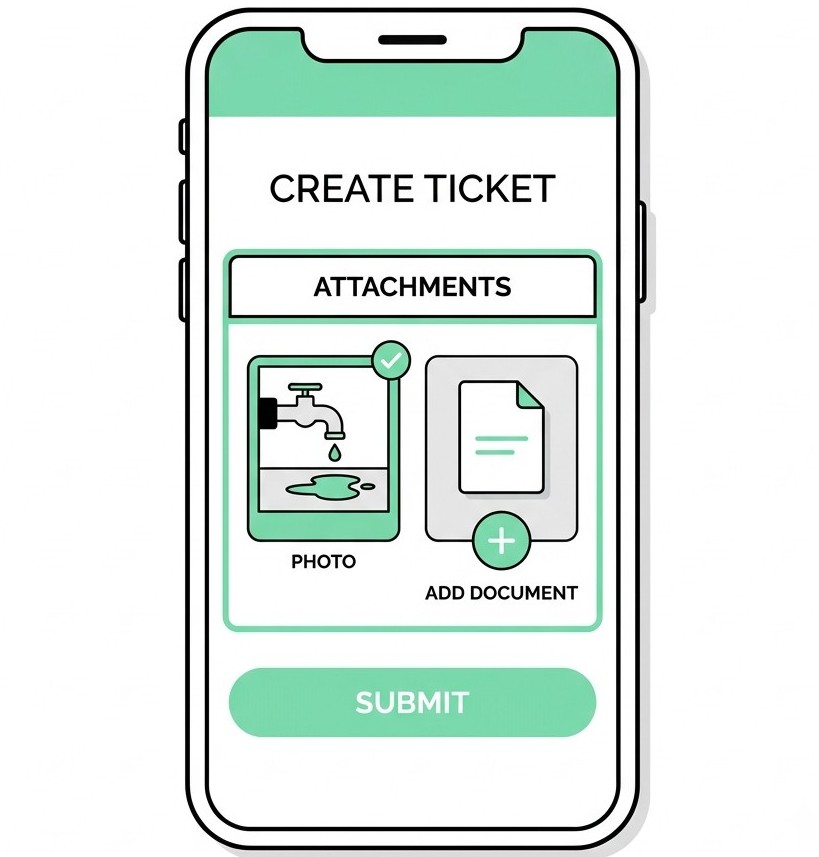
Upload images and supporting documents directly from the Create Ticket screen. The team handling the request gets the full picture immediately, without asking follow-up questions or waiting for files to arrive separately.
A photo of damaged equipment, a housekeeping concern, or a maintenance issue can explain the situation faster than a written description. Engineering teams can assess the issue before arriving on site.
Housekeeping teams can check room conditions in advance. Managers can gauge urgency without making a call. Everyone works with the same context inside the same ticket.
Use the Built-in Camera
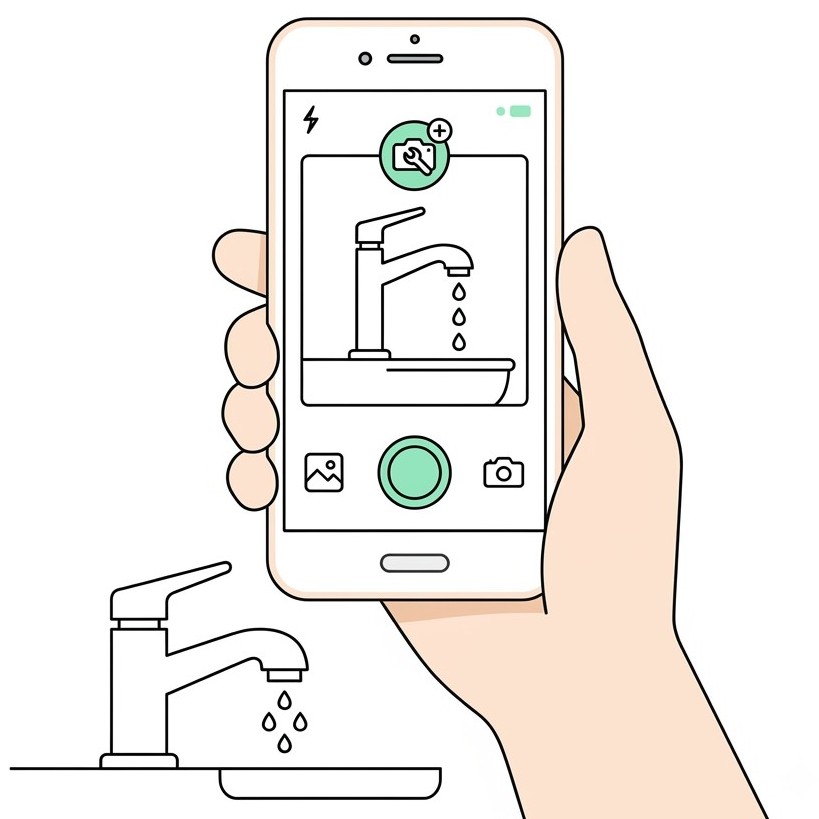
Spot an issue? Tap the camera option inside Create Ticket, take a photo, and attach it instantly. You do not need to switch apps or search through your gallery. Capture the issue and submit the ticket in one step.
This feature helps staff log requests quickly during busy shifts while keeping their focus on the work. When a team creates a ticket with the right details from the start, the right department can respond faster.
See Your Pending Tickets at a Glance
The app icon now shows a count badge with the number of open tickets assigned to you. You can see your workload before opening the app, which makes it easier to know when you need to take action.
During peak hours, this small update helps staff and managers stay aware of pending work without checking the app repeatedly.
Why It Matters
Every request your team handles, from maintenance and housekeeping to guest issues and equipment damage, moves faster when everyone has the right context from the beginning.
When a ticket includes the necessary information upfront, teams can skip the back and forth and move straight to resolution. There is no need to chase details through group chats, repeat questions, or delay action because someone is missing important information.
Attachments reduce the back and forth. The camera option makes capturing an issue easier. The count badge keeps pending work visible.
Operational work runs more smoothly when every team member can understand the issue from the moment someone creates the ticket. The ticket carries the context, so your team can focus on solving the problem.
Available now on the Geedesk app. Update to the latest version to access these features.