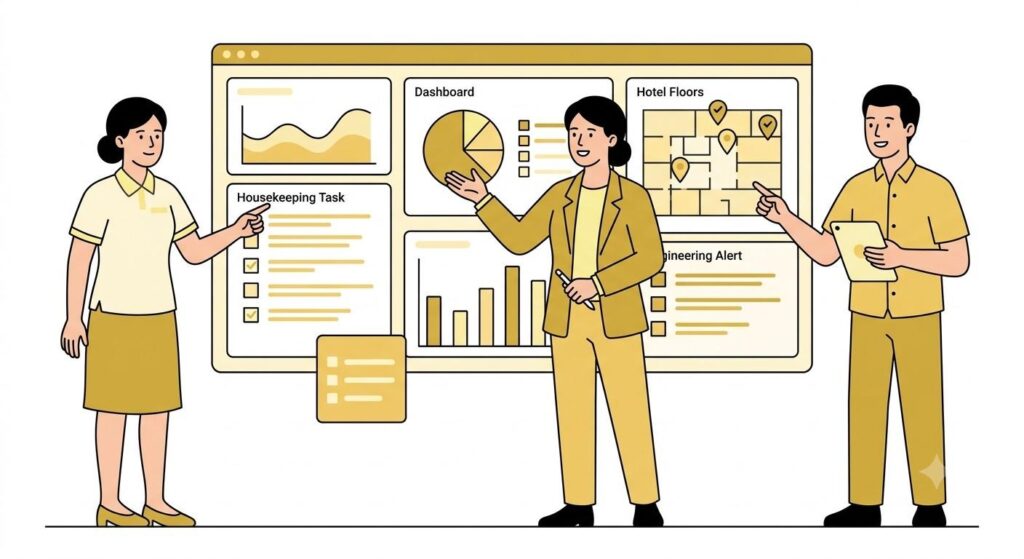
Most hotel teams walk into a software demo unprepared. They watch a rehearsed flow, nod at the right moments, and leave with a polished PDF and very few real answers.
This guide is for teams that want to do it differently. It gives your department heads the questions, test scenarios, and evaluation criteria to bring into a live Geedesk session. Read it before you sit down with the sales team.
Why Preparation Matters More Than You Think
By the time you book a Geedesk demo, you already know what the problem is. Tasks fall through the cracks. Guest requests get lost between departments. Your front desk calls housekeeping to check a status that should be visible on a screen. Escalations happen over WhatsApp instead of through a system that creates accountability.
So you are not really evaluating whether a task management platform would help. You are evaluating whether this one fits your hotel. That is a harder question, and a vendor-led demo is not built to answer it honestly.
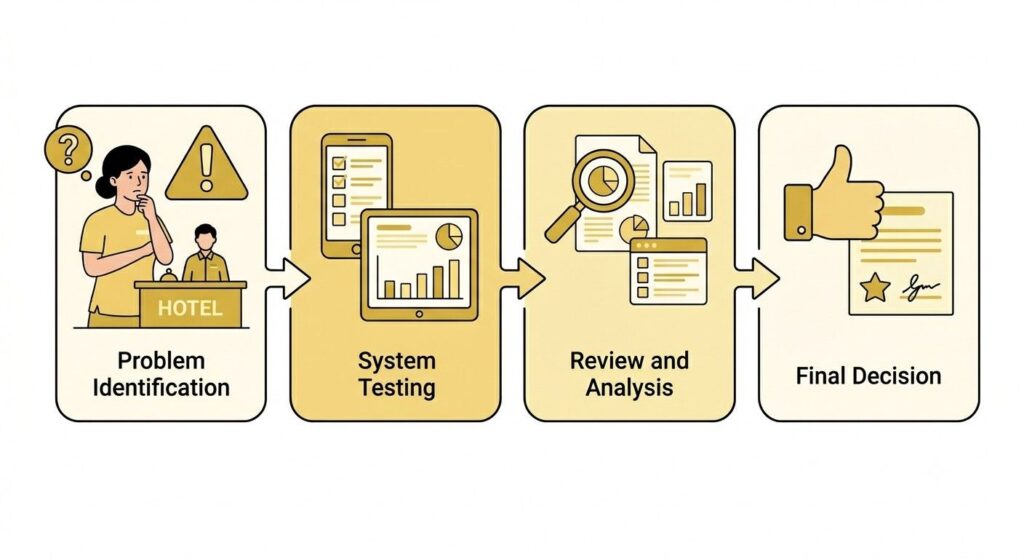
Your job in that session is to test the things that matter most to your operation and push back when answers feel thin. This guide gives you the structure to do that by department.
Front Office: What to Test and What to Ask
The front desk touches every guest expectation. If the platform slows down your front office team, guests feel it before anyone files a report.
Test this in the live environment:
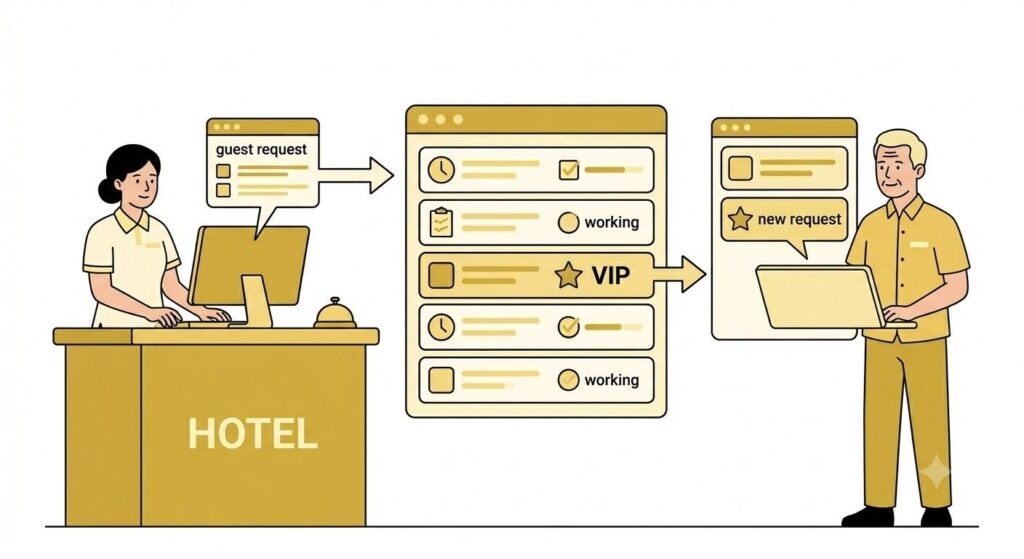
Ask the demo team to create a guest request ticket in real time. Watch how many steps it takes from the moment the request comes in to the moment it lands with the right person. Then ask what Geedesk does when that ticket sits unanswered past your service window.
This is where the escalation engine matters. Ask to see it configured live. Then go one level deeper: can you set a tighter response window for a VIP guest than for a standard room request? Geedesk supports VIP-specific alert logic, so a suite guest reporting a broken AC should trigger a different escalation path than the same issue from a standard room. If the demo team has to switch to a settings walkthrough to show you that, or defers it to the follow-up call, note it.
Do the same with channel coverage. Ask to see a WhatsApp message arrive and become a ticket inside Geedesk in real time. Geedesk handles multichannel intake across WhatsApp, SMS, and the mobile app, and all of it should feed into the same queue your team already manages. If the demo only shows intake from an internal form, ask why.
Ask these questions directly:
- Show me how the escalation timer is configured for a VIP guest versus a standard request.
- If a guest messages us on WhatsApp right now, walk me through what happens on our end.
- Can the front desk see a ticket’s live status without calling the department handling it?
- What does the mobile view look like for a front desk agent compared to a supervisor?
What to Look For
Green light: VIP escalation is configurable by your team without a support request, and multichannel intake works in the demo without caveats about setup.
Red flag: They describe escalations as automated but cannot change the timer or show the VIP alert logic during the session.
Housekeeping: What to Test and What to Ask
Housekeeping works on a tight clock. Turnovers are time-bound, staff are spread across floors, and most of the work happens nowhere near a desk.
The real test for housekeeping is whether the platform holds up on a phone in a corridor.
Test this in the live environment:
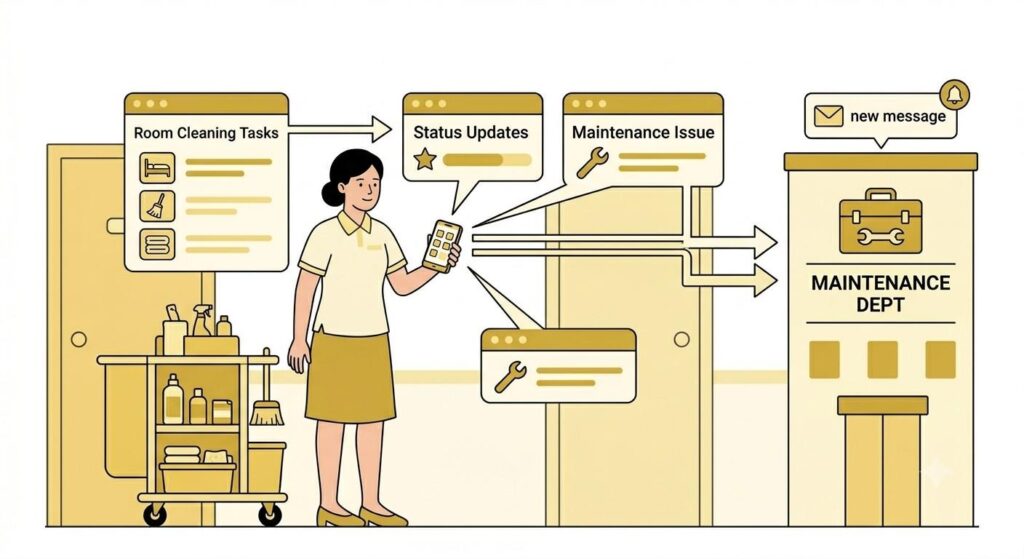
Ask to see the mobile experience from a room attendant’s view. Can they see assigned rooms, update status, and flag an issue from one screen? Count the taps to mark a room ready.
Then simulate a last-minute addition, say an early check-in request at 10am. Ask a supervisor to reassign that room to a specific attendant in real time. Geedesk’s auto-assignment rules can route tasks based on floor, shift, or room type, so watch whether reassignment takes seconds or requires navigating through multiple screens. That difference is what your supervisors will feel every shift.
Then push further. Ask what happens when that same attendant spots a plumbing issue mid-turnover and flags it from their phone. That report should land directly in the engineering queue without a phone call or a manual re-entry step. If there is a gap anywhere in that handoff, your team will fill it with phone calls. You will be back where you started.
Ask these questions directly:
- Can we build auto-assignment rules by floor or zone, or does everything go into a general queue?
- When a room attendant flags a maintenance issue, show me exactly what the engineering team sees and how fast.
- If two departments need the same room at the same time, how does the system handle the conflict?
- How does a supervisor track open tasks across their floor without calling each attendant individually?
What to Look For
Green light: Auto-assignment rules are configurable without technical help, and the cross-department handoff from housekeeping to engineering happens automatically with no manual step.
Red flag: The mobile view is a reduced version of desktop with key supervisor functions missing, or cross-department handoffs require someone to re-log the issue.
Engineering: What to Test and What to Ask
Engineering handles unpredictable volume. A broken AC, a leaking pipe, and an electrical report can all arrive in the same hour. The platform needs to help prioritize, not just collect tickets.
Test this in the live environment:
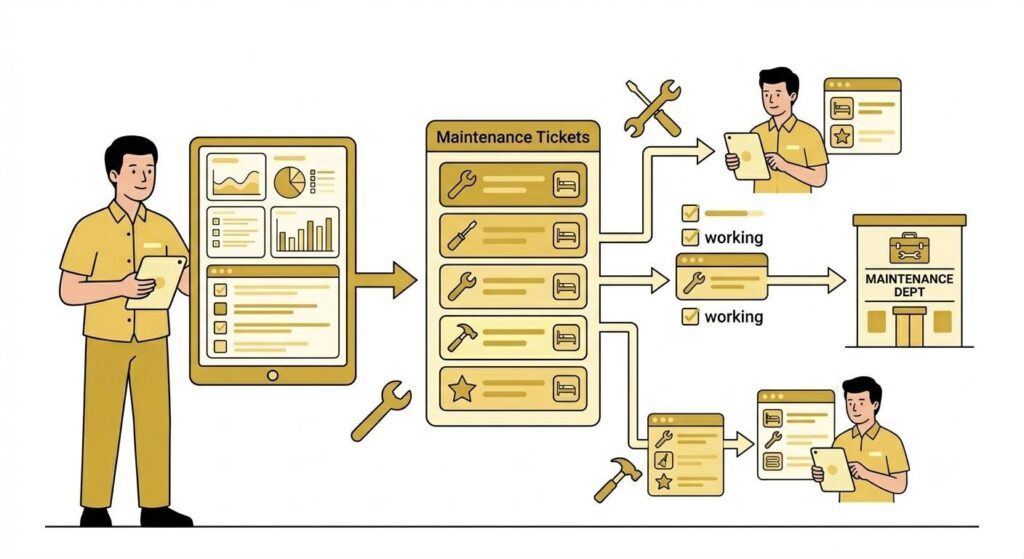
Ask to see the engineering queue with multiple active tickets. Can the chief engineer filter by location, priority, and assigned technician from one screen? If finding what is urgent requires scrolling through an unfiltered list, that is a daily friction point, not a minor UX issue.
Then ask the demo team to build a routing rule in the session. Geedesk’s rule engine lets you define conditions that automatically assign, prioritize, or escalate tasks based on category, location, or time. An electrical fault in a guest room should route to a senior technician immediately. A routine light replacement goes into the general queue. That logic is what separates a platform built for hotel operations from a generic help desk tool with a hospitality theme.
If the demo team needs to hand rule creation off to an onboarding specialist, that is worth knowing now. It means the system requires more technical support to configure than the sales conversation implied.
Ask these questions directly:
- Build a routing rule for a specific maintenance category right now, in the demo environment.
- If a task is waiting on parts, can it be paused and set to resurface automatically when parts arrive?
- Can engineers attach photos and notes to a ticket from their phone?
- Pull up a report of repeat issues by room or location over the past 30 days.
What to Look For
Green light: The rule engine is configurable by your team during the demo itself, without help from Geedesk.
Red flag: They show you the rule engine settings page but defer actual rule creation to the onboarding process. If they cannot build a simple rule in front of you today, your team will not be building them independently after go-live.
Questions Every Evaluator Should Ask Across All Departments
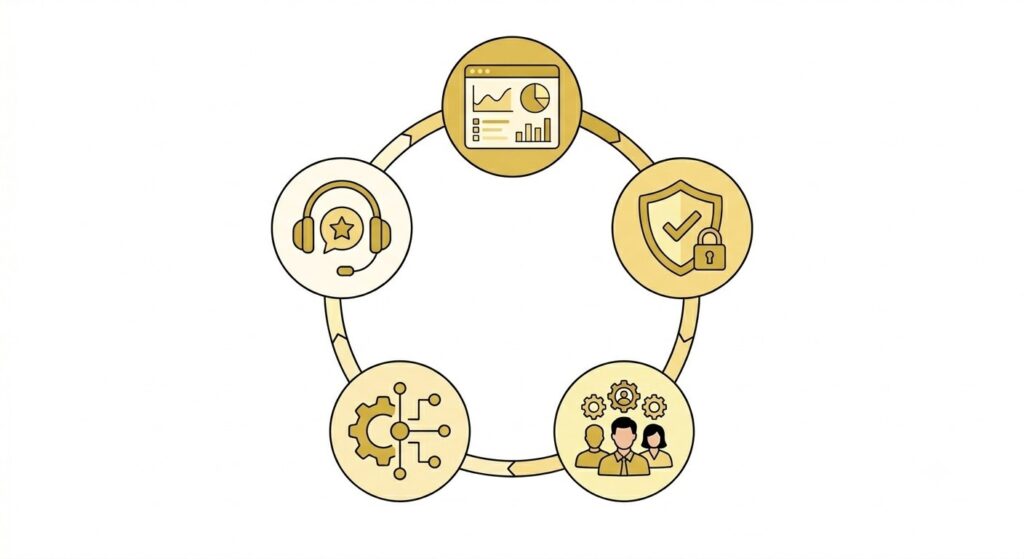
On reporting:
Ask to see average task resolution time by department over the past 30 days, generated live in the demo. If the result is a static PDF or a pre-built dashboard with no filter options, ask how you would generate a report that nobody prepared in advance.
On security:
Geedesk operates on SOC 2 Type 2 certified infrastructure. If your IT or legal team will be involved in sign-off, confirm during the demo that the certification applies to the tier you would actually be on, not just an enterprise tier you are not buying.
On user management:
Ask how long it takes to add a new staff member and set access levels. Ask what happens to task history when someone is deactivated. Hotel turnover is real, and a platform that needs a support ticket every time someone joins or leaves creates drag that compounds over time.
On integrations:
If you run a property management system, ask how the connection works in practice. A native two-way integration behaves differently from a nightly data export. Ask to see it active in the demo.
On support:
Ask what happens when something breaks at 2am on a Saturday. Get a specific answer. “We have a support team” is not an answer.
What to Watch For That No One Will Tell You
The features that look impressive in a demo are rarely the ones that decide whether adoption works. What decides it is whether a room attendant on the fourth floor can update a task in three taps, whether a supervisor can reassign a job before the guest calls back, and whether your front desk manager can see what is overdue without opening a second system.
Watch how the demo team handles a question they were not expecting. A team that says “let me show you” is different from one that says “let me check on that and follow up.” That moment, more than anything on the feature list, tells you what working with this company will actually feel like.
A vendor confident in what they have built will give you the controls.
Before You Leave the Demo
Ask for three things before the session ends.
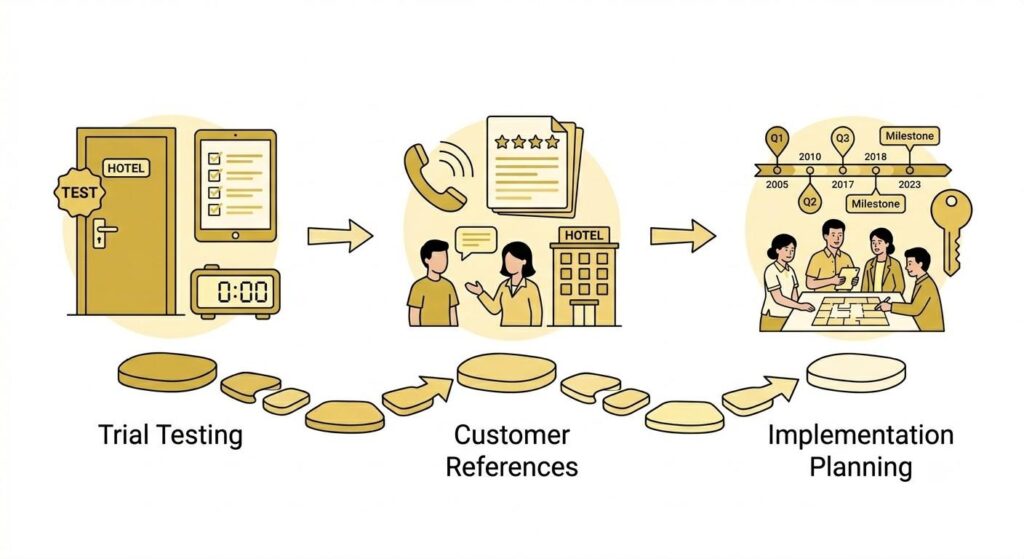
A trial environment your department heads can use for five real business days, with scenarios they define. References from hotels with a similar profile to yours, not the most recognizable name on the client list. And a clear breakdown of what implementation requires from your team versus what Geedesk handles, with specific owners for each piece.
If the demo answered the questions in this guide cleanly, showed you the rule engine without deferring, handled multichannel intake without caveats, and handed over a trial environment without hesitation, you have enough information to move. At that point, more evaluation is just delay.
Geedesk is built for hotel operations teams who need a platform that works on the floor. If you want to run a demo your team drives, reach out and we will set it up.