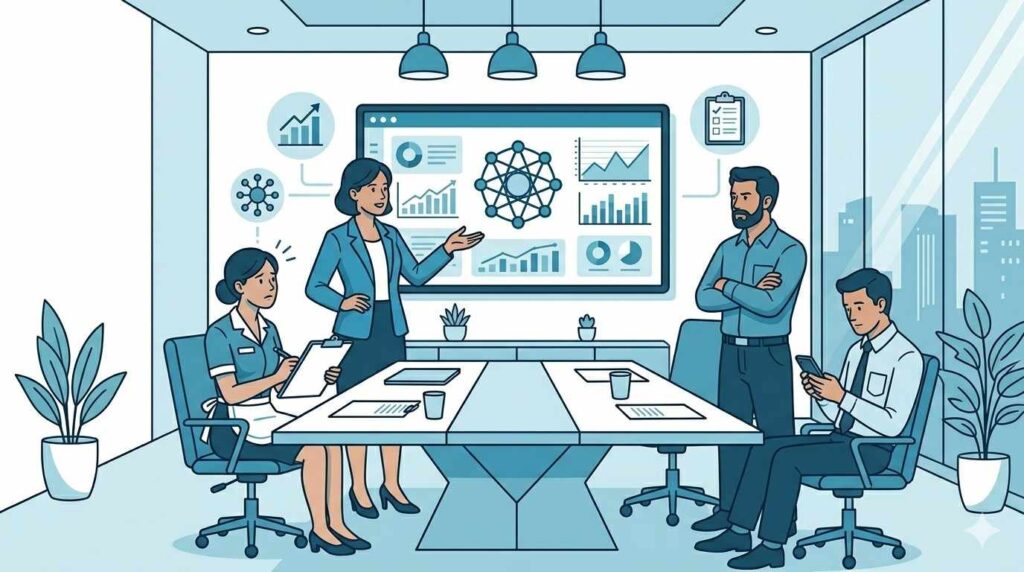
You picked the platform, ran the demos, and got the budget approved. Now you have hit the part nobody warns you about: getting your team to actually use it.
Not the technical setup, not the data migration, but the moment your housekeeping supervisor keeps reaching for her paper clipboard two weeks after go-live, your engineering lead mutters that the old system was fine, and your front office manager logs in once, hits a confusing notification, and goes straight back to the WhatsApp group.
This is where most hotel technology investments fail, and it has nothing to do with the software.
Why Hotels Are Harder Than Most Industries
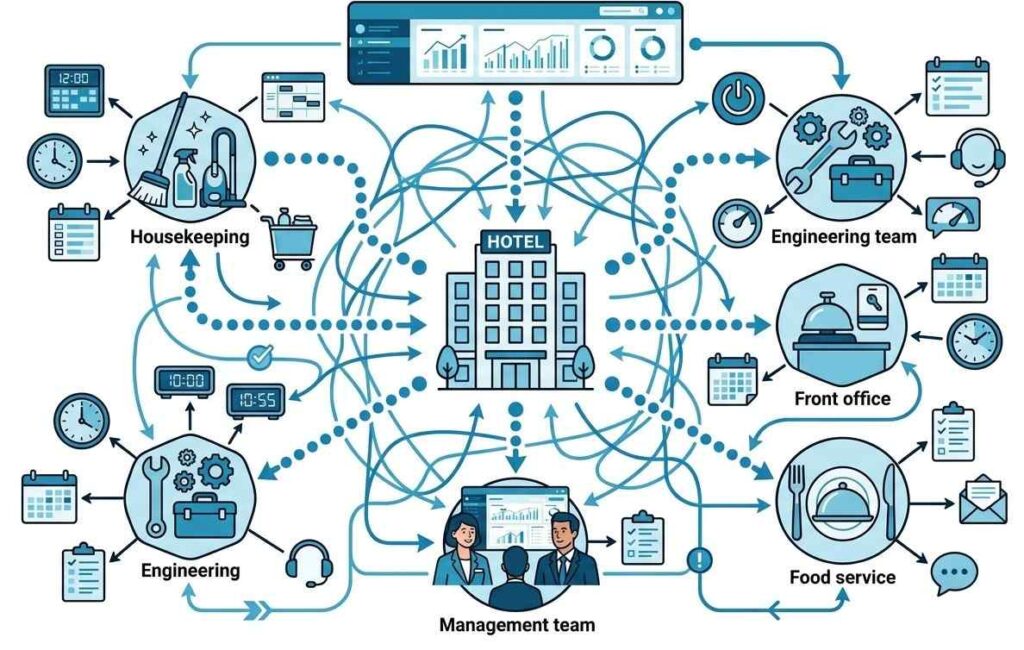
Hotel operations make adoption genuinely difficult in ways that generic change management advice does not account for. Shifts run around the clock, department heads rarely share the same space at the same time, and your organisation is not really one team. It is five or six separate teams, each with its own rhythm, its own shorthand, and its own memory of the last system that arrived with fanfare and disappeared three months later.
One training session will not change behaviour across departments that barely cross paths during a normal shift. You need a different approach.
One thing most rollout plans miss entirely is the weight of leadership behaviour. Department heads watch the GM more closely than most GMs realise. When the GM pulls platform data in a morning briefing, the whole room notices. When the GM texts a department head for an update two weeks after go-live instead of checking the platform, the whole room notices that too. Setting the right example at the top is free and it works faster than any formal training.
Win the Room Before Launch Day
The most common mistake in hotel technology rollouts is treating buy-in like an announcement. You send the email, you run the kickoff session, and you assume people are on board. They are not. By the time you are scheduling training, you have already lost the window to win the people who matter most.
Go to each department head individually, at least two weeks before launch, and go with questions rather than a demo. Start by asking your housekeeping head what actually slows her team down on a heavy checkout morning. Then explore how many complaints return repeatedly because issues were not logged properly the first time with your engineering lead.
Finally, discuss with your front office manager what happens between her team and housekeeping when the hotel is near full, and rooms are running late.
Then when you come back to show the platform, connect it directly to what they told you. Not as a general solution but as a response to their specific problem. That shift in framing changes how people receive it.
Housekeeping Heads
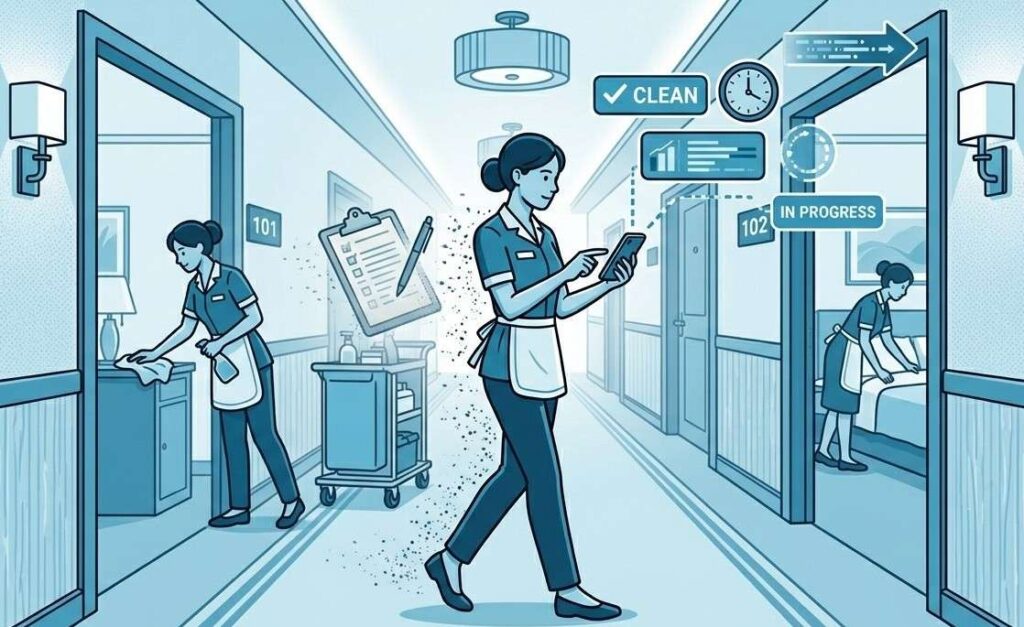
The real concern here is almost always whether the platform will slow the team down or pile more work onto supervisors who are already stretched. Start by showing the mobile status update flow and let the supervisor time it herself against her current process. If it is slower, that is a problem to fix before launch, not after.
Walk through the supervisor dashboard and explain clearly what it replaces: the constant mental tracking of who is in which room, without adding any new steps. Then demonstrate exception alerts for rooms that go past their expected completion window. That feature tends to be the one that shifts a skeptic, because it solves something she deals with every single shift.
When choosing a champion for the housekeeping team, do not default to the most senior person. Look for the attendant that others naturally turn to with questions during a shift. That informal trust moves through a team faster than any job title. Train her one-to-one before anyone else and let her be the go-to person on day one.
Engineering Leads
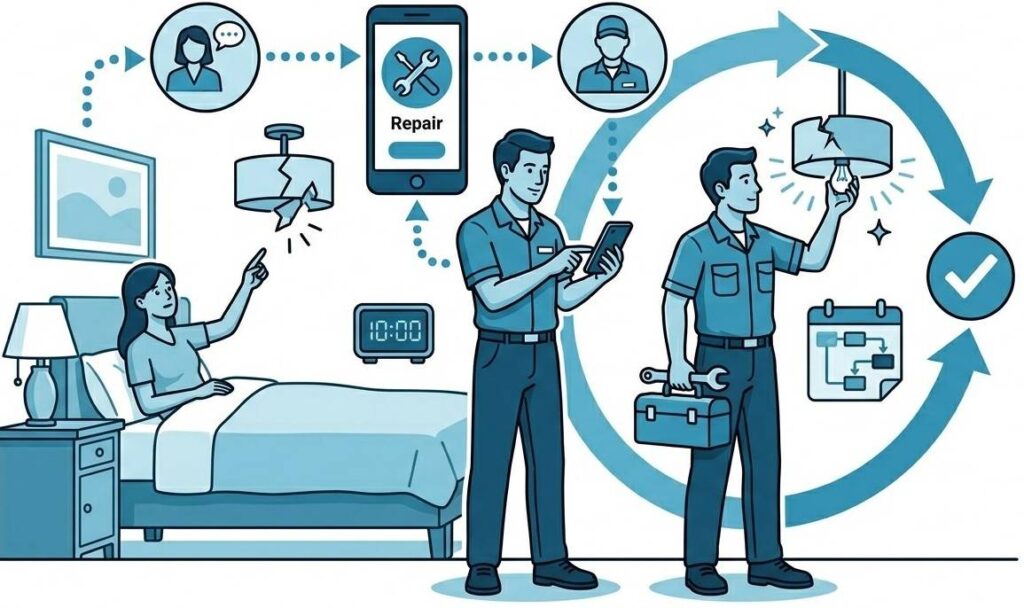
The concern here usually comes from experience. They have seen complaints get logged into systems that nobody monitors, and they have dealt with the fallout. The only thing that addresses this effectively is showing them the full job lifecycle in concrete detail.
Walk through a real example: a guest reports a dripping tap at check-in, the front desk logs it with the room number and the issue, engineering gets an immediate alert, the technician picks it up, marks it in progress, fixes it, and closes the job with a note before the guest is back from dinner.
Six steps, explained in sequence, with clear ownership at each one. That is what builds confidence, not a list of features.
Front Office Managers
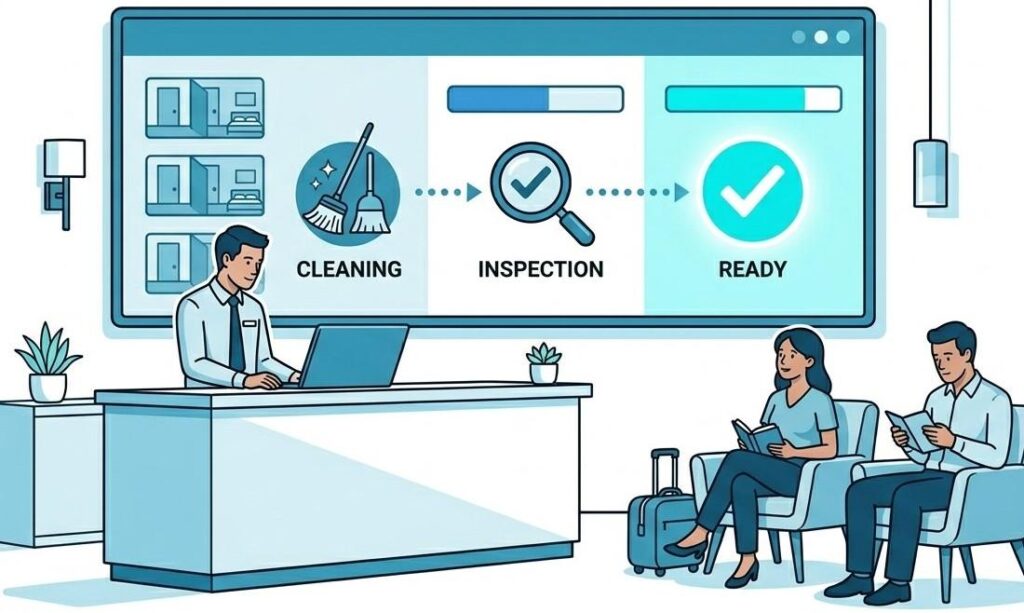
The underlying problem here is trust. They spend their shifts making commitments to guests based on updates they cannot fully verify, and they have been caught out by inaccurate ones before.
Show live housekeeping status and walk through exactly how it works: who updates it, how fast it appears on the front desk view, and what happens when a room fails inspection and goes back into the queue. Then run a real scenario out loud.
It is 2pm, a guest has been waiting, and three rooms are still in progress. With the platform, the manager sees the live status of all three and makes a confident call. Without it, she is on the radio and hoping. Put both versions side by side.
After that, show the cross-department communication log, every request, response, and completion time in one place. Most front office managers have never seen this view before, and once they do, they ask for it immediately.
What to Do in the Weeks Before Launch
Train your department champions before anyone else gets access. Give each one a proper one-to-one session with enough time to ask every question and try the edge cases. How those champions carry themselves in the first two days shapes how their entire team approaches the platform.
Run a live cross-departmental walkthrough on the actual system, not a slide presentation. Pick a scenario that involves two departments and walk through every step out loud. A guest calls at 7am about a broken safe: front desk logs the job, sets the priority, engineering gets the alert and acknowledges it, front desk sees the acknowledgment, the technician resolves the issue and closes it with a note.
Seven steps, both department heads in the room, done on the real platform. When people see how their action directly triggers something useful for another team, the tool starts to feel like it belongs to the operation rather than being imposed on it.
Cut off the old system on launch day and do not soften that line. If both systems are available, people will use both, and under pressure they will always fall back on what they know. Communicate the cutoff clearly, more than once, and hold it when someone pushes back.
When Someone Flat Out Refuses
Most resistance is quiet. People do not argue, they just keep doing things the old way and hope nobody notices. But occasionally you run into a department head who is more direct about it, usually someone who has been around long enough to watch two or three previous systems come and go.
Do not try to convince her with features. Instead, ask her to describe what success would look like for her team six months from now. Write it down together. Revisit it at 30 days and again at 60. This moves the conversation away from the platform and onto outcomes she actually cares about.
It also creates a shared standard, and continued resistance becomes harder to justify once that standard is being met. If results are there and the refusal continues, that conversation belongs with senior management, not in a product training session.
The First Seven Days
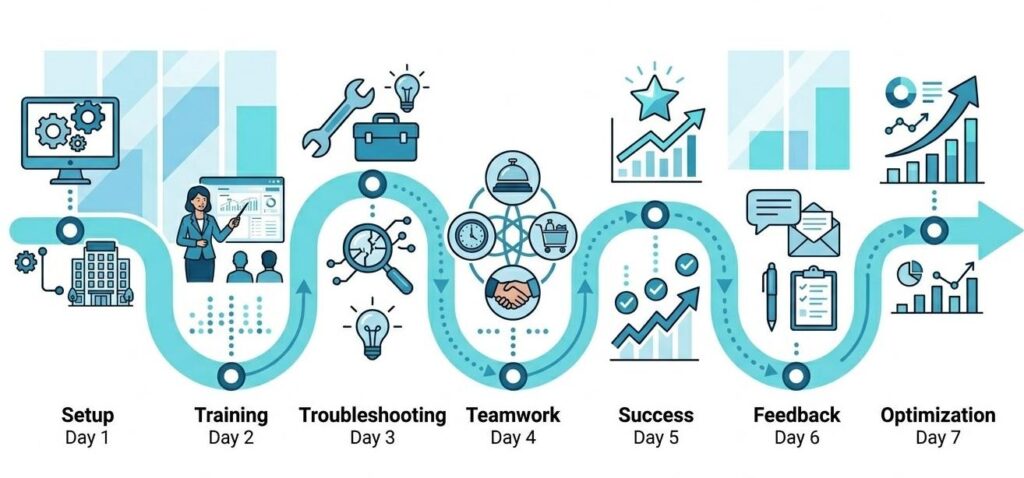
Days 1 and 2: Remove Friction Before It Becomes Habit
Something will not work the way a supervisor expected, a job category will be missing, or a notification will fire at the wrong moment. Respond within the same shift if you can, and make sure the department head hears from you directly. A problem raised and fixed before the next shift tells the whole team that someone is paying attention.
Keep a close eye on housekeeping teams that update room status in batches during a break rather than in real time. It corrupts your availability picture for the entire morning. Go to the floor and ask supervisors what is getting in the way, because the answer is almost always one of three things: it feels too slow, they are uncomfortable doing it in front of guests, or they did not realise the timing mattered to anyone else. Find out which one it is before you try to fix it.
Days 3 and 4: Watch What Happens Under Pressure
A busy checkout or a high-occupancy morning will show you clearly whether the team reaches for the platform or the phone. If they reach for the phone, find out exactly why before the shift ends. Engineering teams that revert to calls for urgent jobs usually do so because the alert thresholds are not set to match how they actually prioritise work, or because they are not yet confident that front desk is monitoring the platform at all. Pin down the reason and fix it directly.
Days 5 and 6: Find the First Win and Make It Visible
Something will have gone better because of the platform. Find that example, make it specific, name the department, describe what happened, and share it in the morning briefing. A real story from your own hotel carries more weight than any case study a vendor can show you.
Day 7: Have the Honest Conversation
Sit down with each department head individually. Ask what felt easier this week, what still feels awkward, and what their team says about the platform when management is not around. That last question is the one that gets you the honest answer, because it gives people permission to be direct without feeling like they are criticising their own team.
What Good Adoption Actually Looks Like
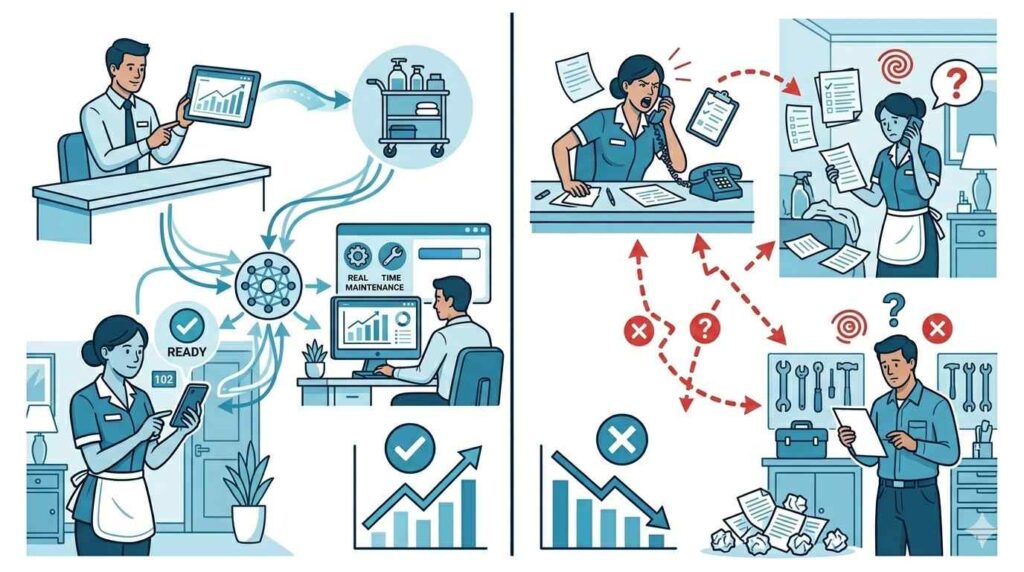
Things are working when department heads bring platform data into briefings without being asked, when staff log job updates as they happen rather than at the end of a shift, and when cross-department requests go through the system instead of around it.
Things are stalling when housekeeping logs six room completions at once mid-morning even though the actual work happened over two hours, when engineering closes jobs at the end of a shift rather than when they finish them, and when supervisors know their own department’s data but have no visibility into what is happening next door.
When those patterns appear past week two, treat them as operational friction to remove, not as attitude problems to manage, because that is almost always what they are.
The Bottom Line
Hotel technology does not fail because the software is wrong. It fails because rollouts treat adoption as a one-time event and nobody stays accountable for the daily behaviours that actually determine whether a platform gets embedded or gets ignored.
Put in the individual work before launch, protect the first seven days the way you would protect a full house on New Year’s Eve, and stay close through the first quarter.
If you are at the point where the platform is chosen and the rollout is next, the work described in this article is what separates hotels that see results in the first month from those that revisit the decision in six.
Geedesk is designed to make that first month as short and clean as possible, with a workflow simple enough for a housekeeping supervisor to pick up on day one and clear enough for a front office manager to trust by day three. The rollout still needs your attention. But you will not be fighting the tool while you give it.