Every hotel runs on technology. The front desk system, the network, the printers, the applications staff use to get through a shift. When something breaks, work stops.
In most hotels, reporting that problem means calling IT, sending a WhatsApp message, or walking over to find someone. There is no ticket, no tracking, and no clear way to know if the request landed, who picked it up, or when someone will fix it.
Raise Tickets is the new Geedesk module that changes that.
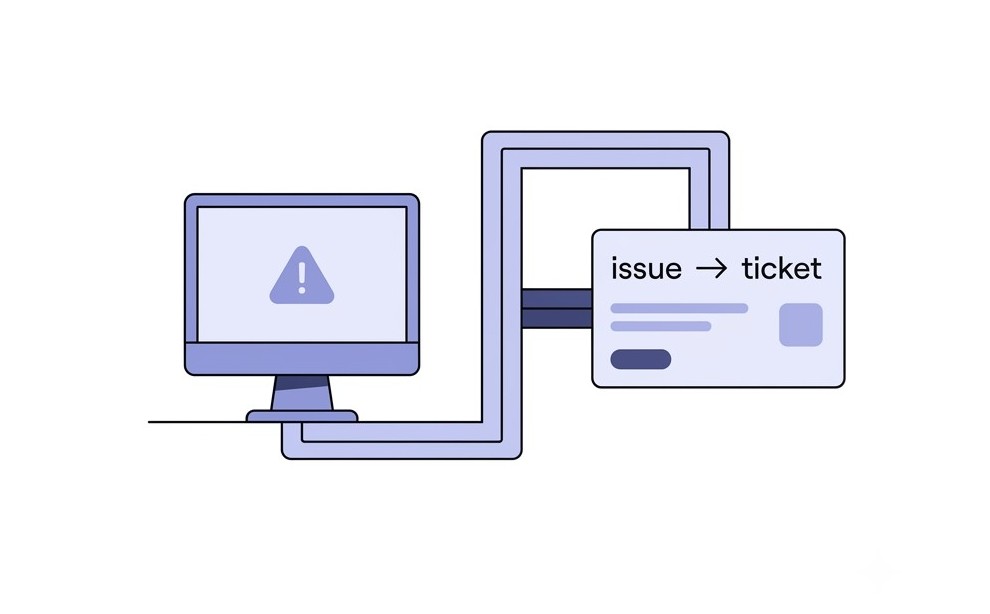
What the Module Actually Does
Raise Tickets lets hotel staff log IT-related issues and service requests directly in Geedesk. Once they raise an issue, it becomes a trackable ticket. The IT team can see it, work on it, and close it when the job is done. Meanwhile, the person who raised it can check the status at any point without following up manually.
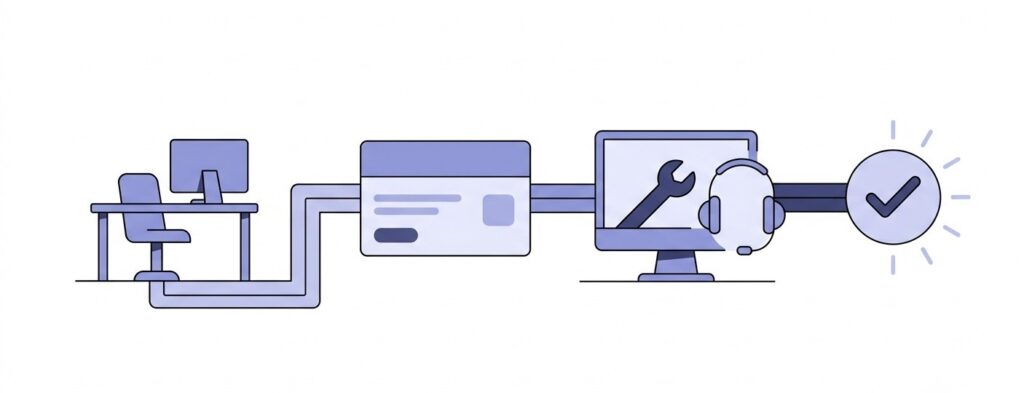
It works the same way Geedesk already handles guest complaints and operational requests. Same platform, same workflow, and no separate tool to learn.
Why Informal Reporting Breaks Down
Most hotel IT teams receive requests through phone calls, messages, and in-person conversations. Nobody logs anything. So when a request slips through, no record exists to show that anyone raised it in the first place.
That gap leaves the IT team with no clear view of what is pending. It also leaves the staff member with no way to follow up except to reach out again. And if the IT team has too much on their plate, that second message may not go anywhere either.
A ticket solves both of those problems at once. Geedesk creates a record. The IT team gets a queue they can actually work from, and the person who raised the issue gets a status they can check on their own without chasing anyone.
What Staff Can Log
The module covers the common IT issues hotel teams deal with on a regular basis.
When an operational system stops working or behaves unexpectedly during a shift, front desk staff can raise a ticket straight away. Any department can report a network issue so the IT team can track it and respond quickly. For hardware problems like a computer or printer that needs attention, staff can log a service request directly in Geedesk. Similarly, departments can report application issues that affect their day-to-day work, so the IT team can pick them up without relying on informal messages. Any internal IT request can go through the platform instead of arriving through a phone call or chat.
As a result, issues that teams used to handle informally now have a proper record and a clear path to resolution.
Why It Lives Inside Geedesk
Hotel operations do not split neatly into guest-facing work and internal work. A printer problem at the front desk affects check-in. Likewise, a network issue in the kitchen affects food service. Keeping IT requests in a separate system gives the operations team an incomplete picture of what is actually happening on the property.
Raise Tickets puts IT issues alongside guest complaints, housekeeping requests, and maintenance work in the same place. Because of that, the operations team and the IT team both work from one platform, and nothing falls outside of it.
How It Looks in Practice
A front desk employee notices a system is not responding mid-shift. Instead of calling IT and hoping for a callback, they open Geedesk and raise a ticket. The IT team sees it in their queue, picks it up, and resolves it.
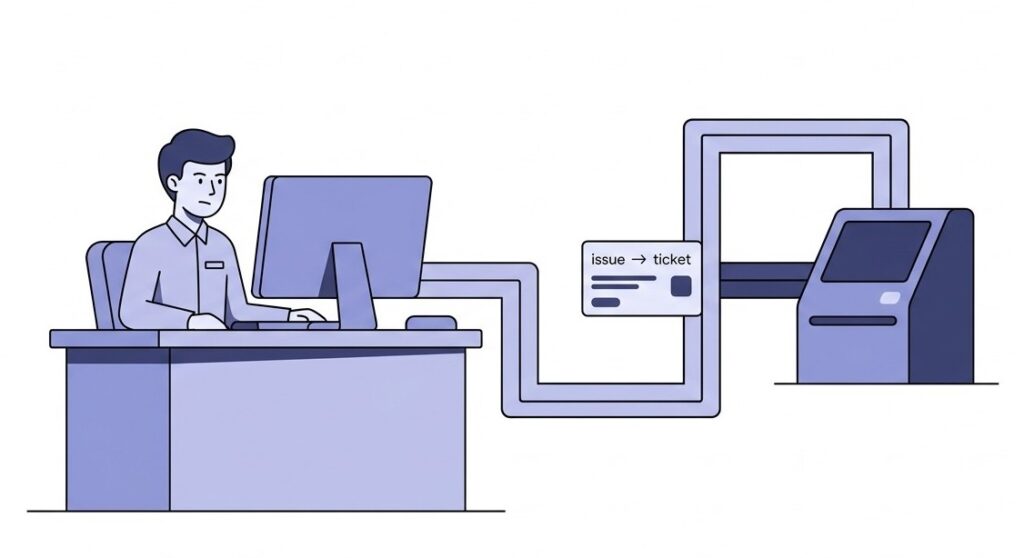
After that, the employee can check the status in Geedesk without sending a follow-up message.
No separate login. No new tool. Just the same platform the team already uses every day.
See It in Action
Raise Tickets is an add-on module available within Geedesk. If you want to see how it fits into your property’s workflow, book a demo and we can walk you through it.