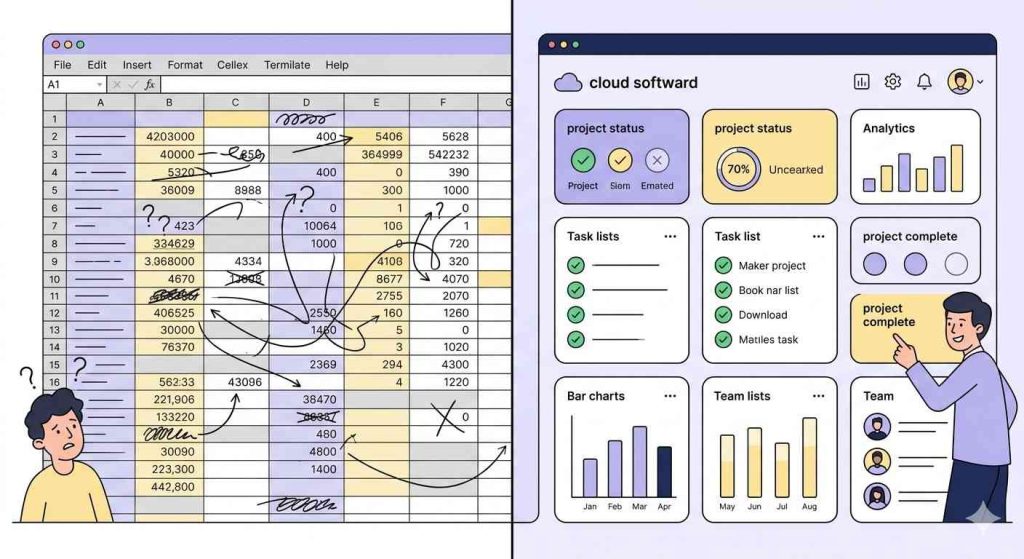
There is a spreadsheet somewhere in your organization right now with a tab called complaints or guest issues or something equally vague. It has seventeen columns, three layers of color coding, and at least one row that simply says “resolved” with no date and no context.
You know the one.
Nobody designed it this way. It started simple. Two columns, maybe three. Then volume increased, more people used it, and each person added their own logic on top of someone else’s. It now runs on habit and the institutional knowledge of one person who would never call themselves the spreadsheet person but clearly is.
This is not an argument against spreadsheets. They work. But if you are reading this, something is already breaking or close to it. Let’s look at what is actually happening.
The Job Nobody Talks About
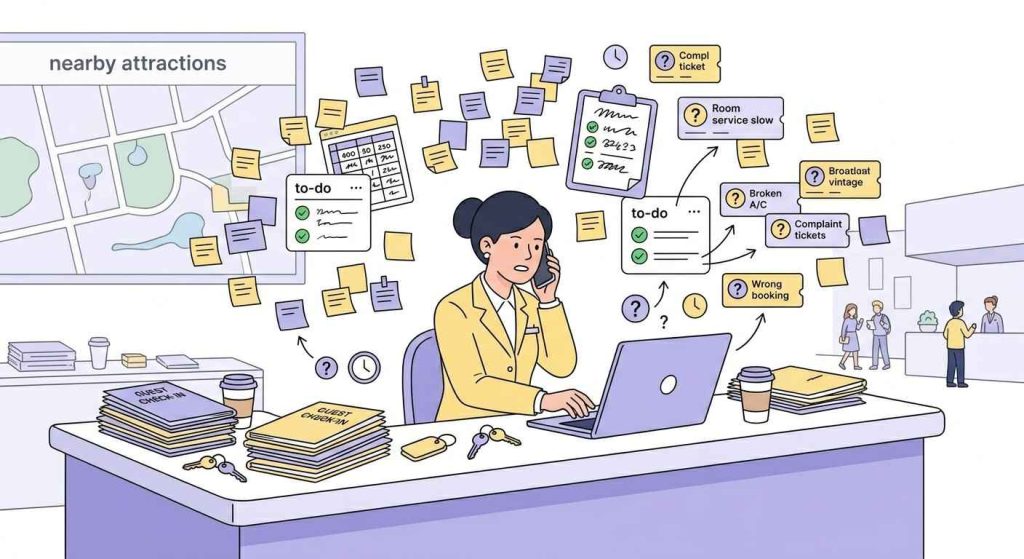
Complaint tracking sounds administrative. It is not.
Unresolved complaints shape whether a guest returns. When complaints slip through the cracks, they turn into recurring issues the following month because no one connects the dots. When a manager cannot answer what the most common complaints are, they are making decisions without reliable information.
The complaint-tracking tool you use is not just a back-office detail. It directly supports your service quality. When it fails, response times slow, issues get missed, and overall guest experience declines.
What Spreadsheets Actually Get Right
Start here because this matters.
Spreadsheets are fast, familiar, and easy to set up. No procurement, no rollout, no training. Someone creates a file, shares it, and the team starts logging complaints the same day. For smaller teams with lower volumes, that is a real advantage.
They are also flexible. You decide what to track and how to structure it. If your workflow is unique, a spreadsheet adapts. Many software tools do not.
Offline access also matters more than people admit. Some properties and teams deal with unreliable connectivity. A spreadsheet continues to work in those conditions without interruption.
So yes, spreadsheets work. The real question is where they stop working.
How the Cracks Form
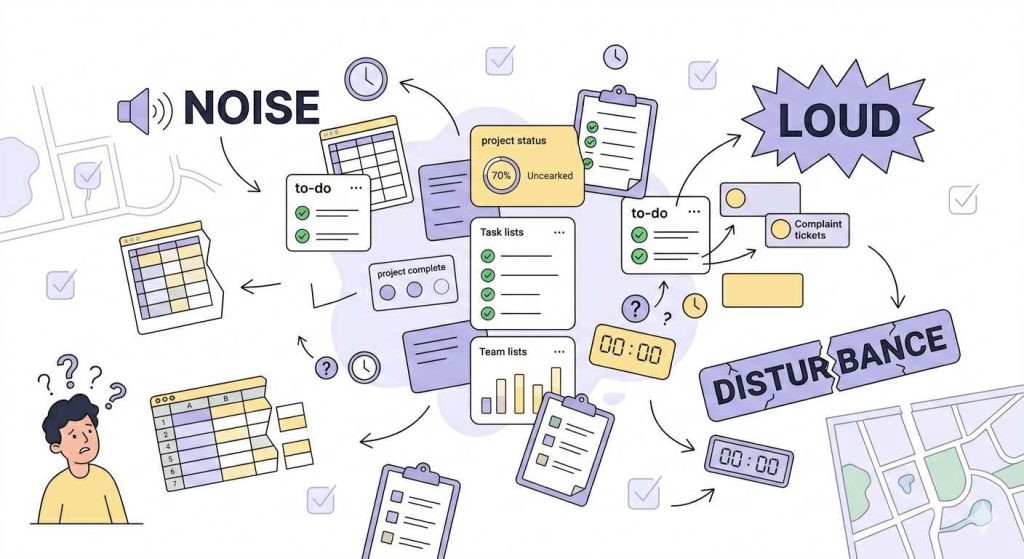
Failure does not happen all at once. It builds gradually, and early signs are easy to dismiss.
It starts with inconsistency. One person logs a noise complaint. Another writes nonsense. A third guest enters with noise issues. Now the same problem exists under three labels, and your reports understate how often it occurs.
Then ownership breaks down. A complaint is logged and assigned, but the system cannot notify, remind, or escalate. Whether it gets resolved depends on someone remembering to check the file. At times they do. At times, they do not. At times, they assume someone else handled it.
That is when complaints start to go unaddressed or unresolved, not because the team is careless, but because the system does not support them.
The reporting issue appears last. Leadership asks for trends or resolution times. Someone rebuilds a report manually, cleans inconsistent data, and hopes it is accurate. It takes time and introduces doubt.
By the time all of this becomes visible, the impact has already reached the guest.
What Changes With Cloud Software
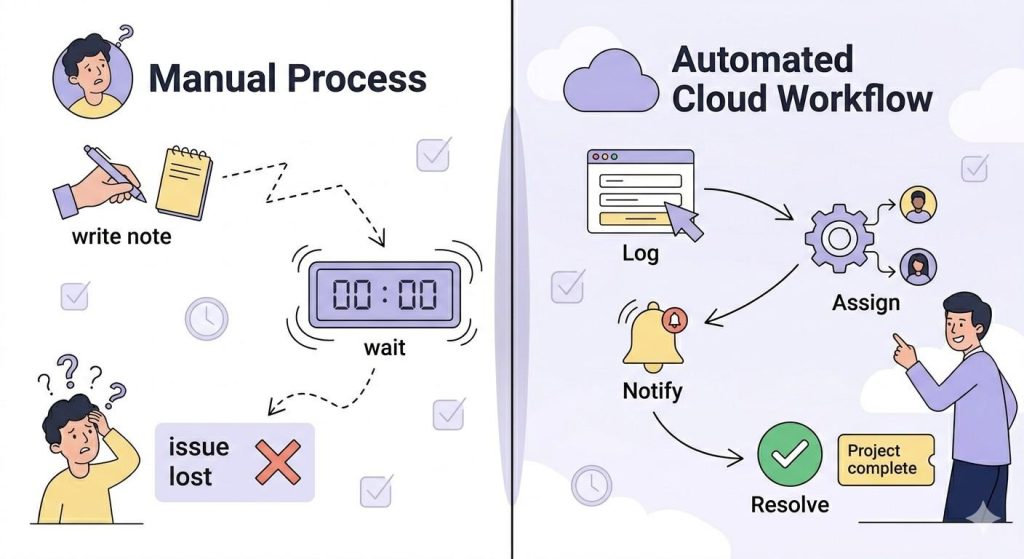
Consider the same complaint under two systems.
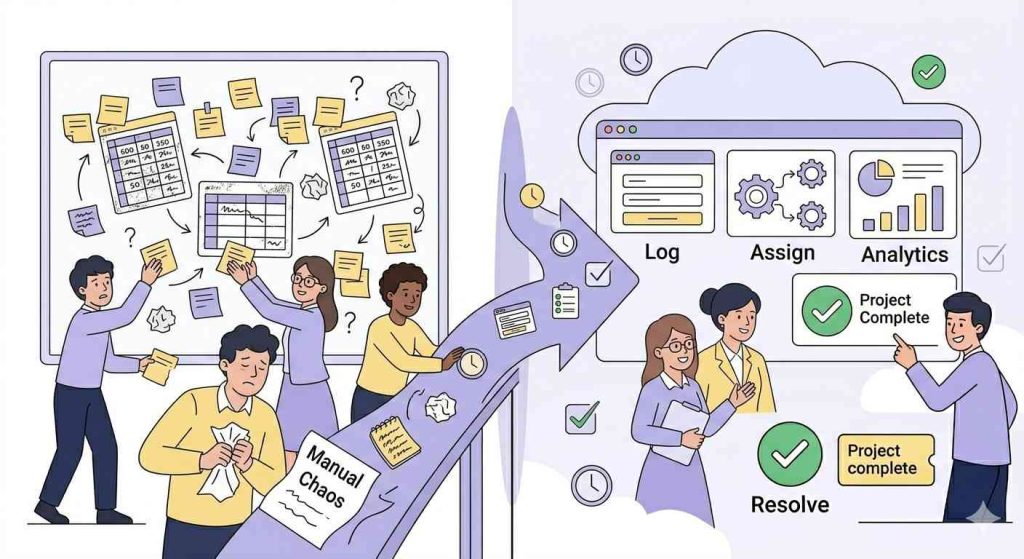
In a spreadsheet, a guest reports an issue at checkout. The front desk agent notes it down, then later enters it into the file if they remember, if no one else is editing it, and if they choose the right category. The maintenance team may see it tomorrow or later. There are no alerts, no escalation, and no tracking.
In a cloud system, the agent logs it immediately through a structured form. The system assigns it, sends notifications, and starts tracking time. If no one acknowledges the issue within four hours, the system alerts the supervisor. When the technician resolves it, they document what they did. Later, the issue appears in reports with proper categorization and timestamps.
Same complaint. Entirely different outcome.
The change is not just speed. It is accountability built into the process. The system supports the team by catching what people might miss.
The Downsides You Should Consider
Cloud software is not without trade-offs.
Cost is the first. Subscriptions vary and create an ongoing expense that spreadsheets do not show directly. This needs honest evaluation.
Implementation takes effort. When training is weak or inconsistent, teams return to old habits. If your team does not use the tool consistently, it becomes less effective than a spreadsheet they maintain properly.
Connectivity also matters. If your operation faces network challenges, review offline capabilities before choosing a platform.
Vendor dependency is another factor. Your data sits on external infrastructure. If they raise prices aggressively, get acquired, or shut down a product line, your operation absorbs the disruption.
Review your data export options before signing. These are not reasons to avoid cloud software, but they are reasons to choose carefully.
The Question That Matters
Set tools aside for a moment.
If a complaint comes in through an unusual channel, such as a handwritten note at checkout, what happens next? Who sees it, who owns it, and how is it tracked? Three weeks later, how would you confirm it was resolved?
If there is no system to automatically record, assign, and confirm resolution, and it depends on manual effort instead, that is the gap.
When the Spreadsheet Reaches Its Limit
At some point, the issue is no longer how the spreadsheet is managed. It is that the spreadsheet has reached what it can realistically handle.
You can usually tell when that moment arrives.
Complaints start slipping through without a clear follow-up. Not constantly, but often enough to notice patterns. A guest calls twice about the same issue. A request gets marked as resolved without context. Someone assumes it was handled, but no one can confirm.
Entries begin to conflict. Two people update the same row differently. Categories drift further apart. What should be a clean dataset turns into a mix of formats, labels, and partial information. The spreadsheet still exists, but confidence in it starts to drop.
Ownership becomes unclear. A complaint sits in the file with a name next to it, but no one knows whether that person has seen it or acted on it. There are no reminders, no escalation, and no visibility into what is pending versus what is complete.
Reporting becomes reactive instead of reliable. Each time leadership asks for insight, someone rebuilds the data manually. It takes time, interrupts other work, and still leaves room for error. Decisions get delayed or made with incomplete information.
Most importantly, the spreadsheet stops reflecting reality. It shows what was entered, not what actually happened. That gap is where service quality begins to slip.
If two or more of these are happening at the same time, the system is no longer supporting the operation. It is slowing down.
At that point, continuing to rely on the spreadsheet is less about preference and more about risk.
How to Make the Switch
Do not switch overnight.
Run both systems in parallel for two to four weeks, logging everything in the old spreadsheet and the new platform simultaneously. It feels like double work because it involves doing the same task twice. It also helps you identify workflow gaps early, before you rely on the new system to catch them.
Before evaluating vendors, write down what you currently track, where complaints fall through, and what success looks like for your operation. Use that as your filter in every demo.
Capture your baseline metrics before switching. It would be helpful to record your current resolution times, complaint volumes, and recurring categories. These give you a clear point of comparison later.
Treat training as the most critical part of the implementation. It determines how effectively the system performs. The software is straightforward. Consistent usage is what makes it work.
The Real Reason to Switch
Every complaint is an opportunity.
Handled well, it can turn a frustrated guest into a loyal one. Guests often report higher satisfaction when an issue is resolved quickly and effectively.
But that only happens if the complaint is captured, assigned, resolved, and analyzed.
A spreadsheet that has outgrown its purpose cannot support that consistently. It creates the appearance of control while issues continue to slip through.
Cloud software, when implemented well, provides structure, visibility, and accountability.
That is the difference.