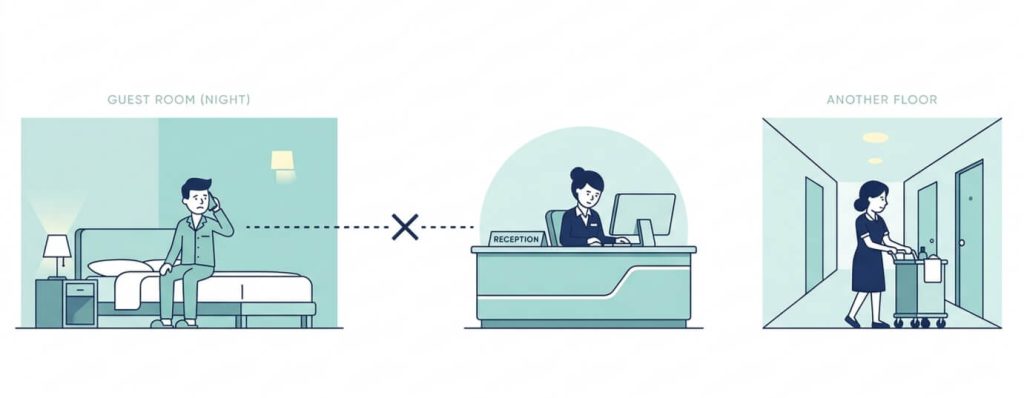
A guest on the fourth floor calls reception at 11 PM asking for extra pillows. The front desk agent logs the request and routes it to housekeeping. The housekeeper on duty is somewhere between the sixth and eighth floors with no idea that a ticket just came in. Twenty minutes pass. The guest calls again.
That happens in hotels every single day. The problem is not the staff. It is the communication system. Someone logged the request. Someone just never got the message.
The Geedesk mobile app closes that gap. It puts every open request, every escalation alert, and every pre-scheduled task directly into the hands of the person responsible the moment they need to act.
Keep Every Request Visible, Everywhere
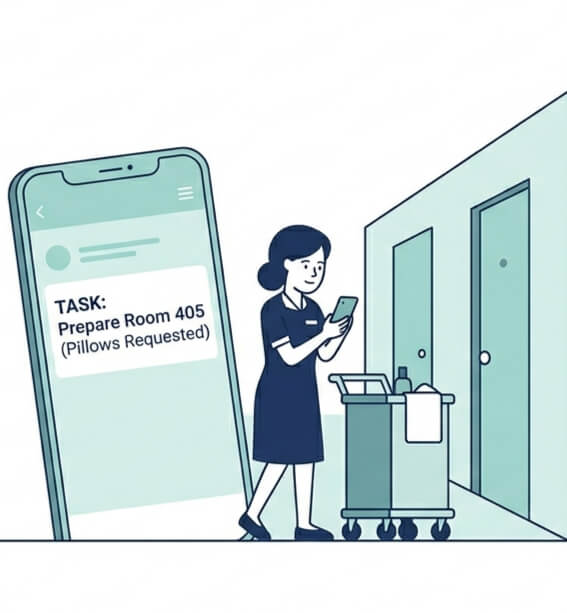
Your housekeeping team works on floors, and the maintenance crew works inside rooms. F&B staff move between the kitchen, the restaurant, and the room service corridors. The moment any of these people step away from a screen, they lose sight of everything coming in.
The platform is fully available on mobile. Every ticket created on the web app appears immediately on the mobile app. Updates made on mobile sync instantly with the web app. The entire team sees the same picture, regardless of where they are standing.
The interface keeps clicks and selections to a minimum, which means it works for everyone on the team, not just the tech-savvy ones. A housekeeper who has never used hotel software before can receive a ticket alert, act on it, and mark it resolved without any learning curve.
Notifications That Work Beyond Smartphones
Not every staff member carries a smartphone. This is one of the first practical questions hotels ask, and it is a fair one.
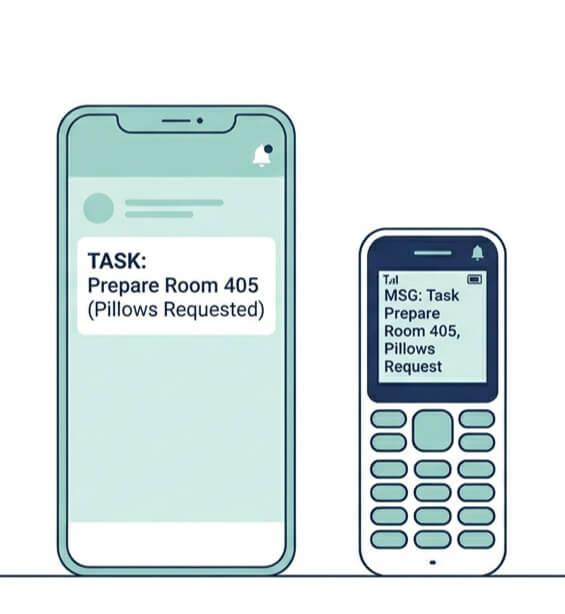
The app works on both iOS and Android. It also works on basic feature phones through a full SMS workflow. A department head with an iPhone and a maintenance technician with a basic handset both stay in the loop through the same system, on the same tickets, at the same time.
Most hotel software is built for management and leaves frontline staff to figure it out. This platform is built for the entire operation, from the general manager’s dashboard to the housekeeper’s text message.
Automatic Assignment Removes Manual Routing From the Process
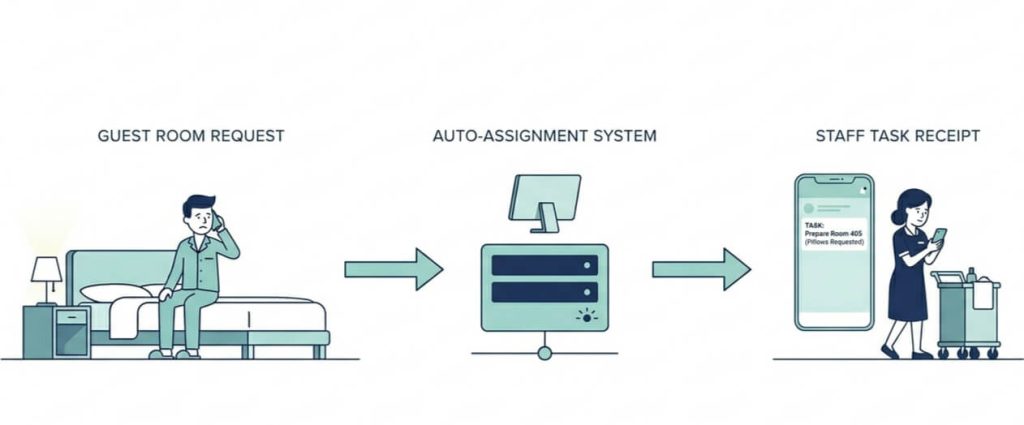
When a guest raises a request, that ticket needs to reach the right person fast. Manual routing slows that down every time. Someone has to decide where the ticket goes. Somebody has to check who is on shift. Someone has to make a call or send a message.
When a ticket is created, the system automatically assigns it to the appropriate team member in the relevant department. The assigned staff member receives an instant notification via SMS or app and can work on the ticket from any Android or iOS device.
No coordinator in the middle. No delay while someone figures out where the request belongs. The right person gets the alert and moves.
Escalations That Act Before Guests Follow Up
The most common service failure in hotels is not the staff refusing to act. It is a ticket sitting past its deadline while nobody notices until the guest complains a second time.
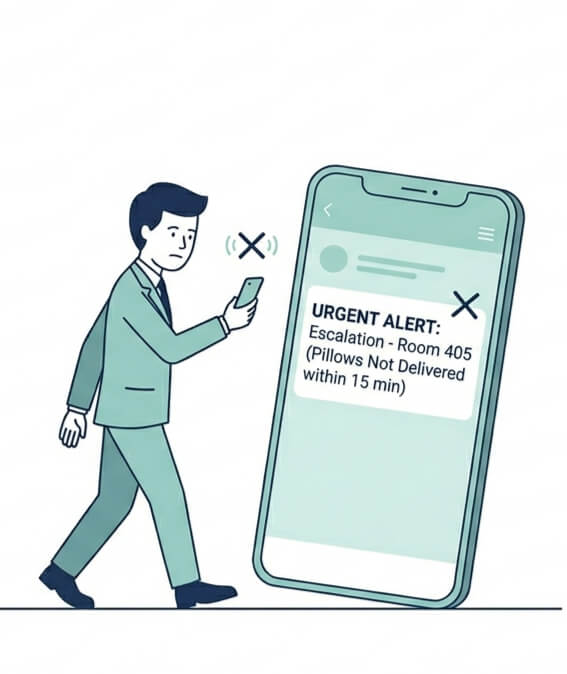
Automatic escalation is built into every ticket. When a ticket crosses its resolution threshold without being closed, the system sends an alert directly to the relevant manager’s mobile device. Hotels configure the escalation rules once. The system enforces them every shift, around the clock, whether the manager is at their desk or walking the property.
For VIP and VVIP arrivals, dedicated mobile alerts go to relevant staff at the moment of check-in. Hotels can also trigger ‘Handle With Care’ alerts for guests who need a more sensitive approach. Staff act before the guest even reaches the room, not after.
Advance Scheduling Protects Requests Across Shift Handovers
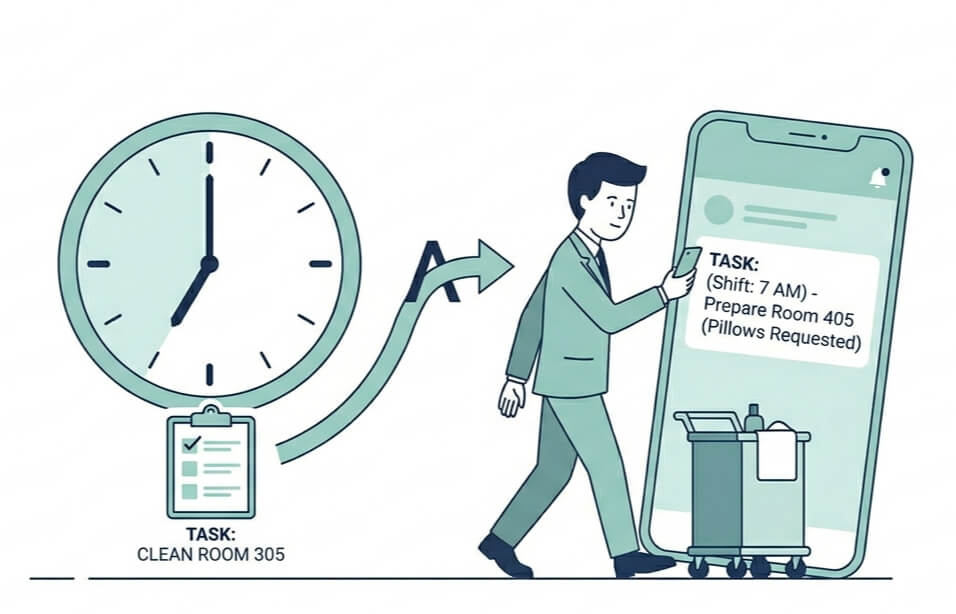
A guest asks the evening team for a wake-up call and a coffee at 6 AM. The night team comes on. The note does not make the handoff. The guest wakes up on their own and finds nothing waiting.
With the scheduling feature, staff log the request in the system in advance. At the exact time it is due, the system assigns the ticket to whoever is on duty at that moment.
The incoming shift does not hunt through handover notes or message threads. The task already sits in the system, assigned to the right person, ready to go. Verbal handoffs, the most human and most common source of dropped requests, stop being a risk.
Track Operations Without Being at a Desk
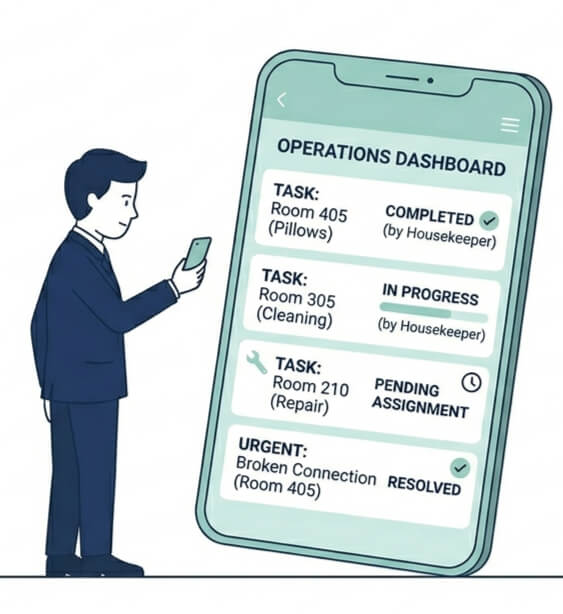
The GM dashboard shows every open ticket across the property in real time. Department manager dashboards narrow that view to a specific team. Top management and department heads can receive daily reports directly to their inbox or pull up live data on their smartphones during a walk through the property.
For hotel groups, the Property Dashboard pulls data from multiple locations onto a single screen, with filters to drill into any individual property. A general manager doing morning rounds sees exactly what is open, what is overdue, and what has escalated, without stepping into an office or opening a laptop.
Get Your Team Using It from Day One
Every general manager has a version of the same unspoken concern: will the team actually use this consistently, or will it get heavy use for a week and quietly go back to WhatsApp?
It is a reasonable concern, and the trial is structured specifically to address it.
During the trial, technical consultants set up the platform on your property and train your staff to use it. It runs with your actual guests and your actual requests, not a demo environment. Every feature is available from day one.
The system runs entirely in a browser. Get started without installing servers, adding hardware, or relying on an IT team.
By the time the trial ends, your team has already handled real requests through the system. Auto-assignment has already routed tickets without anyone manually deciding where they go. Escalation had already surfaced at least one overdue request before a guest had to call a second time. Managers can check the dashboard on their phones while walking the property.
Adoption happens during the trial because the system removes a daily frustration. That is a different thing from asking people to learn new software.
Request a demo or start your trial on the Geedesk website. A technical consultant will reach out and get your property set up.