Somewhere in your hotel right now, a task is dying quietly. Someone mentioned it on the walkie-talkie an hour ago. Someone else typed it into a WhatsApp group at 2:14 PM, and forty messages have buried it since. Nobody owns it. Nobody will remember it until a guest complains or a manager asks why it never got done.
Every hotel knows this task. The blown bulb in the corridor that three people noticed and nobody fixed. A banquet setup instruction that reached the morning shift as a rumor. An AC filter change that everyone swears they mentioned to someone.
TeamTasks, from the team behind Geedesk, exists to end this. It gives hotel teams one place to create, assign, track, and close every internal task. Not a chat thread. Not a radio call. A system.
Why WhatsApp and Walkie-Talkies Keep Losing Your Tasks
Hotels did not choose WhatsApp and walkie-talkies because they work well for tasks. They chose them because they were already there.
Both tools share the same flaw. They carry a message, then let go of it. A walkie-talkie call lasts a few seconds and leaves no record. If the person on the other end is busy with a guest or a running vacuum, the message is gone. There is no replay button on a radio.
WhatsApp keeps a record, technically. But a hotel WhatsApp group is a river. A task posted at 2:14 PM sits under shift photos, duty roster questions, and birthday wishes by 3:00 PM. The group has 22 members, so everyone assumes someone else picked it up. Group responsibility usually means no responsibility.
Neither tool answers the four questions a task lives or dies by: who owns this, by when, what is happening with it now, and is it actually done.
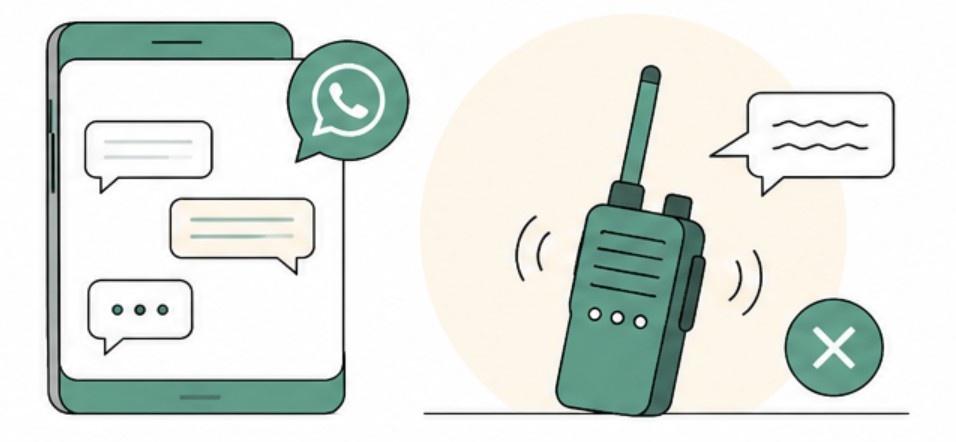
If answering those means someone walking the floor and asking around, you do not have a task management system. You have a guessing game.
Task Creation: From Spoken Word to Record
In TeamTasks, a task starts as a record, not a remark. A supervisor spots a stained carpet in the lobby, opens the app, and creates a task in seconds. The task carries a description, a department, and a deadline from the moment it exists.
A spoken instruction depends on memory. A recorded task does not. Once it is in the system, nobody can forget it or scroll past it. It sits there, visible, until someone deals with it.
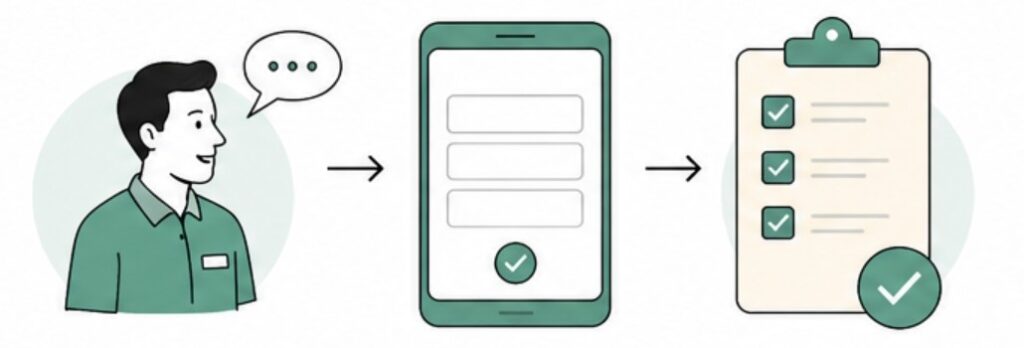
In contrast, the old way plays out like this. The same supervisor mentions the carpet to a housekeeping attendant in the corridor. The attendant nods, gets pulled into a guest request two minutes later, and the carpet stays stained for three days.
Assignment: One Task, One Name
Every task in TeamTasks lands on a specific person. Not a department. Not a group. A name.
This is the single biggest difference from a WhatsApp group. When a task belongs to everyone, it belongs to no one. When it belongs to Ravi in maintenance, Ravi knows it, his supervisor knows it, and the system knows it.
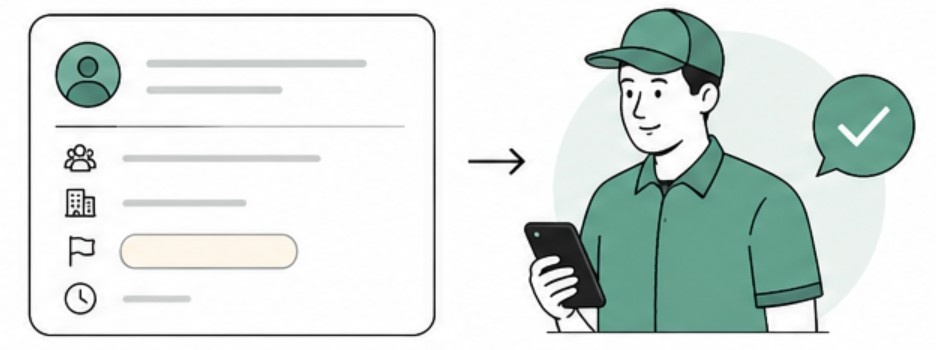
The assigned person sees the task on their phone the moment it lands, with the deadline and priority attached. A leaking pipe outranks a squeaky door, and the task list reflects that instead of leaving it to guesswork. There is no ambiguity to hide behind and no “I thought Kumar was doing it.” Accountability stops being a confrontation at the end of the shift and becomes a fact recorded at the start of it.
Overdue Tasks Cannot Hide
Even so, tasks slip. Guests pull staff away, parts run out, shifts run short-handed. The problem is not that delays happen. The problem is that in most hotels, delays stay invisible until they turn into complaints.
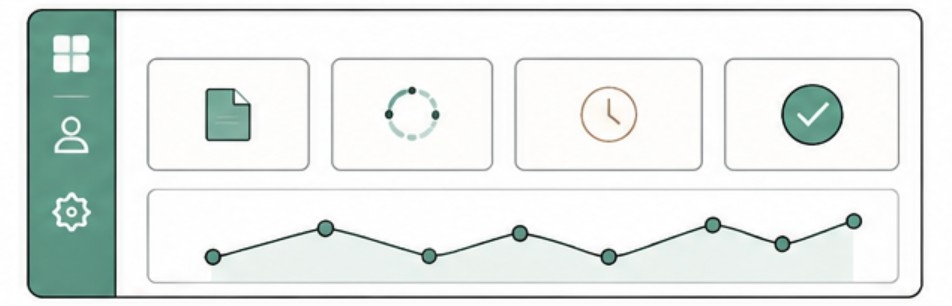
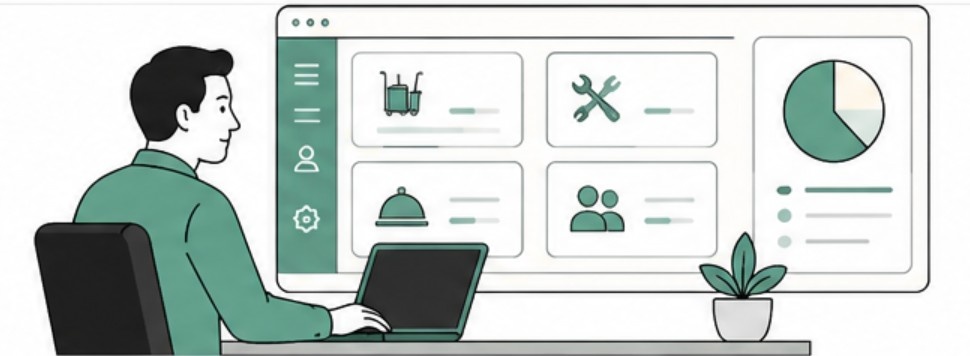
TeamTasks treats a missed deadline as a signal, not a secret. The app notifies team members when a task is due. The moment a deadline passes without closure, the task shows as overdue on the Manager Dashboard. The dashboard splits every task by status: open, in progress, overdue, and completed. So a manager sees the whole board at a glance without chasing anyone for updates.
As a result, a department head no longer discovers a three-day-old pending task by accident. It sits in the overdue column, visible, the same day it slips. Teams fix small delays while they are still small.
Closure: Done Means Confirmed Done
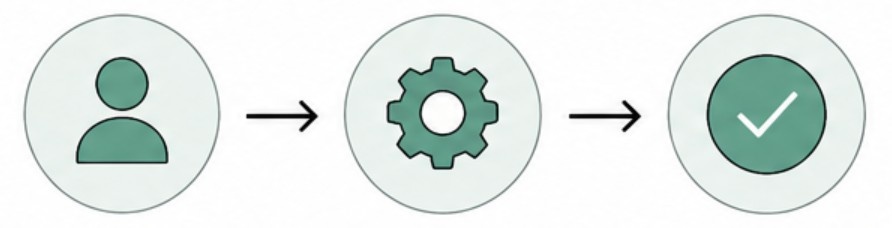
“Done” is the most abused word in hotel operations. Over a radio, “done” is whatever the speaker says it is. In TeamTasks, the person doing the work updates the task status as it moves. The task then closes inside the system with a name attached.
In practice, that record ends arguments about who finished what and when. Managers get a clean history of what each shift actually completed. The gap between finished work and claimed work stops being a matter of opinion.
Shift Handovers: Where TeamTasks Earns Its Keep
Ask any department head where tasks die, and most will point at the same spot: the shift change.
The traditional handover is a hallway conversation. The outgoing supervisor recites what is pending, the incoming one nods, and both hope memory holds. It rarely does. The evening shift inherits half the picture, and the missing half becomes tomorrow’s fire.
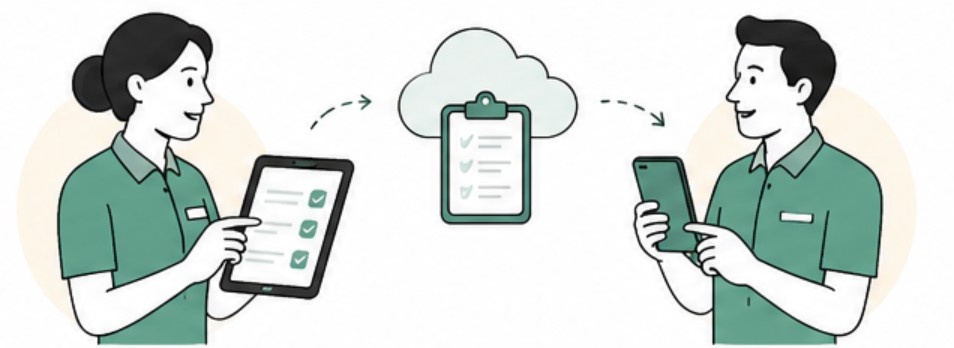
With TeamTasks, the app writes the handover before anyone opens their mouth. The incoming supervisor sees every open task, who owns it, and how long it has been waiting. Nothing depends on what the outgoing shift remembered to say. So the 7 AM team starts with the full picture of the night, not a summary of it.
Department heads also use this the other way. At the end of a shift, the open task list is the honest report card. No task disappears just because the person who knew about it went home.
What Changes After the First Few Weeks
The shift rarely happens all at once. One department starts, usually the one drowning in the most missed tasks, and runs TeamTasks alongside the old WhatsApp group for a while. Then something predictable happens. Tasks in the app get done, and tasks in the chat keep dying. The gap becomes hard to ignore.
Other departments notice too. Housekeeping sees maintenance closing tasks on time and asks why their own follow-ups still live in a group chat. So adoption spreads sideways, department by department, without anyone forcing it from above.
The clearest early sign of change is the overdue column. In the first week it fills up fast, because the app now shows delays the hotel always had but never saw. Then it starts to shrink, because staff work differently when they know a missed deadline shows up with their name on it. That shrinking column is the moment task management stops being a guessing game.
Why Not Just Use a Generic Task App?
A fair question, because task apps are everywhere. Most of them target office projects, with boards, sprints, and settings a hotel team will never touch. Your PMS probably has a built-in task tool too. In most cases it is a bare-bones list bolted onto reservation software.
TeamTasks takes the opposite approach. It keeps only what a fast-moving operations team needs: create, assign, update, close, and see everything on one dashboard. So staff who have never used project software pick it up in a shift. That matters more than any feature, because a tool your team will not open manages nothing.
Why the System Creates the Discipline
Software does not create discipline on its own. What TeamTasks does is remove every excuse that undisciplined task handling hides behind. Nobody can say they were not told, because the task carries their name. Nobody can say they forgot, because overdue tasks stay visible on the dashboard. And nothing counts as done until closure leaves a record.
Once those excuses are gone, most teams surprise their managers. Staff generally want to finish their work. They just need a system that remembers it for them.
See TeamTasks Working in a Hotel Like Yours
Reading about task management is one thing. Watching a task travel from creation to closure on a screen is another.
Book a demo with the Geedesk team, and we will walk you through TeamTasks using scenarios from your own property. Bring your messiest handover problem. That is the one worth solving first.