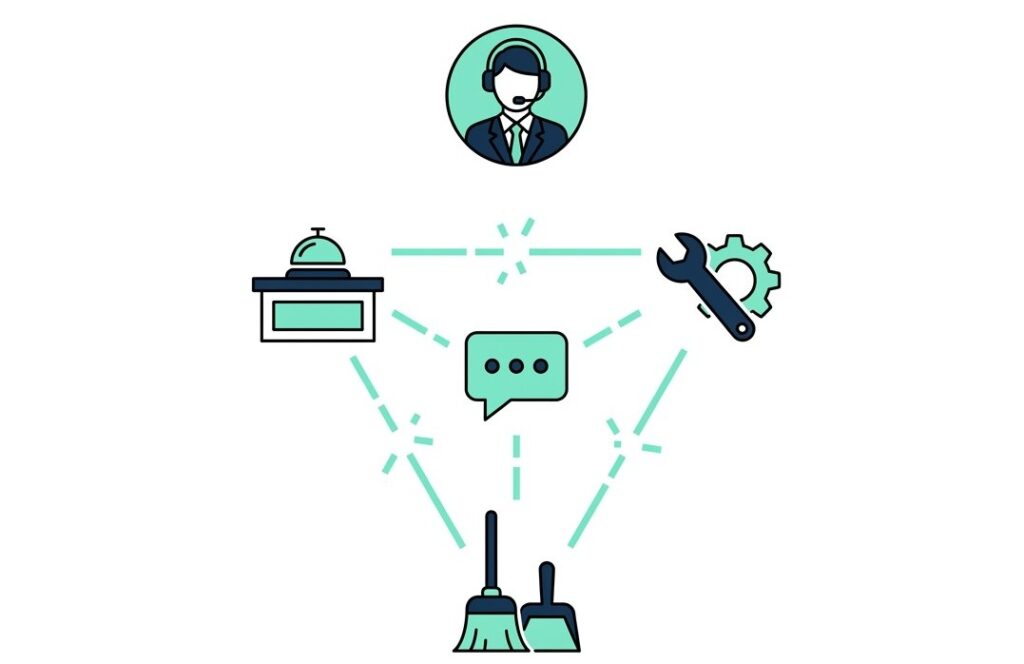
Picture a night like this one. At 9 pm a guest tells the front desk that the air conditioner in room 412 is too loud. The front desk logs it in the complaint tool, but maintenance never sees it, because maintenance works from a separate task list. Meanwhile, housekeeping hears about it only when the guest stops a housekeeper in the corridor. The general manager finds out the next morning, in a one-star review.
Still, nobody on that team was careless. Each person did their job inside a system that could not see the others.
That gap is the difference between a tool and a platform. Many hotels own a few tools, but fewer own something that gives every department the same view of what is happening on the property. If you are comparing hotel operations software right now, this guide will help you spot the difference before you spend another budget cycle on the wrong thing.
Why a tool that works can still fail your hotel
A point solution is built around a single job. It logs complaints, or it assigns housekeeping tasks, or it collects guest feedback. Many of them do that one job well.
A platform connects those jobs. When something happens in one department, the others can see it, act on it, and report on it without anyone picking up a phone.
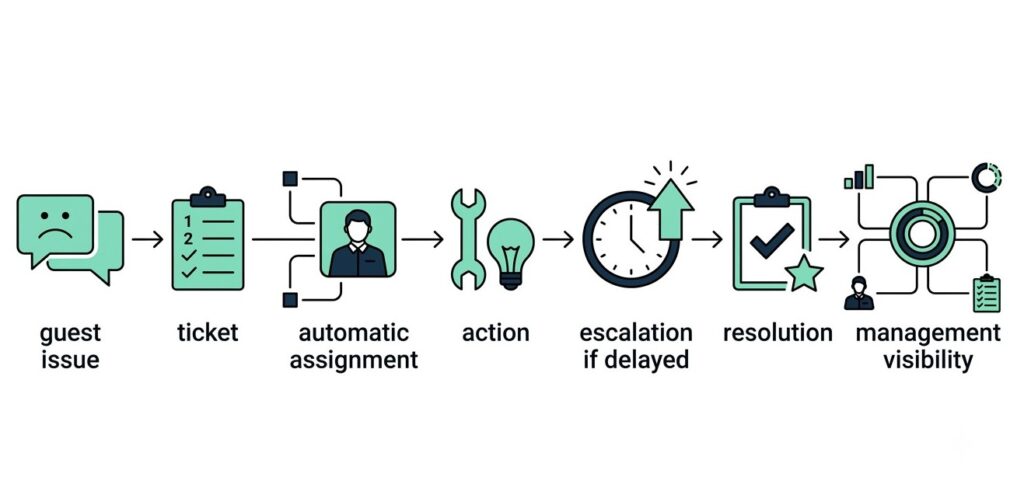
The easiest way to tell them apart is to ask what happens after the first step. With a point solution, the answer is usually “someone else takes it from here.” A platform answers differently: the system routes the work, tracks it, escalates it if it stalls, and shows the result to the people who need to know.
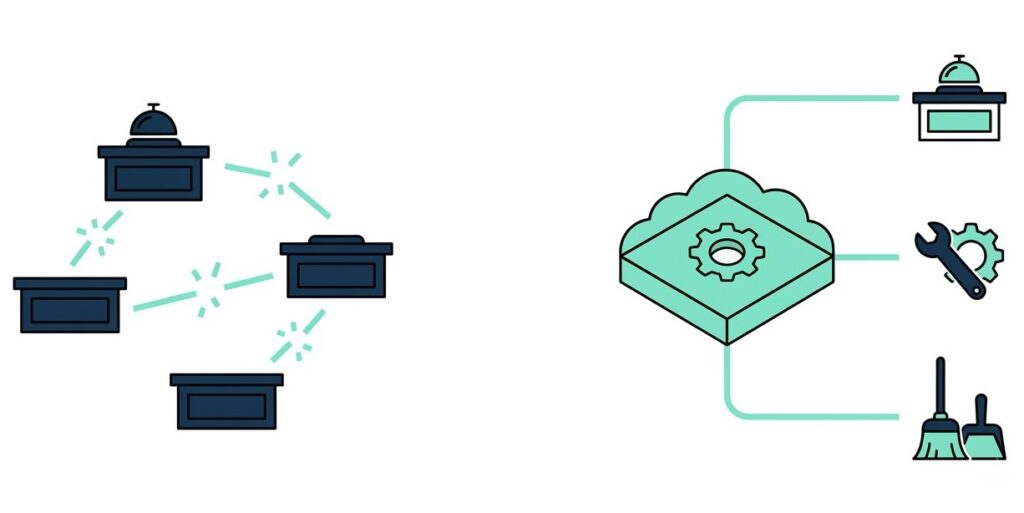
Point solutions are not the problem on their own. The trouble starts when a hotel stacks four of them and expects the stack to behave like one system. It does not. So staff become the glue between the tools. They copy details from one screen to another and chase each other for updates. Because memory and phone calls are fragile, a hotel that leans on them will drop things.
Each extra tool also brings its own license fee and its own training cycle. Its reports use their own definitions, so nobody can compare them with the rest. That is where budgets quietly disappear.
Signs you own a stack of tools, not a platform
You probably know already. Check whether any of these sound familiar:
- Staff type the same guest or room details into two different systems.
- Someone builds the GM’s weekly report by hand from three exports.
- When a complaint turns into a repair job, a person sends a WhatsApp message to bridge the gap.
- Nobody can say how many issues are open on the property right now without asking three people.
One of these is an annoyance, but two or more mean your tools are not talking to each other, and your team is doing the talking for them.
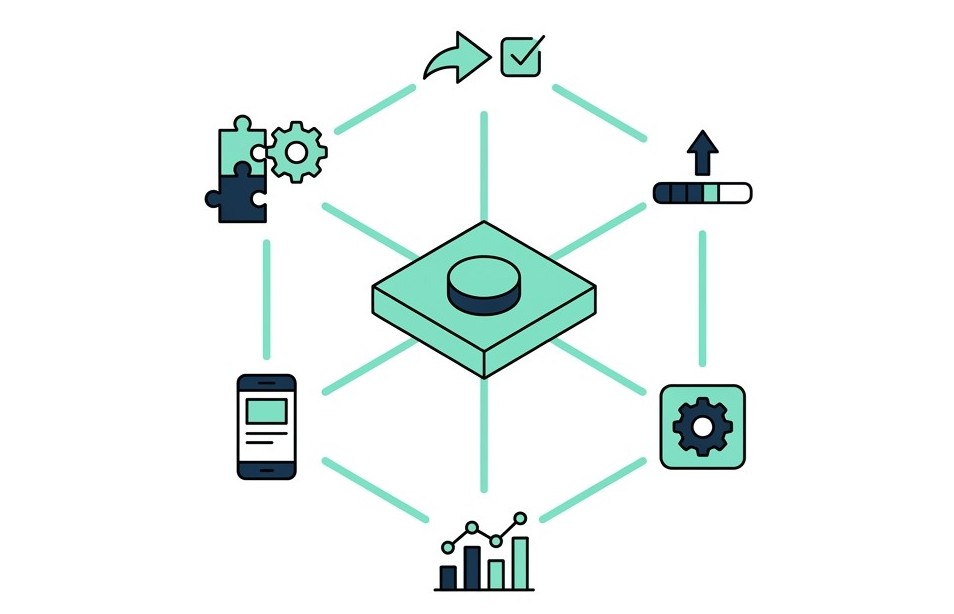
Six things every hotel operations platform must do
Use this list as a baseline. If a vendor misses more than one item, you are probably looking at a point solution dressed up as a platform.
Assignment that does not wait for a person
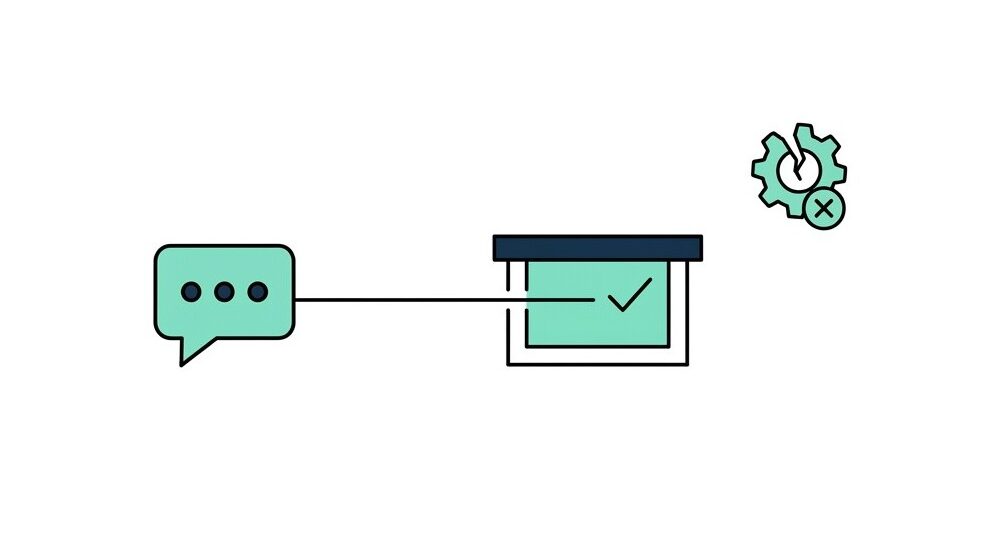
When a request or complaint comes in, the system should send it to the right person based on department and shift. If your front desk has to forward every ticket by hand, you have built a slow phone tree with a login screen. That is why automatic assignment matters: it removes that step and the delay that comes with it.
Escalation that runs on its own clock
Every issue type needs a time limit. When a ticket sits too long, the system should move it up the chain without anyone asking. Geedesk, for example, sends escalations by SMS, WhatsApp, or the Geedesk mobile app, so a manager does not need to sit at a desk to learn that something is stuck. Ask any vendor which channels they support, then ask them to show one escalation firing in real time.
Rules your own team can change
Every property runs differently. A VIP arrival and a repeat guest might each need a different path, so a rule engine should let your own team set those paths. If every change needs a support ticket to the vendor, you do not control your own operation.
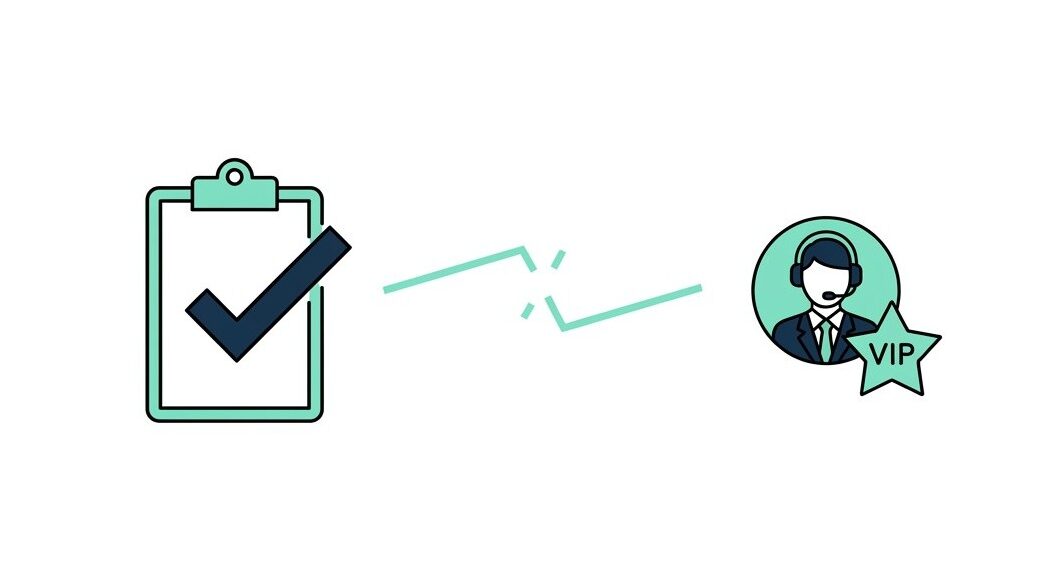
Likewise, VIP and VVIP alerts belong on the list. When an important guest raises an issue, the right people should know straight away, not after the next shift handover.
Dashboards built for the person reading them
The general manager needs the whole property on one screen. A department manager, on the other hand, needs their own queue and a clear view of what is overdue. Both views should draw on the same data. If the GM’s numbers come from a separate report that someone builds by hand each week, the platform is not doing its job.
If it only works at a desk, half your team cannot use it
Housekeepers and technicians spend their shifts on their feet, so a platform that only works well on a desktop leaves them out. Check that a mobile app exists, and check what handset it needs. Geedesk also works on feature phones, not only smartphones, which matters in properties where not every staff member carries a recent device.
Guest and room data should not need retyping
Because your property management system holds the guest and room data, a platform that cannot read it forces staff to retype room numbers and guest names. Typos follow. Geedesk connects with Oracle Opera, WinHMS, IDSNext, SAP, DigiValet, Hudini, and Milanity. Whichever vendor you consider, though, ask for the full integration list and ask what each connection actually does. A logo on a slide proves nothing.
A complaint logged is not a problem solved
A complaint tool captures a guest problem and tracks its status. That is useful. For most of these tools, however, it is also where the story ends.
The guest’s problem does not end when the complaint is logged. Someone has to fix the air conditioner, and someone may have to reset the room afterward. If the work side lives in a different system, the complaint closes when a person clicks “resolved,” not when the problem is actually fixed. The record says done, but the guest may disagree.
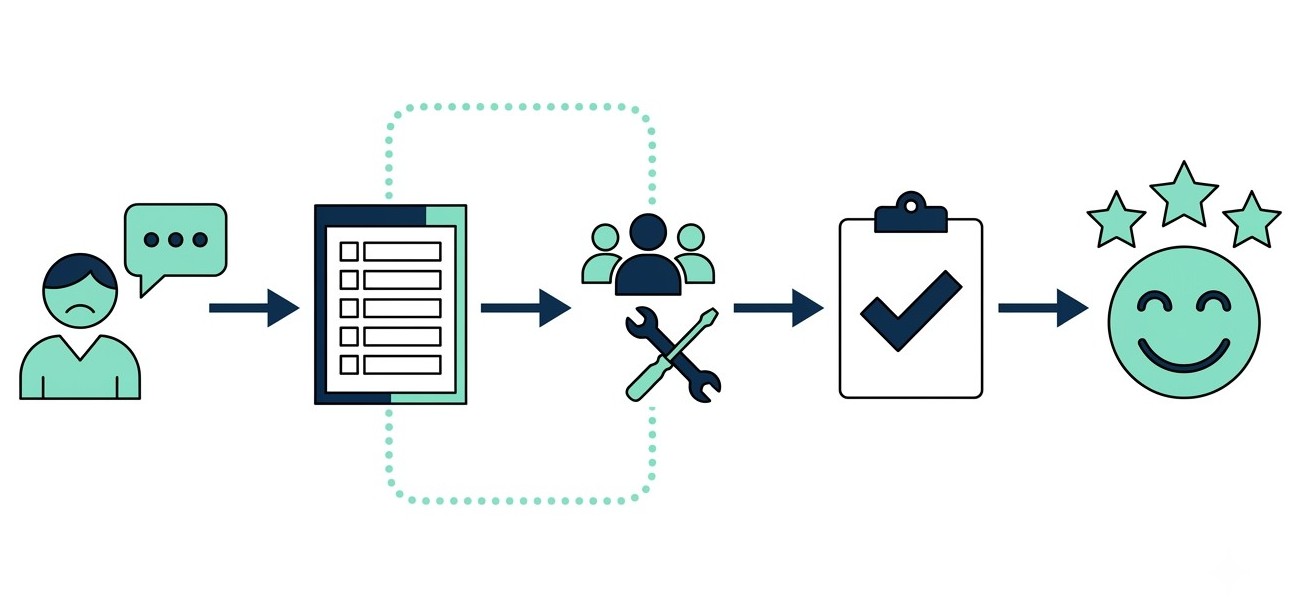
Complaint-only tools also tend to give you counts. You see how many complaints arrived this week, but not which department took longest to respond or which rooms keep coming back. Counts show how busy you were, but rarely where to start fixing.
Finally, they only know about problems that guests choose to report. Some guests never complain at the desk. They write a review instead. A tool that starts working only once a guest speaks up is always one step behind.
Tasks get done. Guests still leave unhappy
Task tools have the opposite problem. They assign work and check it off very well, but they start from a task, not from a guest.
As a result, they do not know the guest who asked for the work is a VIP, or that this is the third time that guest has asked for the same thing. The context goes missing at the exact moment someone needs it. A housekeeper completes the task, and the system marks it done. Nobody asks whether the guest is happy now.
Reporting suffers too. A task tool can tell you that most tasks finished on time. It cannot tell you that one room produced five complaints, because the complaints live somewhere else. Strong task numbers and a falling review score can sit side by side, and the tool will never explain why.
Unified visibility is the baseline, not a premium feature
Some vendors treat cross-department reporting as an upgrade tier. The basic plan gives you a complaint log or a task list, and the full picture costs extra.
That gets the order backwards. When complaint data and task data live in separate views, a manager sees pieces and has to assemble the story alone. Cross-department visibility is what lets you answer simple questions fast:
- Which department is slowest this week?
- Does one room keep generating tickets?
- How many issues reach the GM only after they have turned into reviews?
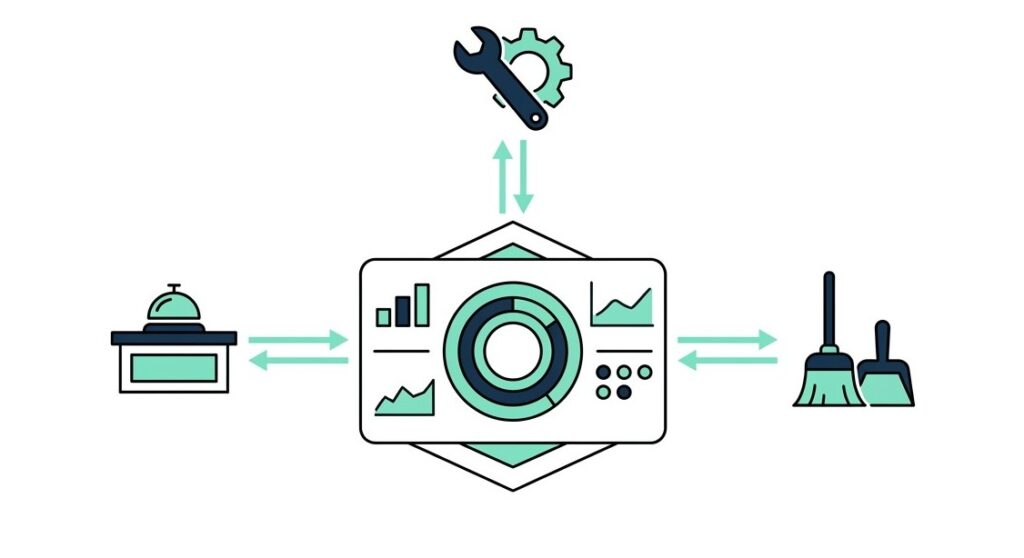
You do not need a heavy analytics suite for that. You need one set of data that every department writes to. Which departments you connect is a fair scoping question, but whether you can see across them should not be.
This matters for revenue as well as operations. Research from the Cornell School of Hotel Administration links guest review scores to the rates hotels can charge and to RevPAR. If scores affect revenue, the best time to protect one is while the guest is still in the building, before anyone writes a review. A platform that shows every department in one place gives you that chance. Separate tools, by contrast, mostly show you the damage afterward.
The real cost of buying a third tool
Many hotels do not choose a stack. Instead, they drift into one.
A hotel buys a complaint tool this year. Next year, the maintenance team asks for a task tool, because the complaint tool cannot assign repair work. The year after, someone wants guest feedback collected, and a third tool arrives. Each purchase made sense on the day it was approved.
Together, they form a system that nobody designed. Staff need training on each one, and data sits in different formats. Later, switching any of them means moving history and retraining people. Reports need rebuilding too. For that reason, the cheapest moment to ask for unified visibility is before the first purchase. The second cheapest is today.
Seven demo questions vendors hope you skip
Vendors prepare for demos, so ask them to show the hard parts.
- Show me one guest complaint from the moment it is logged to the moment it closes. How many screens do we touch?
- What happens if nobody acts on it within the time limit? Who gets told, and how?
- Can my GM see every department on one screen without asking for a custom report?
- If my team wants to change an assignment or escalation rule, do we need to call you?
- Will a staff member with a basic phone be able to use it?
- Which of our existing systems connect, and what does each connection do?
- On day one, which departments does the setup cover, and can we see across all of them in the same reports?
If a vendor hesitates on question one or question seven, then you have learned most of what you needed to know.
Does Geedesk pass its own checklist?
Geedesk is a cloud-based platform for guest complaint and request management, built for the hospitality industry in India. The core handles automatic assignment, escalation policies, VIP and VVIP alerts, and a rule engine. It also includes a GM dashboard, a Manager dashboard, and a property dashboard, so each person sees the view that fits their role.
Add-ons such as Housekeeping, Maintenance, Glitches, Lost and Found, and Geedesk Messenger extend the platform beyond the core. Which ones you need depends on how your property runs, so settle that in the demo with question seven.
Geedesk will not fit every property. That is why the seven questions matter: they let you test it the same way you would test anyone else.
The fastest test uses your own scenario. Book a Geedesk demo and bring the messiest complaint from your last busy week, ideally one that crossed two departments. Then watch what happens to it, from the first report to the final closure, and decide from there.