A demo is only as useful as the questions you walk in with.
Most GMs book a software demo, join the call, watch a consultant click through screens for thirty minutes, and leave with a vague sense that the product looks fine. Then the real questions surface two days later, after the call has ended and the details have gone fuzzy.
You can avoid that. A Geedesk demo runs with a product consultant, not a recorded video, which means the session bends to whatever you bring to it. Show up with your hotel’s actual numbers and problems, and the consultant can walk you through how Geedesk would handle your operation, not a generic one.
And if you have not booked yet because you are unsure it will be worth the time, this preparation is what makes it worth the time. The five items below take about an hour to gather. Do that hour, and thirty minutes with a consultant will tell you clearly whether Geedesk fits your hotel.
Here is what to put on paper before you join.
1. Map how a guest request travels through your hotel today
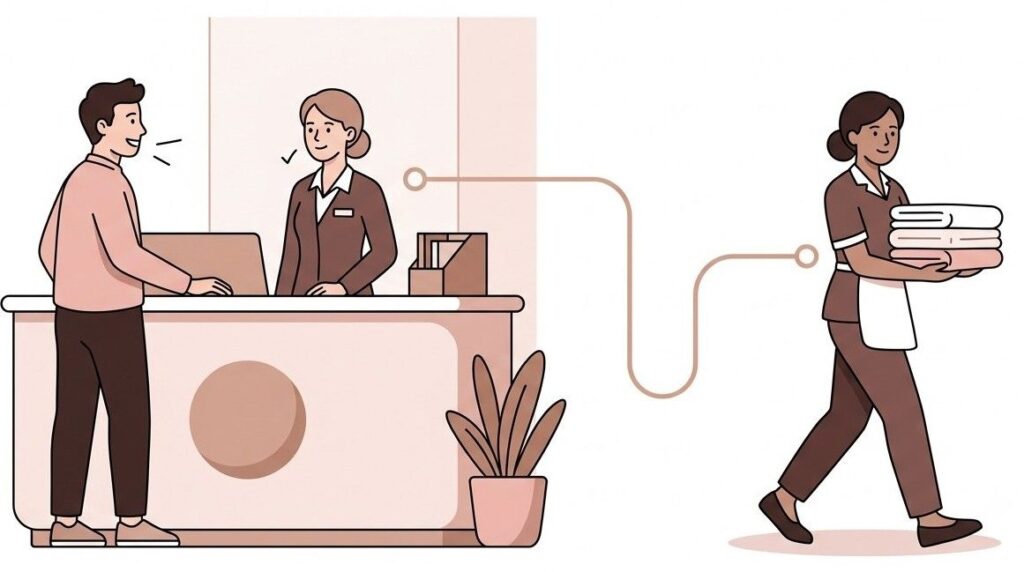
Before you evaluate a new system, get clear on the one you already have, even if that system is a WhatsApp group and a logbook at the front desk.
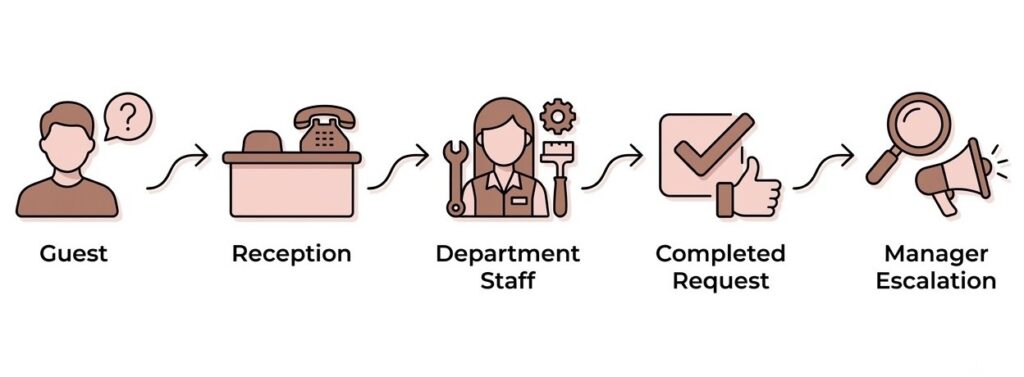
Trace one request from start to finish. A guest calls the front desk and asks for an extra blanket. Who picks up? Where does that request get written down, if anywhere? How does housekeeping find out? Who confirms the blanket actually reached the room? And if it never did, when does anyone notice?
Write out that chain honestly. Include the tools involved: handheld radios, phone calls, sticky notes, a shared spreadsheet, or the task module inside your PMS. Note where the handoffs happen, because handoffs are where requests usually die.
This matters for the demo because Geedesk replaces exactly this chain. A request becomes a ticket, the ticket goes automatically to the right employee in the shift, and delays escalate to managers. When you know your current chain in detail, you can ask the consultant to show you the Geedesk version of each link. That comparison is far more useful than watching a general product tour.
2. Count your team, your departments, and your shifts
The consultant will shape the demo around the size of your operation, so bring real numbers.
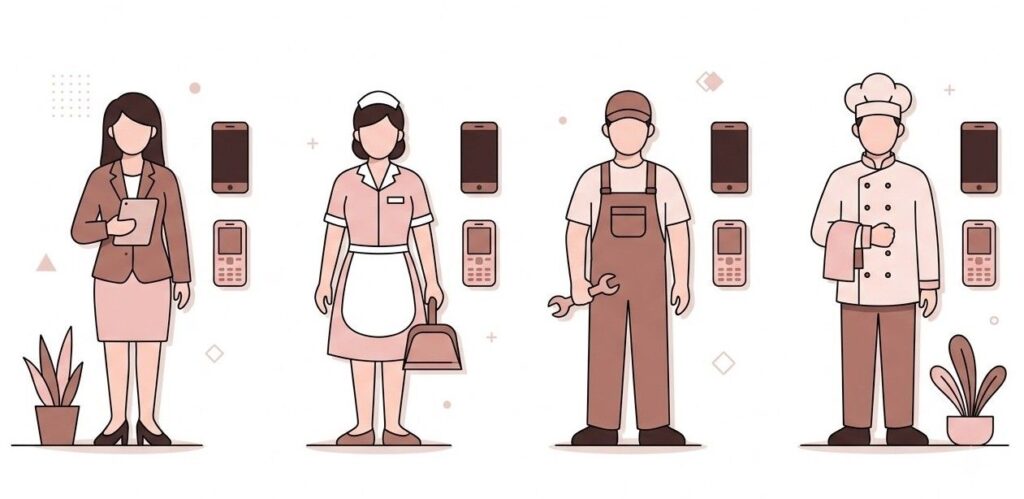
How many rooms do you run? What does your headcount look like across front office, housekeeping, maintenance, and F&B? Think about shifts too: how many cover a day, and how thin does the night shift get? Do you have department heads on property at all hours, or does a duty manager cover everything after 10 pm?
One more detail worth noting: what phones does your team carry? Not everyone on a hotel staff has a smartphone, and that usually becomes an objection to any software rollout. Geedesk works over SMS on basic feature phones, so staff can receive and update tickets without a smartphone or an app. If part of your team works on feature phones, say so early in the demo and ask to see that workflow specifically.
If you run more than one property, mention that too. Multi-property visibility changes what the consultant should show you, especially around reporting and dashboards, and it changes the questions you should ask about comparing service performance across hotels.
None of this takes long to gather. Ten minutes with your duty roster covers it. But it turns the demo from a product overview into a fitting session for your specific hotel.
3. Bring one real story of a request that fell through
Numbers convince the head. Stories convince the whole team. Pick one recent incident where a guest request or complaint slipped through the cracks, and bring the full version.
Maybe a guest asked for a late checkout, the front desk agreed, and housekeeping knocked on the door at 11 am anyway. Or a broken AC got reported at breakfast and was still broken at midnight. It could even be a repeat guest who complained about the same noisy corridor on two separate stays, and nobody connected the two.
Reconstruct what happened. Where did the request enter the hotel? Where did it stall? Who should have been alerted and was not? What did it cost you, whether that was a refund, an upgrade, or a one-star review?
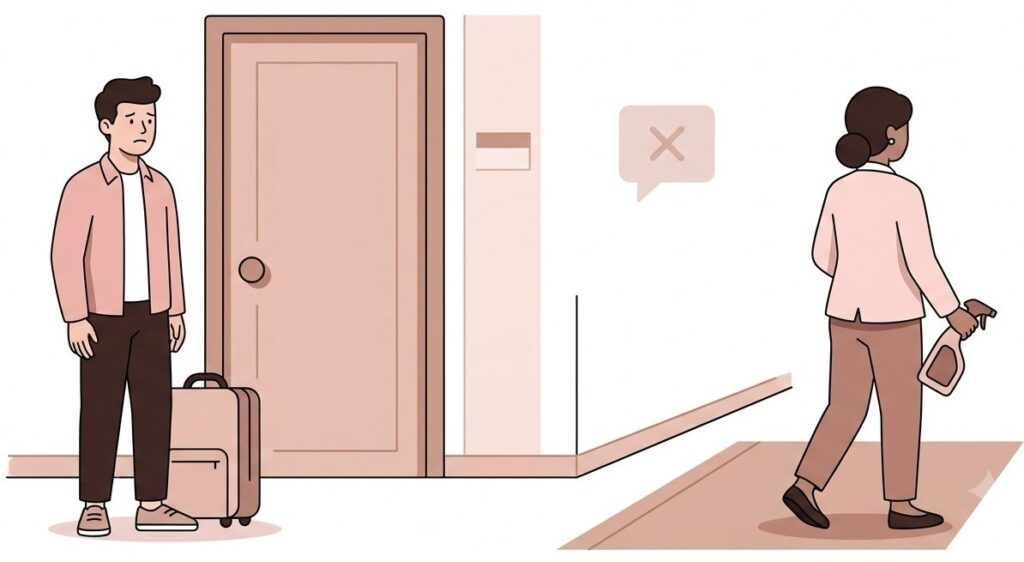
Then hand that story to the consultant at the start of the demo and ask a direct question: walk me through how this exact incident plays out inside Geedesk. Where does the ticket get created, who gets assigned, what happens when the deadline passes, and what does the manager see?
This is the single highest-value thing you can prepare. A generic demo shows you features. A demo built around your worst recent service failure shows you whether the product would have caught it. If the answer is convincing, you have your business case. If it is not, you have saved yourself a subscription.
4. Decide which numbers you want to improve
Software demos tend to drift toward features. Anchor yours to outcomes instead by deciding, in advance, what you actually want to change.
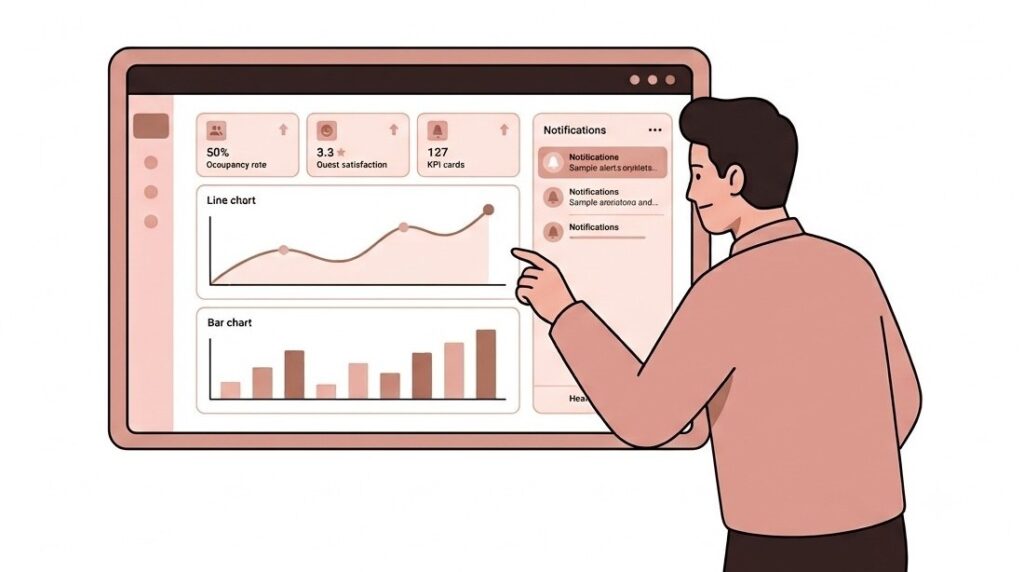
Pick two or three metrics that matter to your property right now. Common ones include how long it takes to respond to a guest request, how often the same complaint repeats, how many requests get resolved within the promised time, and how each department performs against the others.
If you already track any of these, bring your current figures. Even rough ones help. If you track nothing today, that is worth admitting out loud, because visibility itself may be the biggest gap Geedesk closes for you. You cannot fix response times you never measure.
During the demo, ask the consultant to show you the reports and dashboards that track your chosen metrics. Geedesk gives managers a 360 degree view of complaint and request patterns, and GMs get their own dashboard view. Ask what those reports look like after a month of real data, and how a manager would use them in a morning briefing.
Walking in with target numbers also sets you up for the decision that comes after the demo. It is much easier to evaluate a tool against “we want faster responses on maintenance tickets” than against a general feeling that operations could be smoother. And when you present the case internally, a clear before and after target gives your owners or corporate team something concrete to approve.
5. Write down the questions only you can ask
Every hotel has oddities that no demo script anticipates. Yours are the questions the consultant cannot answer unless you raise them.
Spend fifteen minutes listing yours. Some prompts to get you started:
- We already use a PMS with a basic task module. What does Geedesk do that it cannot?
- Our teams coordinate on handheld radios. Does Geedesk replace them or work alongside them?
- We host a lot of VIP guests. How do VIP and VVIP alerts work when one of them raises a complaint?
- Our escalation path is unusual. Can the escalation levels match how our management chain actually works?
- We need Geedesk to talk to a third party system. What do the integrations and REST APIs cover?
- Who sets up the categories, response times, and rules, and how much can we adjust them ourselves?
Also ask the practical questions that stall rollouts later: what the setup involves, how staff get trained, and what support looks like after go-live. Since Geedesk runs fully on the cloud, there is no hardware or server installation, so setup questions are mostly about configuration and training rather than IT projects.
Write your list down. Questions you plan to remember in the moment rarely survive a thirty-minute call.
What happens after the demo
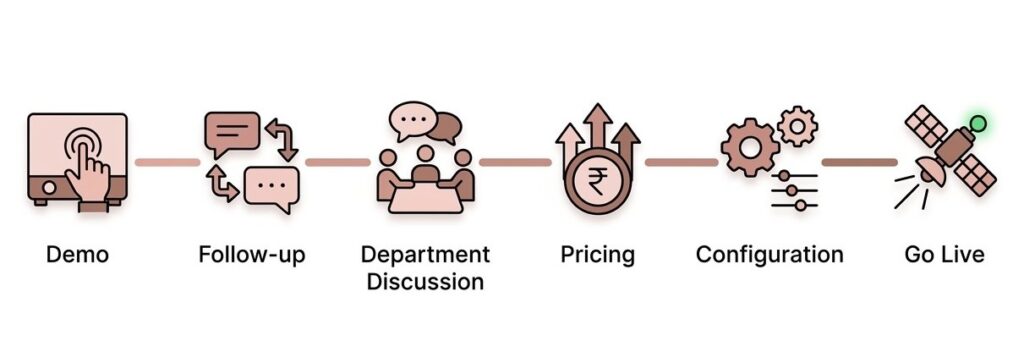
The demo itself is straightforward to arrange. You fill in the request form on the Geedesk site, and a product consultant reaches out to schedule the session. Because Geedesk is cloud based, the demo happens remotely over a call, though the team will visit your property for an in-person session if you ask for one.
After the demo, nothing gets forced on you. The usual path looks like this.
First, follow-up questions. Things will occur to you a day or two later, and you can raise them directly with the consultant who ran your session.
Second, a wider conversation at your property. Many GMs bring department heads into a second discussion, since the people running housekeeping and maintenance every day will spot practical questions a GM might miss. If that would help, ask the consultant to arrange it.
Third, the commercial conversation. When you are ready, the Geedesk team works with you on pricing for your property and gets your account configured, so your categories, escalation levels, and departments match the way your hotel actually runs.
There is no pressure sequence and no countdown. The consultant’s job in the demo is to show you, concretely, how Geedesk would handle your requests and complaints. Your job is to bring enough detail that the answer becomes obvious either way.
Book your demo while the details are fresh
Think back to that request that fell through, the one from point three. Right now you remember exactly how it happened: where it entered the hotel, where it stalled, and what it cost you. Six weeks from now those details will have faded, and the demo you eventually book will be more generic because of it.
That is the real argument for booking now. The preparation above works best while your last service failure is still vivid and the numbers you want to fix are the ones bothering you this month.
So do the hour. Map the request chain, pull your team numbers, write down the story, pick your metrics, and list your questions. Then request your Geedesk demo and put that list in front of a consultant. By the end of the call, you will know whether Geedesk would have caught the request your current system dropped. That is the only answer a demo needs to give.