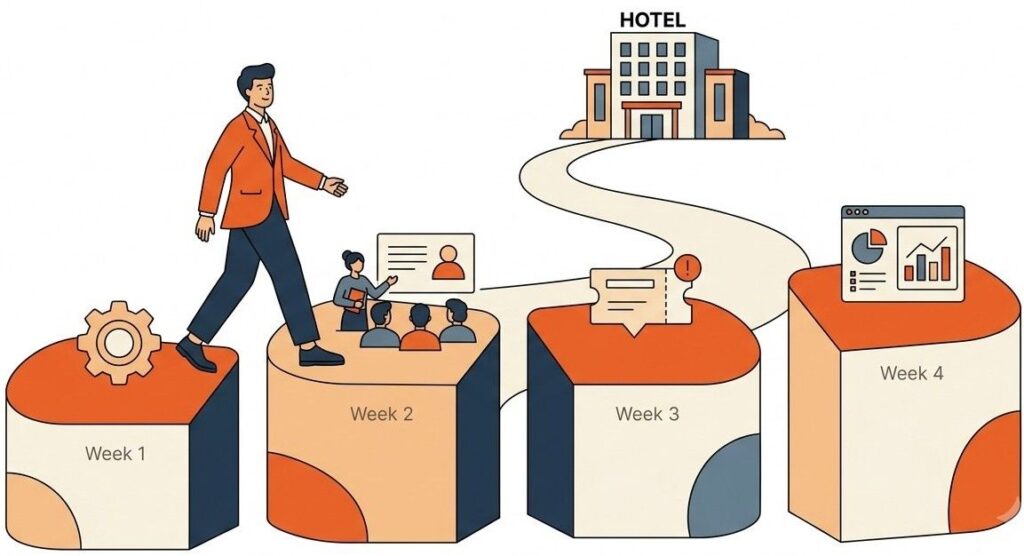
Signing up for Geedesk takes a few minutes. But getting your whole hotel to actually use it takes about a month. That month decides whether Geedesk becomes the way your team works or just another login nobody remembers.
The good news is that Geedesk onboarding is lighter than most hotel software rollouts. Geedesk runs 100% on the cloud, so there are no servers to buy and no licences to install. Your team opens a browser or the mobile app and logs in. It also works alongside the PMS and HMS you already run, including Oracle Opera, WinHMS, IDSNext, and others, so nothing in your existing setup has to change.
Still, a smooth first month does not happen on its own. Here is what each week should look like, who needs to be in the room, and how to know it is working.
Week 1: Set up the system to match your hotel
The first week is about configuration, not training. Geedesk needs to reflect how your property actually runs before anyone starts using it.
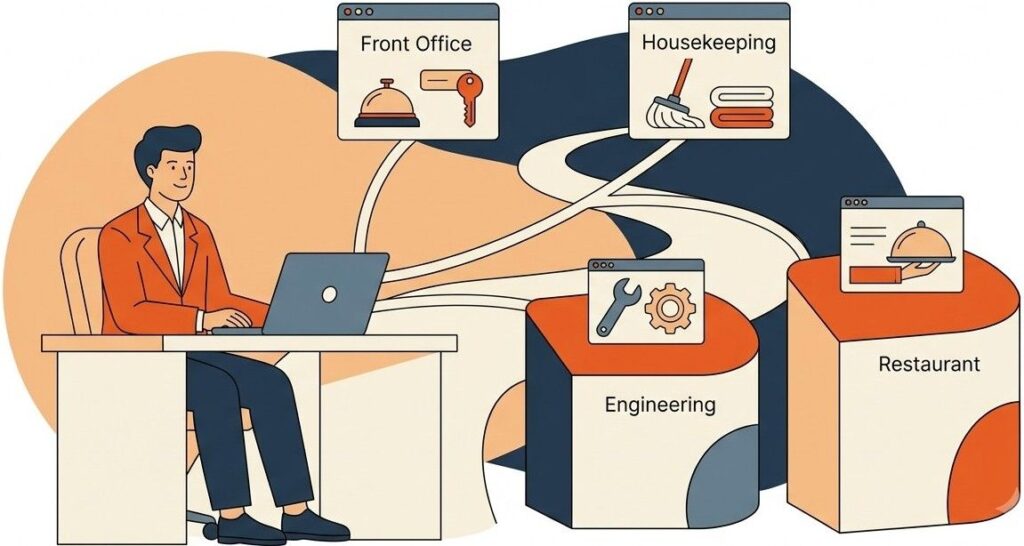
Work with the Geedesk team to get the basics in place:
- First, create your departments. Front office, housekeeping, engineering, F&B, and any others that handle guest requests.
- Then add your staff as users and map them to their departments and shifts.
- Set up automatic assignment rules so tickets route to the right department without anyone forwarding them by hand.
- Build your escalation policies. Decide how long a ticket can sit open before it escalates, and who gets alerted at each level.
- Configure VIP and VVIP alerts so the whole team knows when a priority guest checks in.
- Finally, connect Geedesk with your PMS or HMS.
Who needs to be involved: your General Manager as the sponsor, your IT manager or the person who owns systems, and one head from each department. Do not skip the department heads here. They know the real workflows, like which requests go to engineering versus housekeeping, so their input in week one saves rework in week three.
Geedesk’s technical consultants assist with setup, so your team is not doing this alone. Come to these sessions with your escalation rules and department structure already agreed internally. Config sessions stall when the hotel is still debating who owns minibar complaints.

Week 2: Train the people who will live in the system
Once the system mirrors your hotel, train the people who will use it every day.

Geedesk implementations include live training sessions run by the Geedesk team. One customer, The Residency Hotels, described their rollout as smooth and covered by three training sessions. [Note: the exact number and format of training sessions for every account is not published on the Geedesk site. Confirm the standard training package with the Geedesk team before publishing specifics.]
Whatever your training package includes, here is a sensible way to split your team’s time:
Live sessions work best for the roles that touch Geedesk constantly. For example, front office staff who log tickets, department supervisors who assign and close them, and duty managers who handle escalations. These people need to ask questions in real time.
Self-paced practice works for everyone else. Service staff who receive tickets on their phones can learn by doing, because their side of Geedesk is simple. A staff member gets an SMS or an app notification, then completes the job and closes the ticket. Staff without smartphones can work entirely through SMS, so training for them is often a single walkthrough on the shift phone.
Who needs to be involved: every front office team member across all shifts, department supervisors, and at least one manager per department. Night shift gets forgotten in most software rollouts. Do not let that happen. Guest requests do not stop at 11 pm, and neither should ticket logging.
By the end of week two, run a dry run. Log ten test tickets covering your most common requests. For example, extra towels, a late checkout, and a broken AC. Then watch each one route, get resolved, and close.
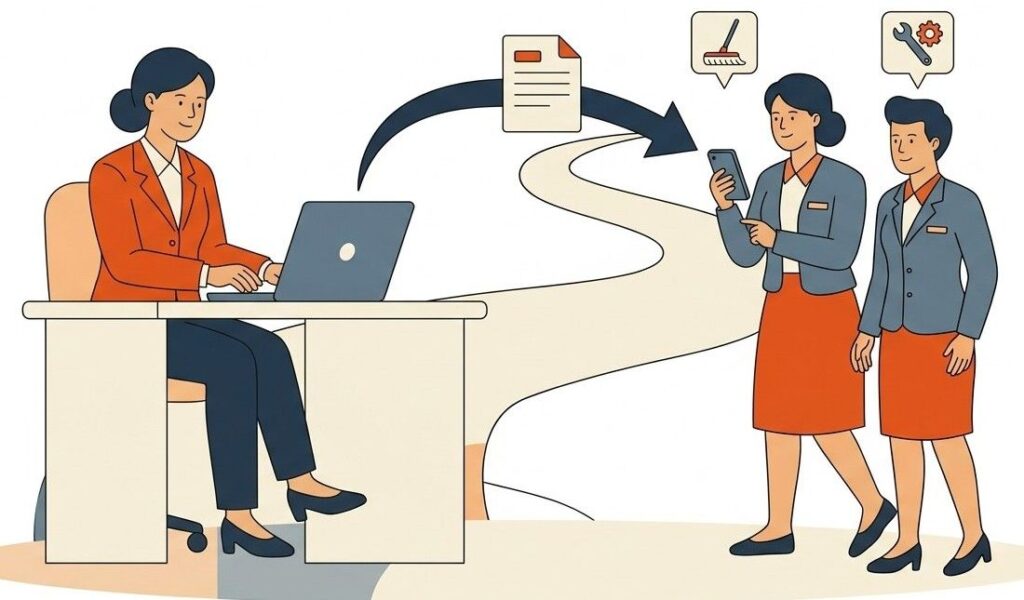
Week 3: Go live and log everything
This is the week Geedesk stops being a training exercise and becomes how the hotel works.
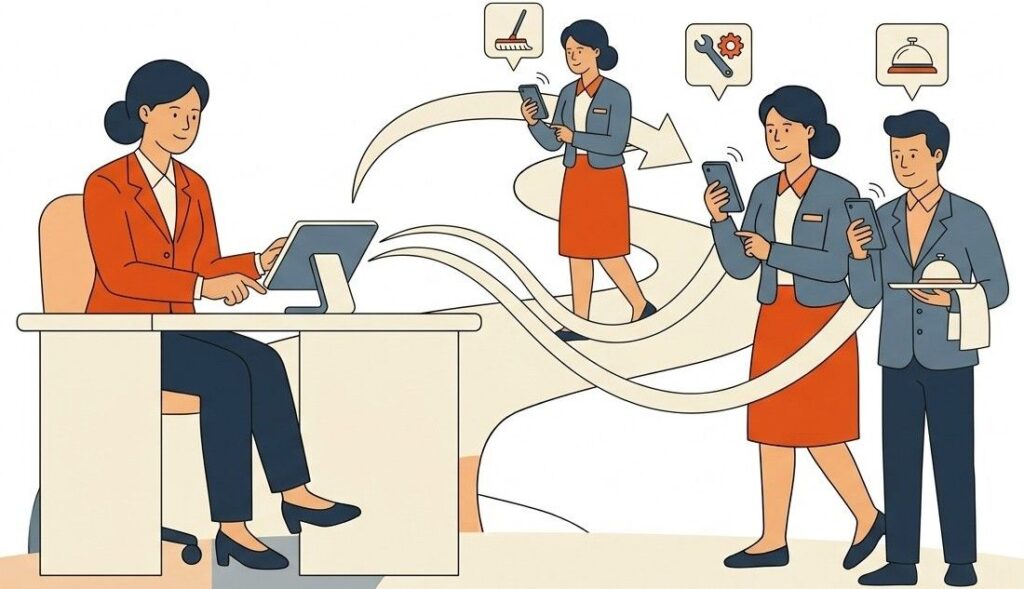
The one rule that matters: every guest request goes into Geedesk, no exceptions. The moment staff start handling “quick” requests off the system, your data turns into fiction and adoption stalls. For example, a wake-up call request gets scheduled in Geedesk. A towel request gets logged in Geedesk. Even the request the bellboy handles in thirty seconds gets logged, because the record is the point.
Keep the Geedesk support team close this week. Questions will come up, like how to reassign a ticket or how to handle a request that spans two departments, so quick answers keep momentum going.
Who needs to be involved: everyone now, but the GM’s role changes. This week the GM’s job is visible backing. When the GM opens the dashboard in the morning briefing and asks about yesterday’s open tickets, the team learns that Geedesk is where work lives now. Nothing drives adoption faster than the boss looking at the numbers.
Expect some friction at first. A supervisor will forget to close tickets. Someone will log a housekeeping request to engineering. That is normal, so fix it in the daily briefing, not with blame.
Week 4: Read the numbers and tighten the screws
By week four you have real data, and this is where the setup work pays off.

Pull up the reports and dashboards and look for three things:
Tickets that escalated. Every escalation is a request that sat too long. If the same department keeps triggering escalations, the problem is staffing, workload, or a rule set too tight. Now you can see which.
Response and resolution times by department. These are your baseline numbers. You cannot improve what you measured for the first time last Tuesday, but you can improve on it next month.
Ticket volume by type. If forty tickets last week were about slow room service breakfast, that is not a ticketing insight. That is an operations insight you never had before.
So use week four to adjust. Loosen an escalation window that fires too often. Also add an assignment rule for a request type you missed, or retrain the one department that keeps miscategorising tickets.
Set your success metrics on day one, not day thirty
Here is the mistake most hotels make with any new system: they go live first and decide what success looks like later. Flip that. Before week one ends, agree on the numbers you will review at the end of the month. Keep it to three or four:
- Percentage of guest requests logged in Geedesk. Target 100%. Anything less means requests are leaking back to phone calls and memory.
- Average response time per department.
- Number of escalated tickets per week.
- Percentage of staff actively using the system across all shifts.

Write these down in week one, then put them on the agenda for the week four review. When the whole team knows the GM will look at these exact numbers, week three behaves differently.
What the first month buys you
A month after signing, every guest request in your hotel should flow through one system, with tickets routing themselves to the right department. Escalations catch anything that sits too long. Each morning, the GM dashboard shows the real state of the property.
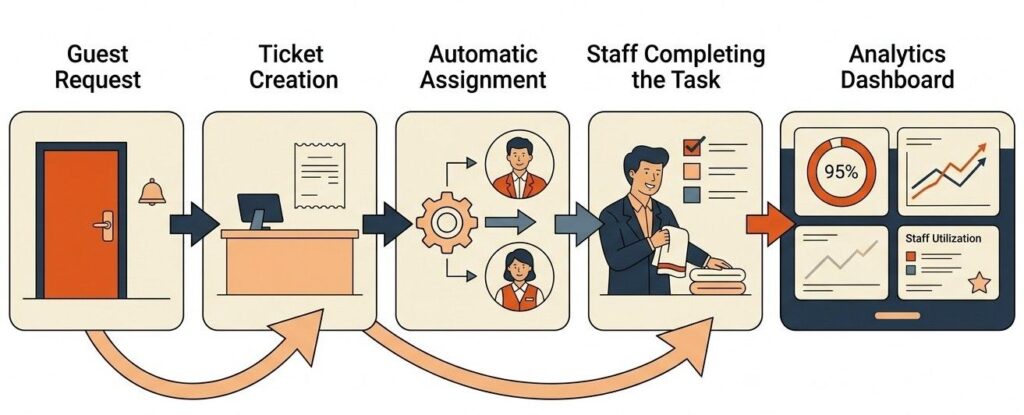
The manual version of this, where the front desk calls housekeeping and hopes, does not leave a trail. Geedesk does. That trail is also what lets you improve month after month.

If you have not signed yet and want to see what this looks like before committing, book a demo.
The Geedesk team will walk you through the product on your own property’s terms, and you can pressure test this exact playbook with them.