Miss one ticket at the wrong time and the guest is already talking to the front desk manager. Or worse, checking out and writing a review.
That gap between a ticket arriving and someone actually noticing it is where most guest complaints turn into real problems. Geedesk’s Long Ring Notification feature closes that gap.
What Exactly Changed
Before this update, ticket notifications rang for a fixed duration. If the right person had their phone face-down, in a noisy back office, or mid-conversation with a guest, they could miss it entirely.
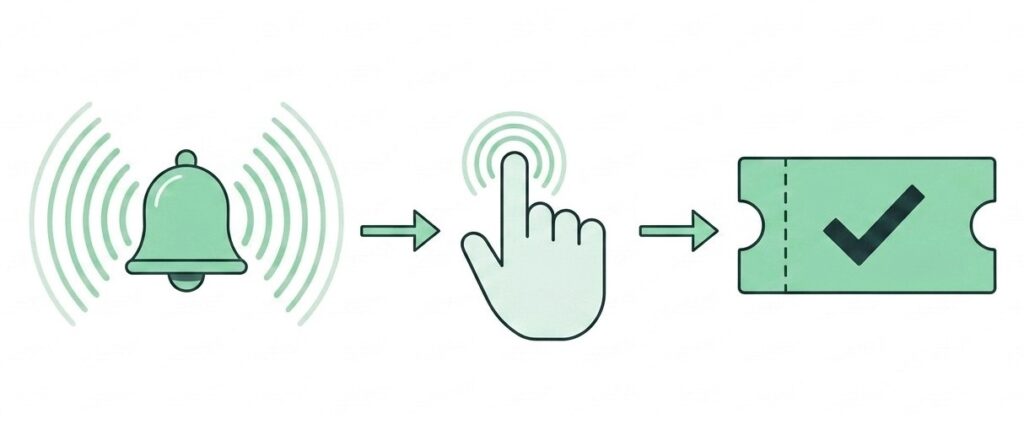
Now, when a new ticket comes in or an existing one gets escalated, the notification rings for an extended period. The team actually has a chance to respond before the alert disappears. That window did not exist before.
The feature targets two specific moments: newly assigned tickets and escalated tickets. Both need the fastest possible response. That targeting is deliberate.
Why Notification Duration Matters More Than You Think
A one-second vibration and a ten-second ring are not the same thing in a working hotel environment.
Front desk staff handle check-ins, phone calls, and walk-in queries at the same time. Housekeeping supervisors move between floors. Maintenance teams work in areas where ambient noise is constant. A short notification does not cut through any of that.
Escalations make the problem worse. By the time a ticket gets escalated, it has already been waiting too long. Someone needs to act now. A two-second ring does not communicate that. An extended one does.
The Staff Members Who Notice the Difference First
Any team member who handles tickets through the Geedesk mobile app will feel this change immediately.
Housekeeping supervisors catch fewer missed room requests during shift changes. Maintenance staff have a better chance of hearing the alert even in noisy utility areas. Front desk managers get pulled into escalations before the situation compounds.
High-volume properties will likely see the biggest difference. When ticket velocity is high, the alerts that slip through tend to become the complaints that show up in reviews.
The Old Way vs. the New Way
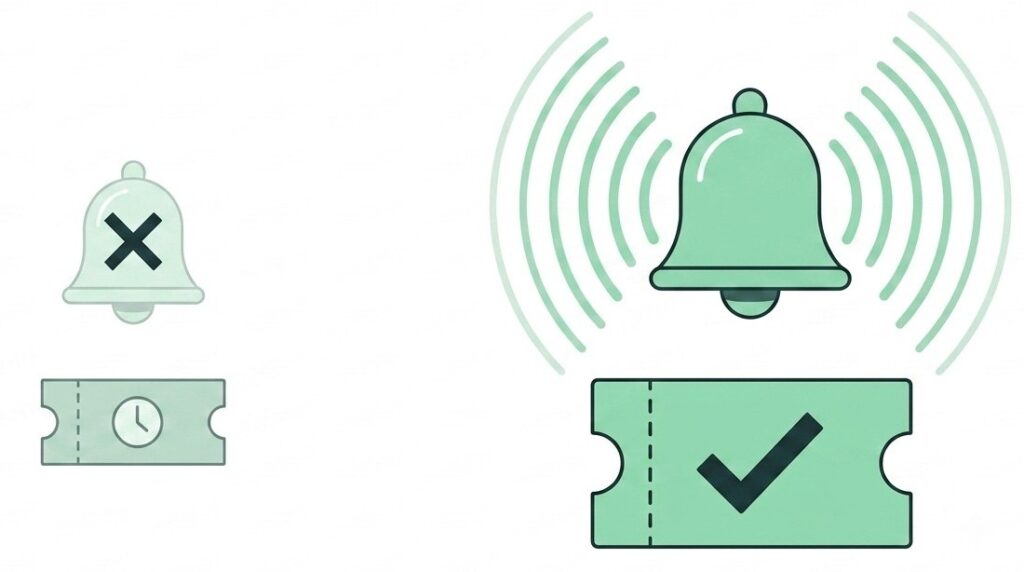
Old way: a ticket comes in, the phone vibrates briefly, the staff member misses it, and the ticket sits in the queue until someone checks the dashboard manually.
New way: the notification rings long enough to get noticed, the staff member picks it up mid-task, and work starts before the guest notices any delay.
Escalated tickets felt this problem most. A request that had already been waiting too long would wait even longer because the escalation alert also went unnoticed. Now the extended ring signals exactly what it should: this one cannot wait.
The Guest Never Sees the Notification. They See the Response.
Guests do not know what happens behind the scenes. They just know whether someone showed up or whether they had to call the front desk again.
A missed notification means a longer wait. A longer wait shows up as a complaint or a review. Catching the alert early breaks that chain before it starts.
A repair completed before checkout. A room item delivered while the guest is still there. An issue resolved before it becomes a one-star mention. That is what faster response actually looks like from the guest side.
Where to Find It and What to Do Next
The Long Ring Notification runs inside the Geedesk mobile app. It activates automatically for newly assigned and escalated tickets. No configuration change is needed.
If your team already uses the app, the extended ring is already working on every new assignment and escalation right now.
Want to see how Geedesk manages ticket assignment, escalation, and alerts across your property? Book a demo and we will show you exactly how it fits your team’s setup.