Most hotels don’t switch software because of a feature list. They switch when they finally start measuring what they couldn’t see before.
Before Geedesk, a guest complaint moved through phone calls and handwritten logs. Nobody could say how long it actually took to close because nobody was tracking it in one place.
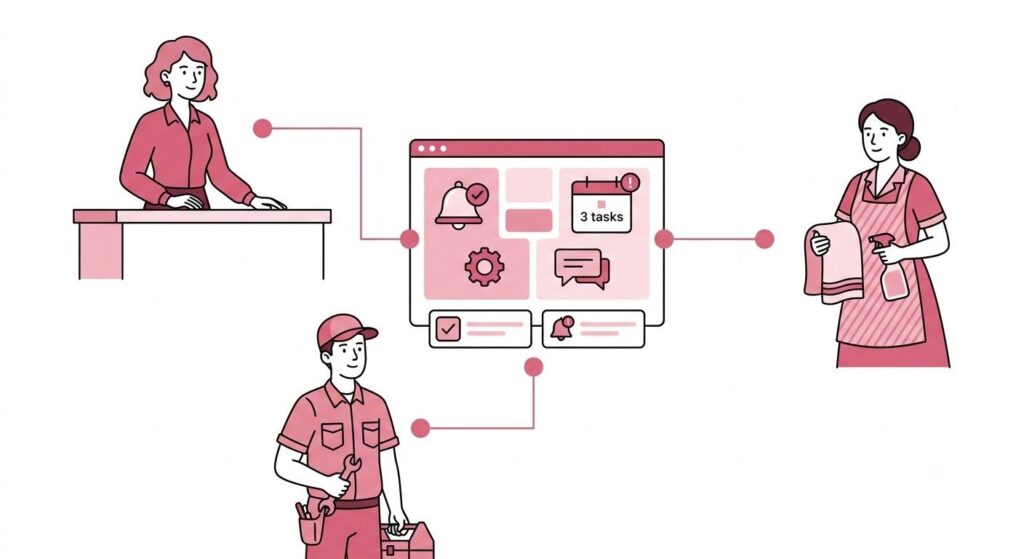
A front office manager might sense that housekeeping was slow on Tuesdays, but sensing isn’t the same as knowing. Once a property moves to Geedesk, every ticket gets a timestamp, an owner, and a resolution time. Six things start moving the moment that happens.
This matters more than it sounds like it should. Hotel teams that already use some kind of ticketing tool often assume they’re past this problem. Geedesk does more than log requests. It’s that the system starts telling staff what to do next, instead of waiting for staff to check it.
The exact numbers will vary by property, but the six things worth tracking are the same everywhere Geedesk runs.
1. First response time drops
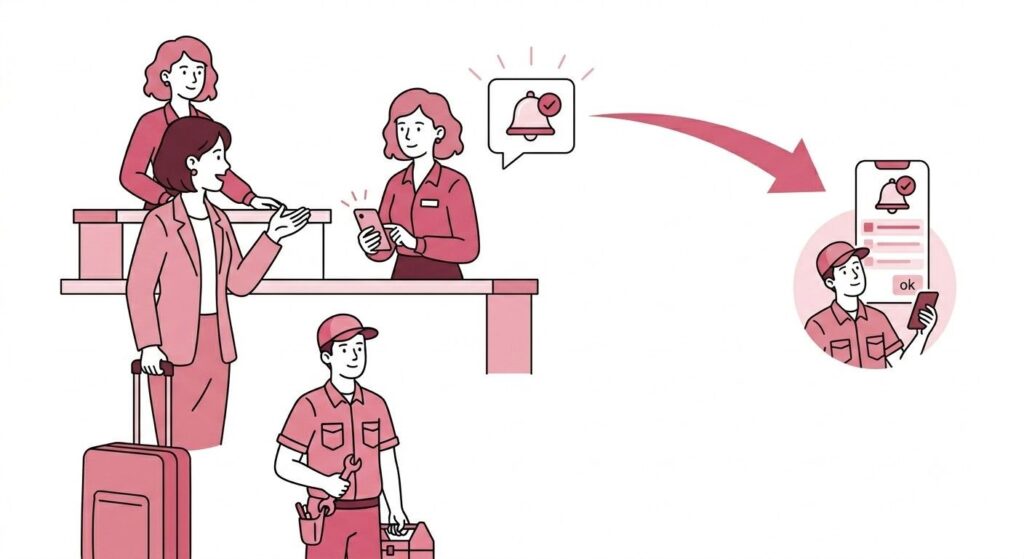
Before Geedesk, a guest request sat in a notebook or a group chat until someone happened to read it. Response time depended on who was nearby and how busy they were. A request made at 7am, right before shift change, was the easiest one to lose.
Geedesk’s automatic assignment removes that wait. Geedesk automatically routes every ticket to the right department and the right available staff member the moment someone logs it, eliminating the need for manual handoffs. There’s no inbox for a request to sit in while someone finishes another task.
Teams usually notice this one first. Front desk staff no longer chase requests by phone because Geedesk assigns them directly to the right team members. Within the first week, the question shifts from “did someone see this” to “who’s already on it.”
2. Escalation rate falls
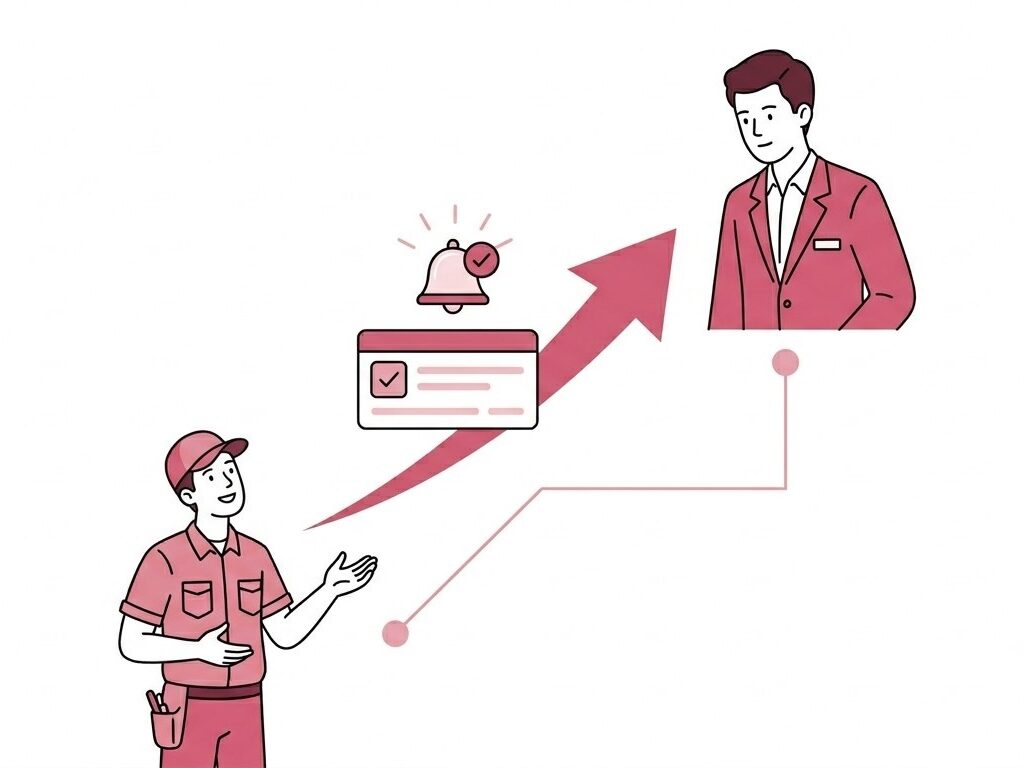
In a phone-and-paper system, a missed request usually surfaces only when the guest complains again, often to someone more senior. By then, it’s already a problem, and it’s the GM hearing about it secondhand instead of fixing it firsthand.
Geedesk automatically flags unattended tickets and escalates them to the right manager before guests need to follow up.
That shifts who finds out about a delay first. It used to be the GM, hearing about it from an unhappy guest at checkout. Now it’s a duty manager, hearing about it from the system, while there’s still time to fix it.
3. Resolution time tightens across every department
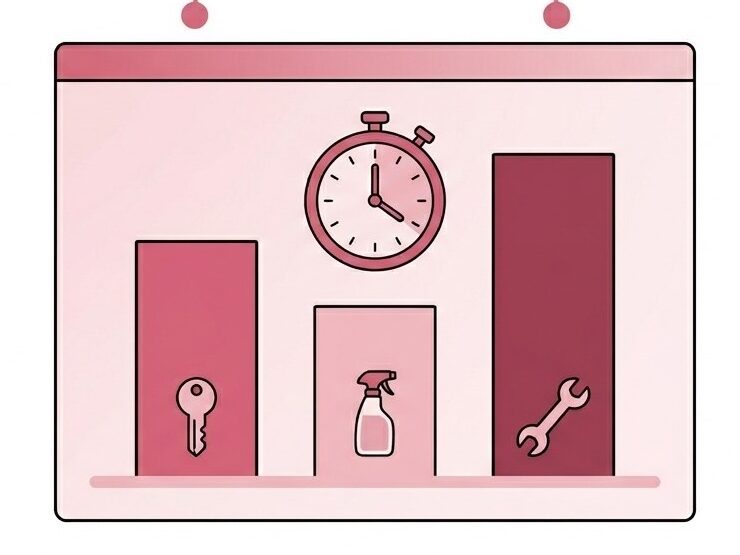
A front desk team might be fast. Housekeeping might be fast. But without a shared system, nobody could see whether the property as a whole was getting faster, or just shifting the backlog from one team to another while it looked fine on paper.
Geedesk’s property dashboard displays resolution times for each department side by side, helping GMs identify bottlenecks instead of relying on assumptions or complaints.
That visibility is the real change here. Properties don’t just resolve tickets faster. They find out, often for the first time, which department is the actual bottleneck, and whether it’s the same one every week or something new.
4. Housekeeping turns rooms faster
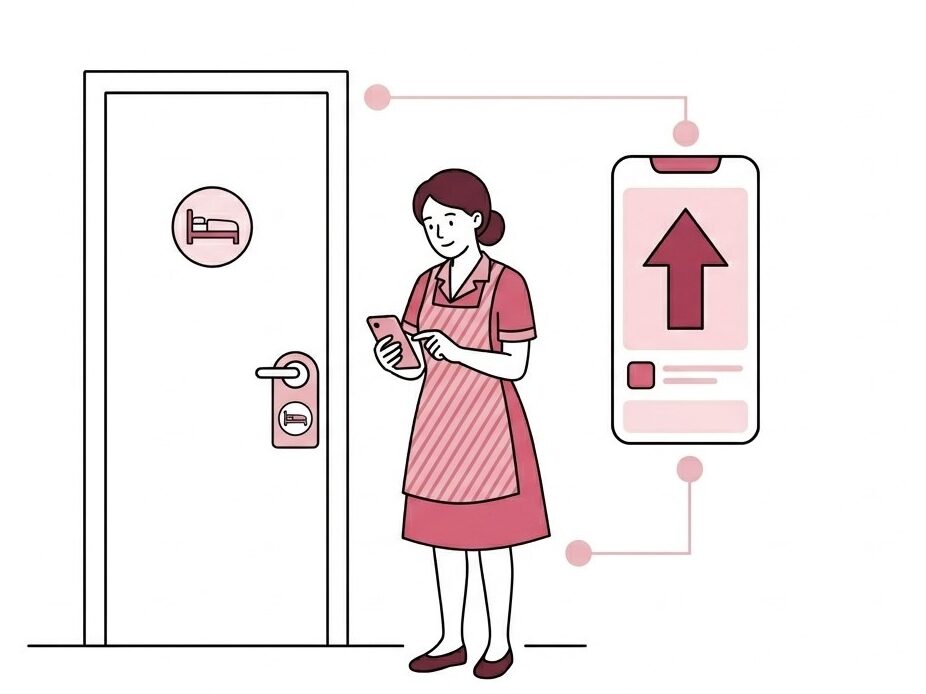
Without Geedesk, front desk staff often received “room not ready” or “extra towels” requests and then relayed them to housekeeping by phone. Every relay added a delay, and every delay compounded on a busy checkout day.
With Geedesk, housekeeping requests route straight to the staff member on that floor, and the rule engine can prioritize VIP rooms or checkout day requests automatically. On a busy checkout day, that means a room that needs to turn around fast gets flagged ahead of one that could easily wait until the afternoon.
5. Maintenance tickets close faster
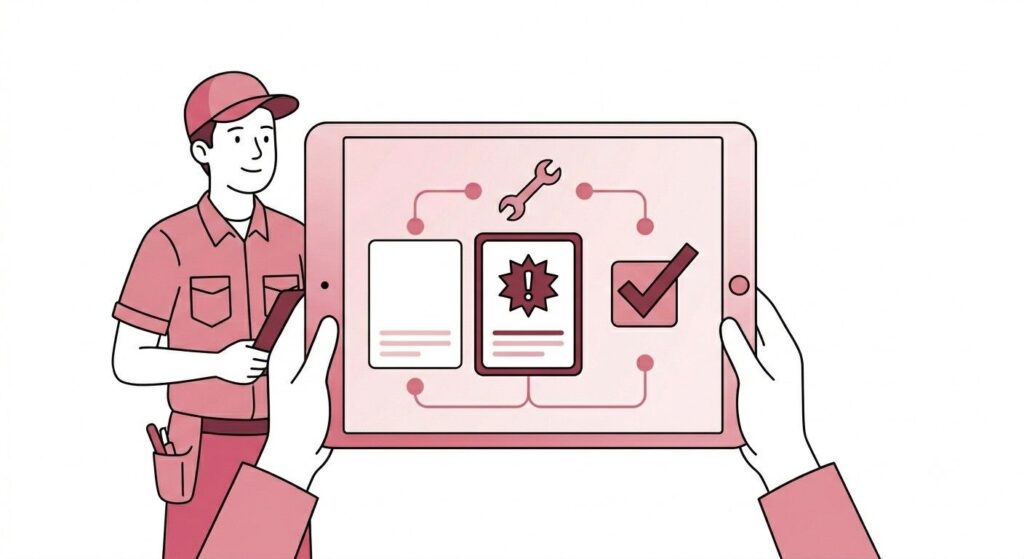
Maintenance issues are easy to lose track of when they live in a logbook at the engineering desk. A guest reports a leaking tap, staff write it down, and the request competes with ten other handwritten entries for attention, even though they all seem equally urgent on paper.
Geedesk gives engineering its own ticket queue with priority flags, so urgent issues like AC failures or leaks don’t sit behind routine ones like a loose cabinet handle.
Engineering ends up working from a prioritized queue instead of memory and a notebook, and a manager can see exactly how long each ticket has been open without asking around.
6. The same complaint stops coming back
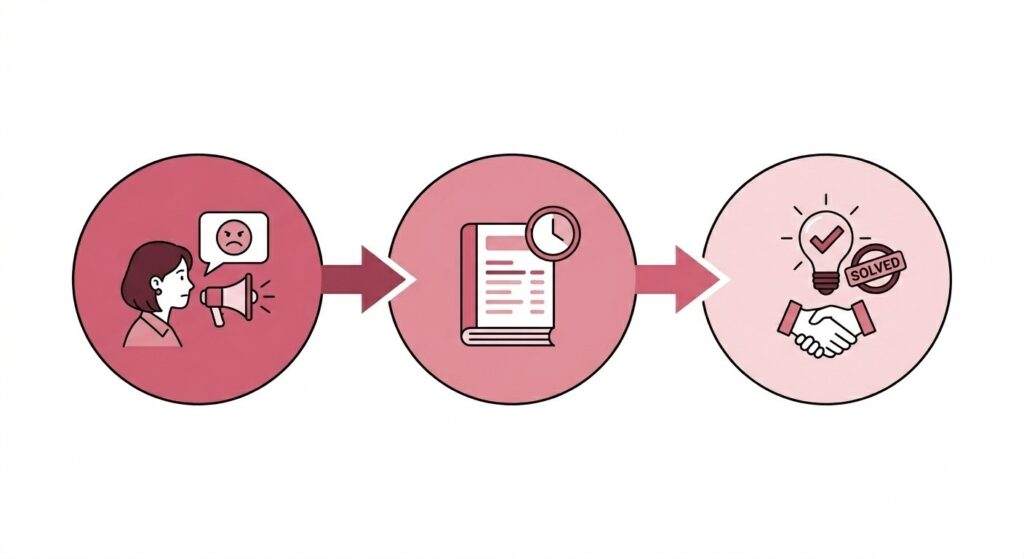
The most expensive kind of complaint is the one that comes back. Guests rate a property lower when they report the same issue twice during a stay than when staff fix the issue once and prevent it from recurring, even if the second fix happens faster.
Geedesk’s ticket history shows whether a room or guest has raised the same issue before, so staff can catch and close repeat problems instead of patching them temporarily and hoping it holds until checkout.
That history is what changes the conversation at the front desk. Staff can say, “I see this came up yesterday too. Let me make sure we fix it properly this time,” instead of treating every complaint as a new issue.
Why these six add up to more than six numbers
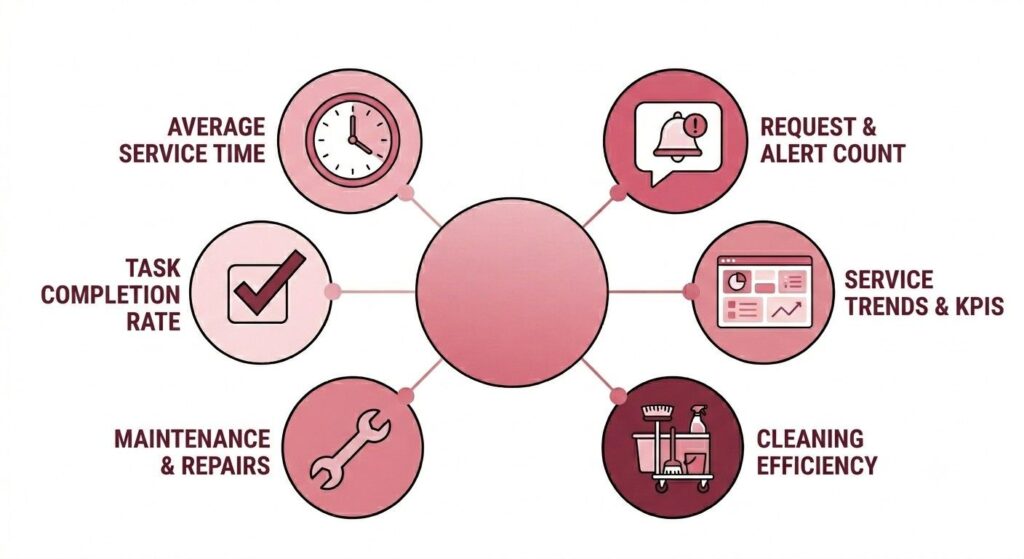
None of these metrics matter much on their own. A faster response time doesn’t help if the same room keeps generating complaints. A lower escalation rate doesn’t mean much if maintenance is still working from a paper logbook.
What changes with Geedesk is that a GM can see all six at once, on the same dashboard, for the same week. That’s the difference between knowing the property feels smoother and knowing exactly which department made it that way.
This is also the part that’s easy to underestimate before you’ve used it. Most hotel teams already believe their current process is “good enough,” because nobody has shown them the alternative side by side. The gap usually isn’t in effort. The people doing the work are rarely the problem. The gap is in visibility, and in how long it takes information to travel from a guest’s mouth to the person who can actually act on it.
That’s the part a feature list can’t really show you. A screenshot of a dashboard looks the same whether it’s tracking real improvement or just sitting there unused. The only way to know which one applies to your property is to put your own operations through it.
If you want to see what these numbers look like for your property, request a demo and we’ll walk through your reports together.