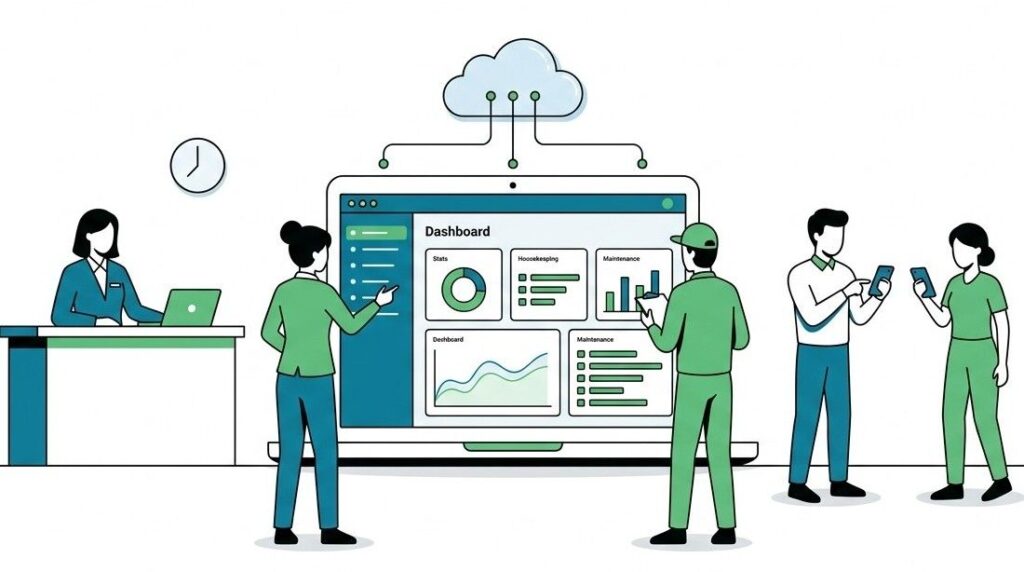
Most hotel software projects fail in the first month, not because the software is bad, but because nobody told the team what the first month would actually look like. Staff show up to a training session they did not know was happening. Department heads find out about a new workflow the day it goes live. The rollout stalls, and the software gets blamed.
Geedesk onboarding is built to avoid that. Because the platform runs entirely on the cloud, there are no servers to install and no licences to purchase. Your team logs in from a browser on day one. That removes the longest and most painful phase of a typical software rollout before it even starts.
Here is what the 30 days from kickoff to steady state usually look like, what you should have ready before they begin, and what changes first once tickets start flowing.

Before kickoff: three things to have ready
Onboarding moves fastest when the property does a small amount of homework before the first call. None of it is technical. All of it is decisions only your team can make.
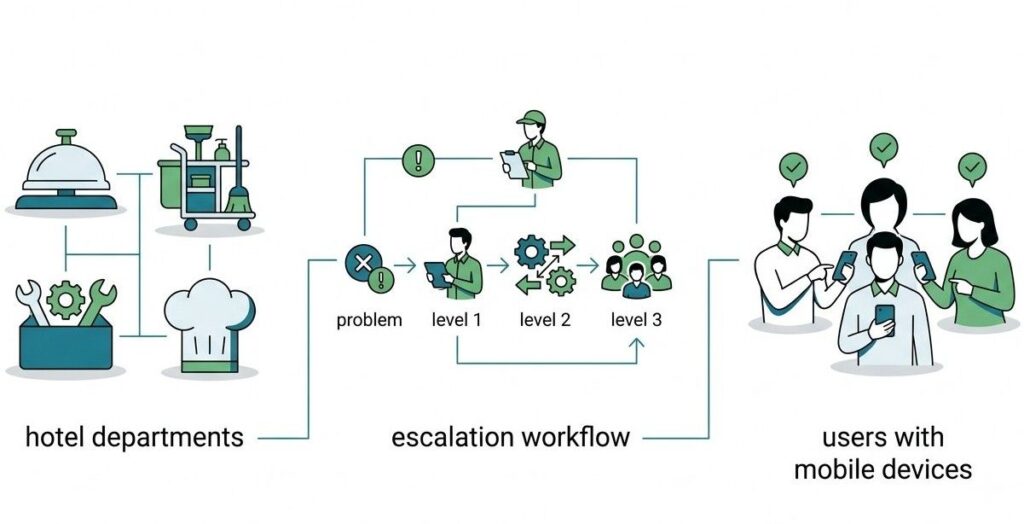
Your department list. Geedesk can be used by every department in the hotel, including Housekeeping, Maintenance, Front Desk, Concierge, F&B, Valet, and Sales. Decide which departments go live first. Most properties start with the departments that touch guest requests daily, then add the rest later.
Your escalation ladder. When a ticket sits open too long, who hears about it, and after how many minutes? Geedesk supports unlimited escalation policies, so you can set different rules for a VIP room service request and a routine maintenance job. But the software cannot decide your brand standards for you. Write them down before kickoff, even roughly.
Your user list and devices. Names, roles, and departments for everyone who will receive tickets. Geedesk works on any Android or iOS device, and staff on regular feature phones can receive and resolve tickets over SMS. So the shift phones your team already carries are enough. You do not need to buy smartphones for the housekeeping floor.
If your property uses an HMS or PMS such as Oracle Opera, WinHMS, IDSNext, SAP, DigiValet, or Milanity, share that during kickoff too. Geedesk integrates with these systems, and connecting them early means guest and room data flows in from the start.
Week one: configuration, not construction
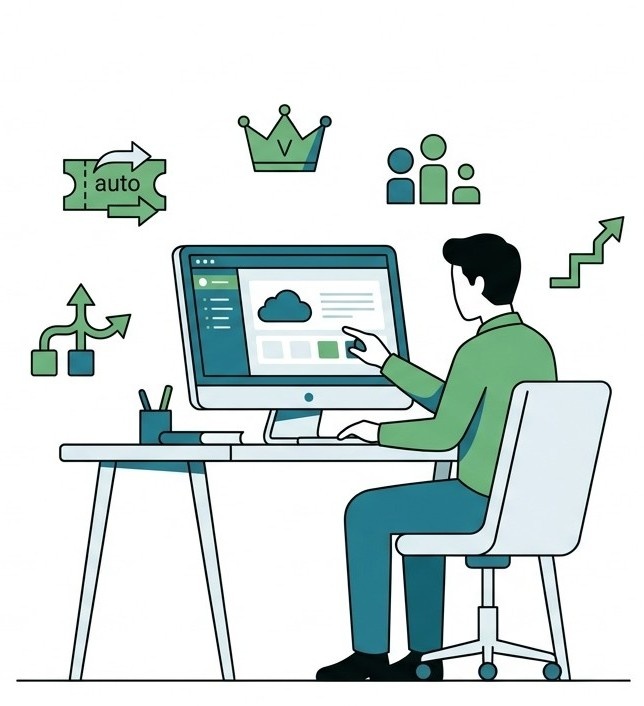
The first week is about mapping your hotel into Geedesk. The Geedesk team sets up your departments, loads your users, and builds your escalation policies from the ladder you prepared. VIP and VVIP alerts get configured so the front office can flag special guests the moment they check in.
This is also when automatic ticket assignment gets tuned. Geedesk routes each complaint or request to the right department and the right staff member on duty without anyone forwarding messages manually. Getting the routing rules right in week one saves weeks of correction later, so expect a few detailed questions about how your shifts and handovers work.
There is no installation step in any of this. Configuration happens on the cloud, and your team can see the system taking shape in their own browsers as it happens.
Training: short sessions, real tickets
Training is where most hotel software rollouts quietly die, usually because it gets treated as one long lecture for managers only. Geedesk training runs differently. In the Residency Hotels rollout, implementation included three training sessions covering the teams who would actually use the system day to day.
The sessions work because the interface asks very little of the user. Most actions take one or two clicks. Front desk staff learn to log a ticket in minutes. Service staff learn to accept and close tickets from their phones just as quickly. The training time goes into the parts that matter more, like what to write in a ticket so the next person understands it, and what happens when an escalation fires.
One tip from properties that have done this well: train with real scenarios from your own hotel. A late room service order. A dripping AC in a suite. An extra bed request for tomorrow at 6 PM, which staff can schedule in Geedesk so it lands with the right person at the right time. Familiar problems make the new workflow feel less new.
Go-live: the awkward ten days
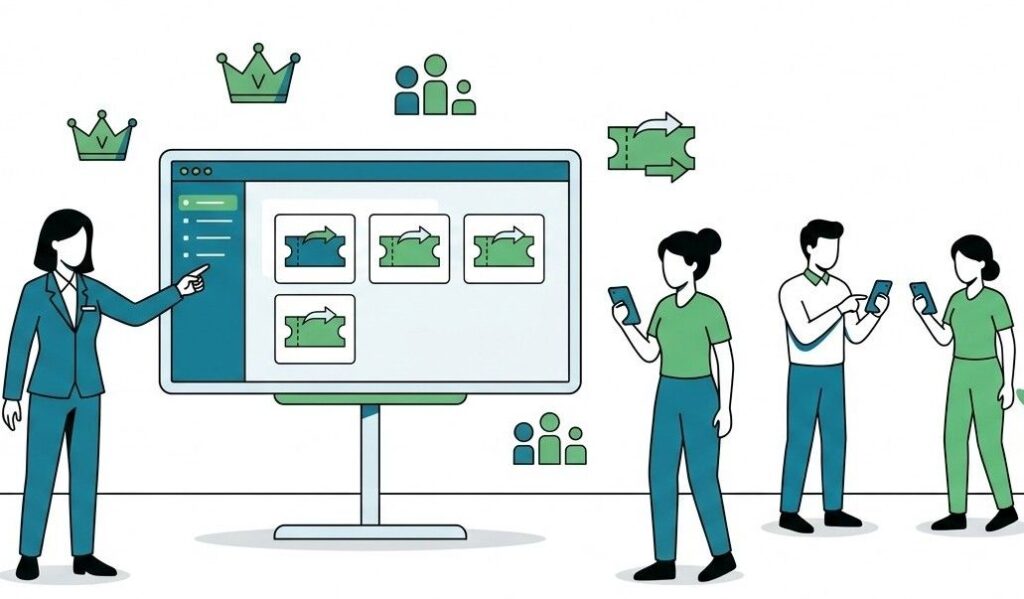
Somewhere in week two, tickets go live. The honest truth is that the first ten days after go-live feel slower before they feel faster, and it helps to expect that.
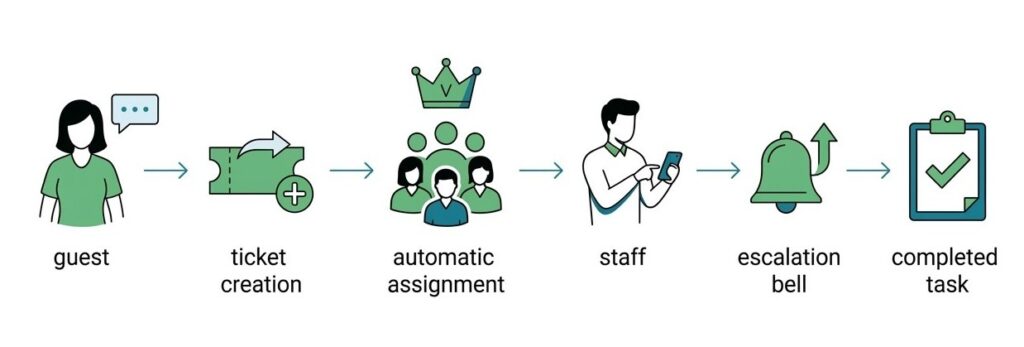
Three challenges come up at almost every property, and each has a known fix.
Staff keep using the phone. Old habits hold on. A front desk agent takes a guest call, then rings housekeeping directly instead of logging a ticket. The fix is a simple house rule during the first month: if it is not in Geedesk, it did not happen. Managers reinforce it in the morning briefing, and the habit usually settles within two weeks.
Escalations fire too often or not at all. The time limits you set before go-live were guesses. Real tickets show you where those guesses were wrong. Expect to adjust escalation timers once or twice in the first month. This is normal tuning, not a sign of failure.
One department lags behind. Usually it is the busiest one. The pattern that works is pairing that department’s supervisor with a department that has adopted well, so the lagging team sees the system working next door rather than hearing about it in a memo.
Through all of this, support is not limited to office hours. Guest complaints do not follow business hours, and neither does Geedesk’s customer support, which runs round the clock.
What changes first: the front desk stops chasing
Ask properties what changed earliest, and the answer is rarely a report or a dashboard. It is the front desk.
Before Geedesk, a guest request travels by phone. The front desk agent calls housekeeping, housekeeping is busy, the agent makes a note to call again, the note gets buried under a check-in rush. Nobody is careless here. The system of phones and memory just has no way to hold a request open.
Within the first days of go-live, that chain disappears. The agent logs the request in a couple of clicks, Geedesk assigns it to the staff member on duty, and if it sits too long the escalation policy raises it without the agent remembering anything. The front desk goes from being the property’s switchboard to being its front desk again.
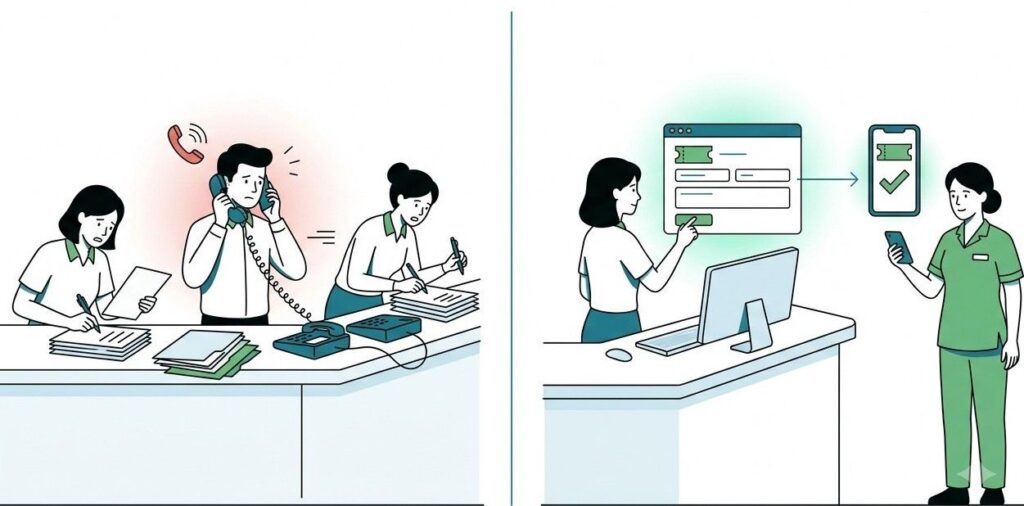
Guests notice this before anyone shows them a number. The request they mentioned once gets done once, without a reminder call. That is the earliest visible change, and it usually lands in week one.
What GMs notice: the first week versus the first month
In the first week, what most GMs notice is friction. Staff ask questions. A few tickets get logged in the wrong department. The escalation alert wakes someone up who did not need waking. It is tempting in week one to conclude the old way was fine.
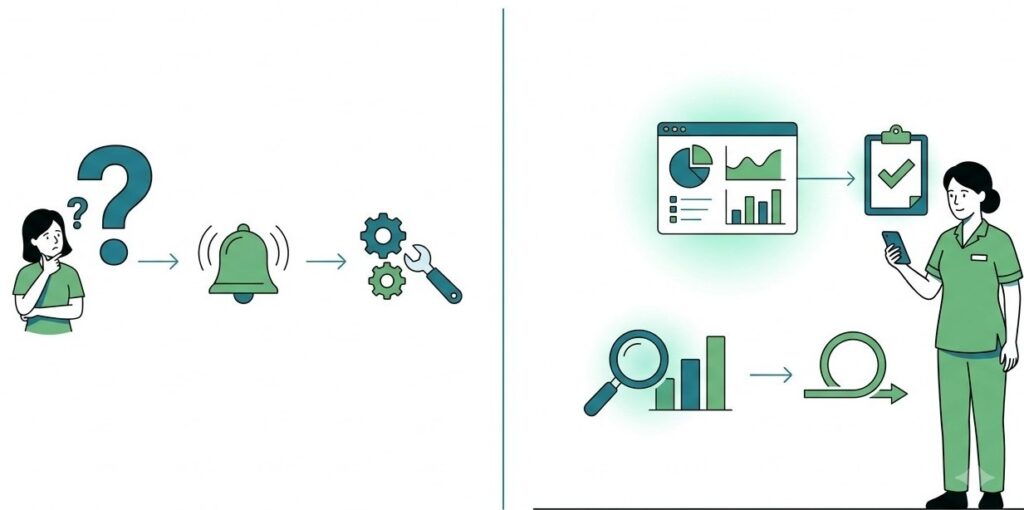
By the end of the first month, the picture usually flips. The GM dashboard shows every open ticket across the property in one view, which no phone-and-logbook system ever offered. Delayed tickets surface on their own instead of surfacing as an angry guest at checkout. One manager at The Residency put it plainly after rollout: the application cut out the confusion in assigning tickets, to the point where the hotel now runs its entire ticketing and internal communication through it.
The other shift GMs mention is quieter. Conversations about service stop being arguments about who said what and start being reviews of what the tickets show. Geedesk reports Indian properties seeing complaint addressing times drop by as much as 75%, and that is the company’s own figure, but the direction of change matches what shows up on the dashboard: response times you can finally see, and finally shorten.
After day 30: what support looks like in practice
Onboarding does not end with a handover document and a goodbye. Geedesk’s technical consultants assist with setup and staff training from the start, and support stays available around the clock after go-live.
In practice, the month-two conversations are about refinement rather than rescue. Properties add the departments they held back at launch. Escalation policies get a second tuning pass now that a month of real data exists. New staff joining after go-live learn the system in a single short session, because by then the rest of the team already works this way and shows them.
That is the real marker of a finished onboarding. Not the go-live date, but the day a new hire learns Geedesk from a colleague instead of a trainer.
See the first 30 days before you commit to them
The fastest way to judge whether this rollout fits your property is to watch the workflow with your own departments and your own escalation rules in mind. Book a demo, and a Geedesk team member will walk you through the same setup your hotel would go through, from department configuration to the first live ticket.