
Ask ten hotel GMs what a guest complaint management platform should cost, and you’ll get ten different guesses. Now ask them what one mishandled complaint costs, and most won’t have an answer at all. That gap is where the real pricing conversation should start.
Geedesk doesn’t publish a price list with dollar figures next to each plan. That’s not evasion. Instead, guest complaint software is priced around your property, not a generic seat count. So a number without that context isn’t worth putting on a page. What Geedesk does publish is exactly what each tier includes, and that’s the more useful starting point anyway.
The four tiers, and what actually separates them
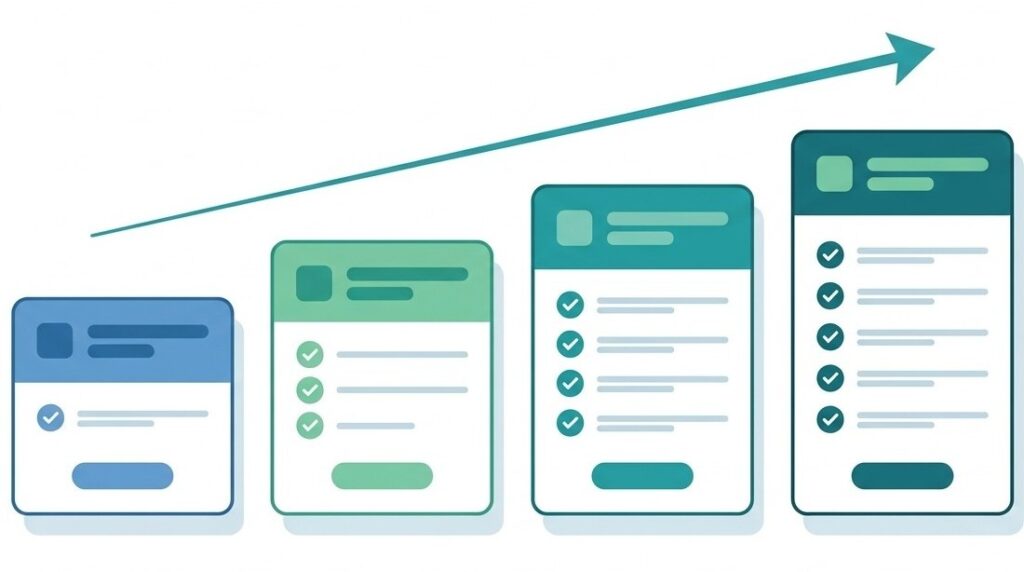
Geedesk is structured across four plans: Starter, Growth, Pro, and Enterprise. First, the core loop, automatic ticket assignment, multi-level escalation, daily ticket reports, and basic report access, runs through every tier. From there, what changes as you move up is depth and reach.
Starter covers the fundamentals: Geedesk assigns tickets automatically, escalates them on schedule, and sends managers a daily report. As a result, it suits a property that wants complaints handled consistently but doesn’t yet need the analytics layer on top.
Growth, meanwhile, adds the rule engine, executive summaries, scheduled tickets, and VIP guest alerts. It also adds a full ticket audit log, connected tickets, PMS integration, the GM Dashboard, and advanced report access. In other words, this is where a property stops just logging complaints and starts spotting patterns before they become a review.
Pro builds on Growth with multi-room ticket creation, multiple ticket type creation, and WhatsApp integration. On top of that, it adds a guest-facing application, attendance-based escalation, a property-wide dashboard, and repeat ticket tracking. Because of this added depth, a larger property running several departments at once tends to land here.
Enterprise carries every module above. But some properties need more: complex operations, multiple departments, extra integrations, or group-level reporting across several hotels. For those, the Geedesk team tailors the setup directly with you.
Overall, you’ll notice the tiers are additive. Each one keeps what came before it and layers on more visibility and automation.
Why there’s no sticker price
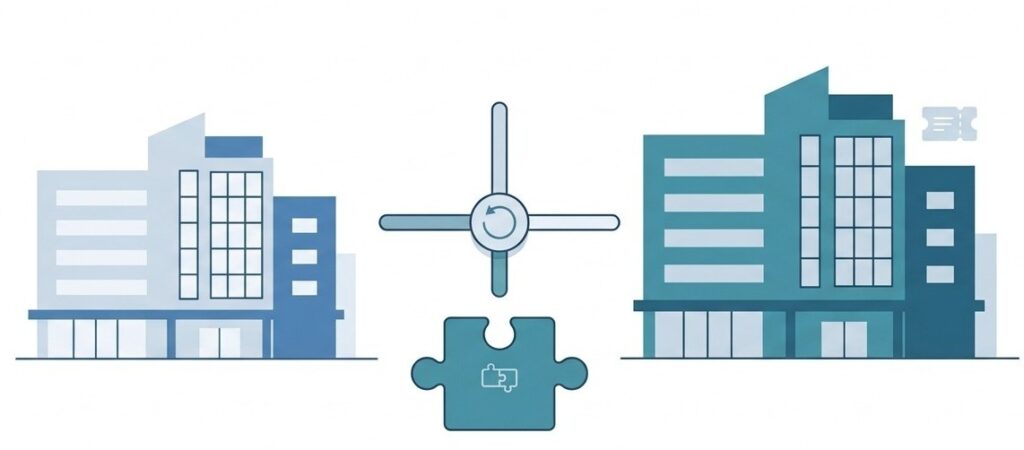
Two hotels with the same room count can need very different setups. For instance, one runs a single PMS integration and a handful of departments. Another, however, runs across housekeeping, maintenance, F&B, valet, and concierge. On top of that, it layers add-ons like Geedesk Messenger, Housekeeping, Maintenance, Glitches, and Lost and Found onto the base tier. So a property with a large housekeeping team but a small maintenance crew might add only the Housekeeping module, paying only for what it actually uses. Given this variation, a flat price would either overcharge the simple property or undercharge the complex one.
Because of that, Geedesk works on a request-a-demo model at every tier. First, you get a walkthrough of the platform. Then a technical consultant maps out what your property actually needs. After that, Geedesk builds your quote around your room count and the modules you select. There’s no self-serve signup with a credit card, either. If you’d like to try it first, Geedesk does offer a paid trial. Even so, the sales team arranges it as part of the demo process, not as an instant free account.
So if your instinct is to skip straight to a number, it’s worth resisting for a moment. Instead, the quote you get after a short conversation about your property will be more accurate. In fact, no number on a marketing page could match it.
“Isn’t a custom quote just a way to avoid saying a number?”
It’s a fair question, and worth addressing directly. Plenty of software companies use “contact sales” as a way to get a warm lead on the phone. Typically, they do this before revealing a price that might scare someone off. That’s not what’s happening here, though. Instead, a property’s actual cost is a function of room count, module selection, and integration needs. In fact, these three variables genuinely change the underlying setup work, not just the invoice.
For example, a 40-room boutique hotel using Starter with no add-ons is one case. A 400-room property running Enterprise with five integrations and three add-on modules is another. Clearly, they aren’t buying a similar amount of software. So pretending otherwise with one flat number would be the less honest option, not the more transparent one.
The other side of the equation: what a bad month actually costs
Here’s the part most pricing comparisons skip. A software subscription is a visible, predictable cost. A mishandled complaint, however, is an invisible one. Instead, it shows up later, in your review score and your rate the following quarter.
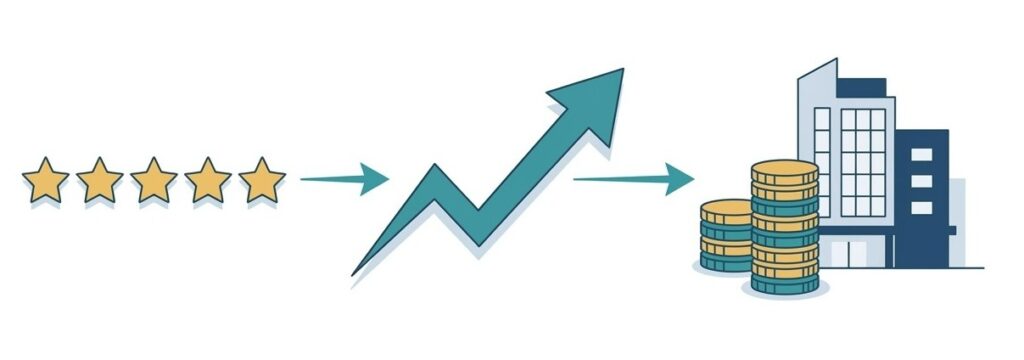
Research from Cornell University’s School of Hotel Administration has tracked this link for over a decade. One consistent finding stands out. Specifically, a one-point increase in review score, on a five-point scale, links to roughly an 11 percent rise in average daily rate. And that gain comes without a corresponding drop in occupancy. Separately, other analysis looked at online reputation scores. There, a 1 percent rise in reputation tracked with close to a 0.9 percent increase in ADR. It also tracked with a 1.4 percent increase in RevPAR. Notably, the relationship also runs in reverse. So a property that slips a point in the other direction is leaving that same pricing power on the table.
None of this means one unresolved guest request single-handedly moves your rate. But reviews are built from accumulated small moments. For example, a guest waits too long for a towel and mentions it once. They never say anything else, but they remember it when they sit down to leave a rating. Eventually, enough of those moments compound into a score, and the score moves your revenue.
Building your own ROI number
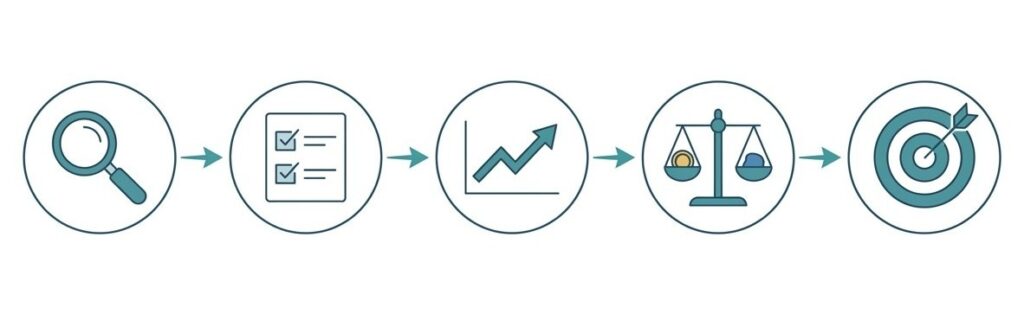
Rather than hand you a generic ROI claim, here’s a framework you can run with your own property’s numbers.
Step one: find your baseline. First, pull your average review score across your top two or three platforms and your current ADR. This is your starting point before any change.
Step two: estimate your exposure. Next, look at how many guest complaints or requests go unresolved or unescalated in a typical month. Use your current process as the baseline. Even a rough count, pulled from front desk logs or department heads, works.
Step three: apply the reputation link. Using the Cornell findings above as a reference point, picture a half-point drop in your review average. Over time, that could plausibly cost you several percentage points of ADR. From there, multiply that percentage against your current RevPAR to get a rough monthly figure. That’s your downside if service gaps continue unaddressed.
Step four: compare it to the quote. Once you have a Geedesk quote for your property size and module selection, weigh it against that downside figure. Don’t compare it to a generic “software cost” line item, though. Instead, a platform that costs a fraction of one point of ADR movement tells a different story. That’s true across a full month of rooms sold. So it’s very different from comparing it against nothing.
Step five: factor in the upside. Faster resolution and consistent escalation don’t just prevent bad reviews. They also create the small percentage of guests who leave a five-star review specifically because a problem got solved well. Granted, that’s harder to quantify, but it’s still worth naming when you present the numbers internally.
Running the numbers on three different properties
Mid-Size Hotels: Small Changes, Measurable Impact
Take a 150-room property running at 70 percent occupancy with an ADR of $120. These are illustrative round numbers, not a customer’s actual figures. Even so, they’re useful for seeing how the math moves. A modest reputation dip can shift revenue by a percentage point or two once it shows up in review scores. Often, this kind of dip comes from a stretch of unresolved guest requests.
On that occupancy and rate, a single percentage point of RevPAR is a real number over a quarter. And it recurs every month; the underlying service gaps stay open. That’s what makes it worse than a one-time hit.
Boutique Hotels: Every Guest Experience Counts More
Now shrink the property. A 40-room boutique hotel running near full occupancy at a premium rate has less room to absorb the same dip. That’s because guests booking a boutique stay tend to research harder before committing. So a slipping score there can cost occupancy faster than it costs rate. For a property like this, the case for Starter or Growth often comes down to one thing. Namely, speed of escalation matters more than dashboard depth. Fewer rooms mean fewer requests in absolute terms, but each one carries more weight in the review count.
Large Hotels: Managing Scale Before Problems Compound
Now go the other direction. A 400-room property running multiple departments and a PMS integration sees a different pattern entirely.
There, volume is high enough that a handful of slow responses barely dents the review average in any single month. Still, the risk is compounding. Months of small process gaps across housekeeping, maintenance, and front desk add up. Eventually, they surface as a downward trend nobody caught early, because no single dashboard showed the full picture. That’s the case for Pro or Enterprise. There, the GM Dashboard and property-wide reporting exist specifically to catch that trend before it becomes six months of declining scores.
Compare the Risk, Not Just the Software Cost
Either way, none of these three properties should compare their quote against a generic “software line item.” Instead, each should compare it against its own version of the downside above, at its own size.
Getting your actual number

Ultimately, the tier your property lands in depends on two things. First, how many departments you’re coordinating, and second, how much visibility your GM and managers need day to day.
Separately, the price depends on your room count and the modules you choose. Either way, neither of those numbers exists in the abstract.
So the fastest way to get both is the same step: book a demo. From there, you’ll walk away with the tier that fits and a real quote. You’ll also get a clearer picture of what an unresolved complaint has actually been costing you.