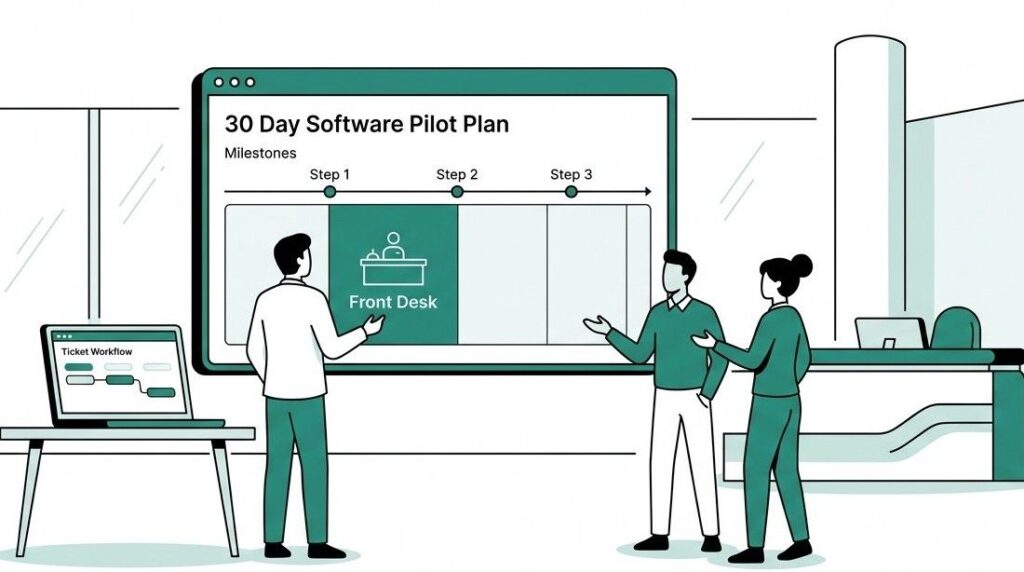
Hotels make a big bet when they roll out new software across an entire property. If it doesn’t work, you’ve trained every department, changed workflows, and now you have to unwind all of it while staff grumble about “the last system we tried.”
A test run removes that risk. Turn Geedesk on in one department for 30 days, measure what actually happens, and use your own property’s numbers to decide on a full rollout.
In plain words, this means you switch Geedesk on for one small part of your hotel first, like just the front desk, before you use it everywhere else. You watch how it works for those 30 days. Then you decide if it’s ready for the rest of the property.
Here’s how to structure that 30 days so it gives you a real answer, not a rushed one.
Pick one department, not the whole property
The biggest mistake GMs make with any test run is trying to prove too much at once. Turning on Geedesk across front desk, housekeeping, and maintenance all at the same time sounds efficient. It actually muddies your results. If something breaks, you won’t know which department caused it or how to fix it.
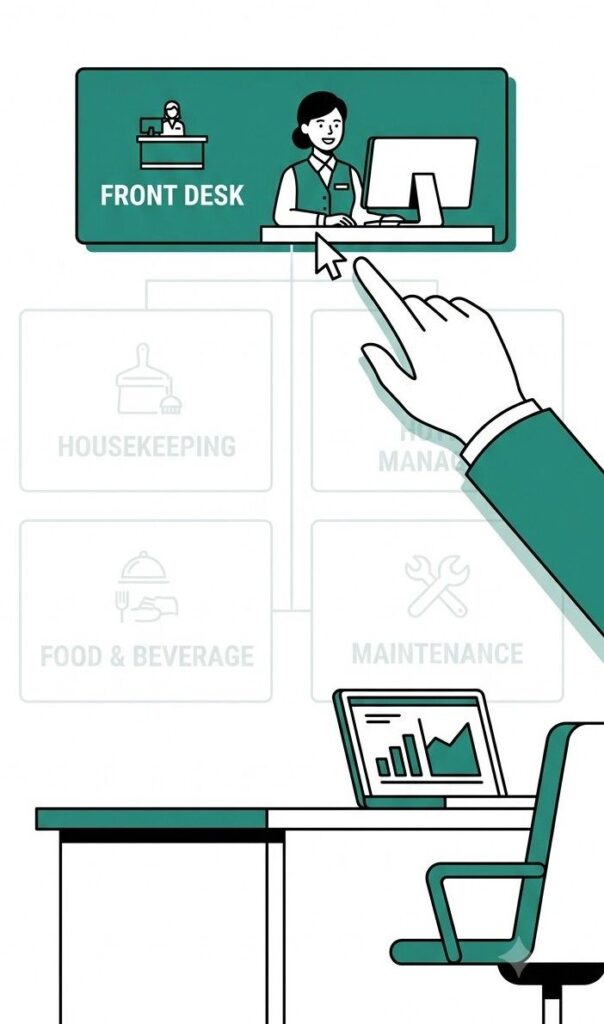
Start with front desk or guest services. This is where most guest requests and complaints first come in, so it’s also where a request assignment system shows results fastest. You can check escalation rules, ticket routing, and manager alerts in a busy, visible area within days, not weeks.
If your biggest pain point is a maintenance backlog instead, housekeeping or engineering can work as your starting department too. The rule that matters isn’t which department you pick. Pick the department where your team already loses or delays requests. That’s where a 30-day test will show the clearest before-and-after.
Write down your success criteria before day one
Teams fail every test run for the same reason: they never agree on what “working” means before the 30 days begin. Then someone looks at the results and says, “Well, response time improved a little, but…” and the conversation goes in circles.
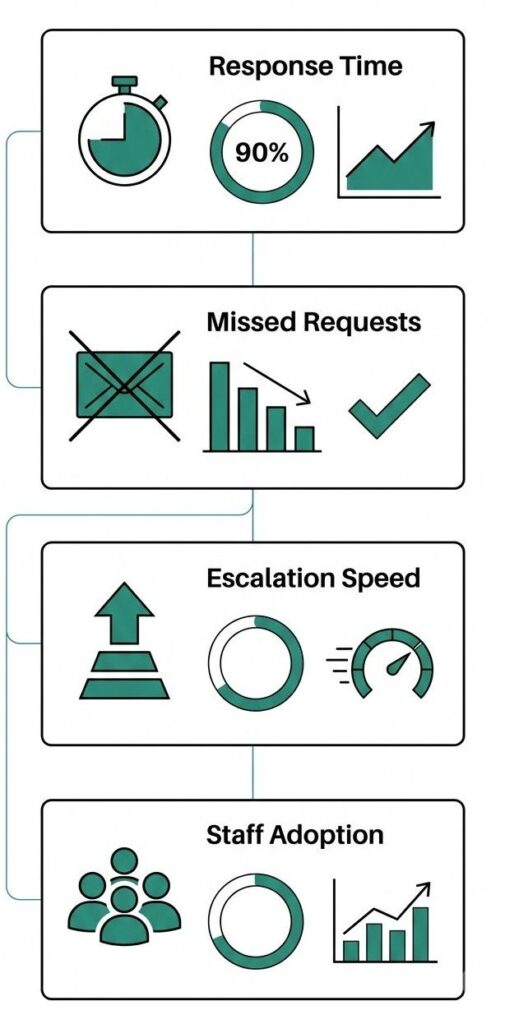
Before you turn anything on, write down three or four specific things you’re measuring. For example:
- Average time from guest request to staff response.
- Count how many requests your team misses or forgets.
- Track how many requests your team escalates to a manager and how quickly they do it.
- Staff adoption: Are people actually logging requests in the system, or still using the radio and hoping for the best?
Pull your baseline numbers first, even if they’re rough estimates from memory or a quick log review. Without a baseline, you’re comparing your results to nothing.
Set a target for each number too, not just a direction. “Response time should improve” isn’t a target. “Response time should drop from around 35 minutes to under 15” gives you something clear to check against on day 30. If a target feels like a guess, that’s fine. A rough target still beats no target, because it forces you to say what success looks like before the results are in and easy to argue about.
Week 1: Set up and train, don’t launch and hope

The first week isn’t for measuring results. It’s for getting the basics right so the rest of the 30 days means something.
Configure your escalation rules for the department you picked. Decide who receives SMS alerts, who receives WhatsApp notifications, and who checks the mobile app during each shift. Assign VIP and VVIP flags if they matter for your guest mix. Then train your staff to build the habit you want: log every request the moment it comes in, not at the end of the shift when they forget half of them.
Keep the training short and specific. A thirty-minute walkthrough that teaches staff how to open a ticket, mark it as resolved, and escalate it works better than a long session that covers every setting in the system. Staff remember what they practice, not what they hear once.
Pick a shift lead or senior staff member to answer quick questions during week one instead of routing everything back to you. This keeps small confusion from turning into “the system doesn’t work” before anyone has really used it.
Expect some friction here. Staff who’ve handled requests over the radio for years won’t switch overnight. That’s normal. Don’t read week one numbers as a verdict on the whole test run.
Weeks 2 and 3: Let it run and watch the habits form
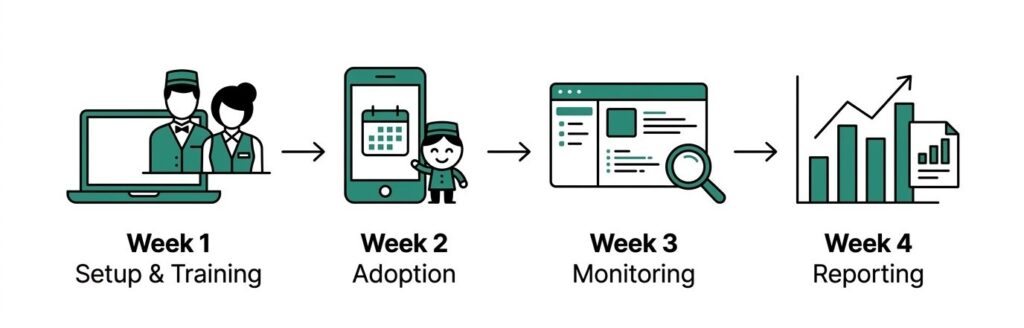
This is where you start collecting real data, but resist the urge to judge too early. Week two often looks messy. Staff are still building the habit of logging everything instead of half-logging it.
By week three, you should see a clearer pattern. Are people logging requests consistently, or are they quietly reverting to old workarounds? Are escalations actually reaching a manager on time, or sitting unread? This is also a good window to test the system during your busiest period, whether that’s a weekend rush or a large group checkout. A test that only runs during a quiet week won’t tell you much about how the system holds up under real pressure.
Check in with staff directly during this stretch. Ask what’s slowing them down. This test isn’t just measuring the software. It’s measuring whether the people using it are actually adopting it.
Week 4: Pull the numbers and compare, don’t just ask “did it feel better”

By the final week, you should have enough data to compare directly against your baseline. Pull it from Geedesk’s own reports rather than a separate spreadsheet someone kept on the side. That way response times, missed requests, and escalation speed all come from the same source you started measuring with, and nobody can argue with where the numbers came from. “It felt smoother” isn’t a decision criterion. “Average response time dropped from 40 minutes to 12” is.
Also look past the headline numbers. If response times improved but staff are still keeping a paper backup log because they don’t fully trust the system, that’s a signal worth taking seriously. A test that hits its numbers on paper but hasn’t earned staff trust isn’t ready to scale.
Common mistakes that quietly wreck the results
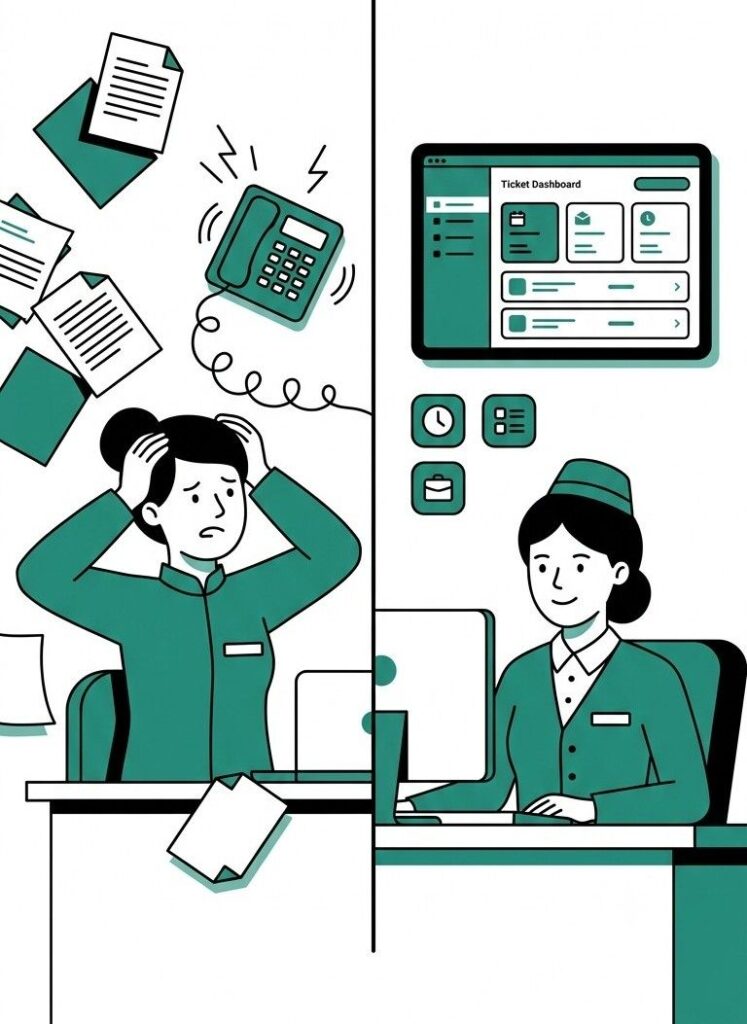
A few mistakes show up again and again in these 30-day tests, and they’re worth watching for directly.
Turning on too many departments at once. It feels efficient. It actually makes it impossible to tell what caused what.
Skipping the baseline. Without a “before” number, you have nothing solid to compare against, only opinions.
Letting old habits run in parallel without pushing adoption. If staff can quietly fall back to the radio whenever the system feels inconvenient, you’ll never see whether the system itself works.
No single owner for the test run. Someone on your team needs to check in daily, not just switch it on and check back in 30 days.
Assuming small-scale success guarantees large-scale success. A test in one department with ten staff members answers a narrower question than a full property rollout with eighty. Treat the results as a strong signal, not a guarantee, especially if your property runs multiple buildings or a much larger team.
Reading your results honestly
At the end of 30 days, you’re really answering two separate questions. First: did the numbers improve? Second: did staff actually adopt it, or tolerate it? Both matter. You can hit your numeric targets while staff quietly work around the system, and that gap tends to widen once you scale past a single department.
If both answers are yes, you have a real basis for a wider rollout, department by department, using the same measurement approach each time. If the numbers improved but your team adopted the system slowly, address the issue directly before you expand instead of trying to fix it with a bigger training session.
What full rollout readiness actually looks like
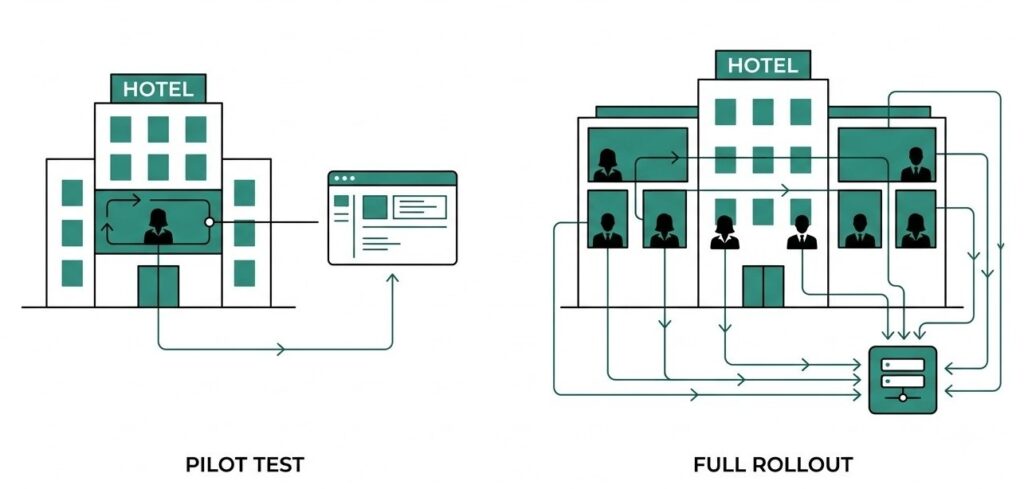
Success in one department doesn’t automatically mean your property is ready to flip the switch everywhere. It means you’ve proven the system works under real conditions with a smaller group. Full rollout readiness adds a few more questions on top of that.
Can your other department heads run their own version of week one, the setup and training stretch, without you personally walking them through it? If the answer is no, you’re not ready to expand yet. You’re ready to train one more department lead and repeat the same 30-day process with them watching closely.
Does your test department’s success hold up once a second department starts creating its own tickets and escalations at the same time? Requests that involve more than one team, such as a guest complaint that starts at the front desk and requires maintenance to fix, follow a different workflow. If your test only covered requests within a single department, watch that handoff closely during the first weeks of a wider rollout.
Rolling out one additional department at a time, using the same 30-day measurement approach, tends to work better than switching on the whole property at once. This approach takes more time, but it gives each new team the same clear setup and training period as your first department instead of rushing them through the process because the property already “knows the system works.”
Setting up your test run

Geedesk doesn’t run as a self-serve free trial. A 30-day test gets set up with the Geedesk team directly, so you get help configuring escalation rules and department settings correctly from day one instead of guessing at setup on your own.
Book a demo and talk through your test run setup with the Geedesk team. Thirty days from your start date, you’ll have the numbers in hand.