Every hotel manager knows the feeling. A guest walks out without saying a word, posts a scathing review on TripAdvisor, and suddenly your rating takes a hit. The complaint was manageable. The silence was not.
Guest complaint management software helps you close that gap. But not all platforms are built the same way. Some look polished in a demo and fall apart in a busy check-in rush. Others have features you will never use, while you miss the ones you need most.
This guide breaks down the ten features that actually matter, with real examples of how each one works in a hotel setting. Use it to separate the tools worth your time from the ones that look good on a sales page.
1. Centralized Complaint Inbox
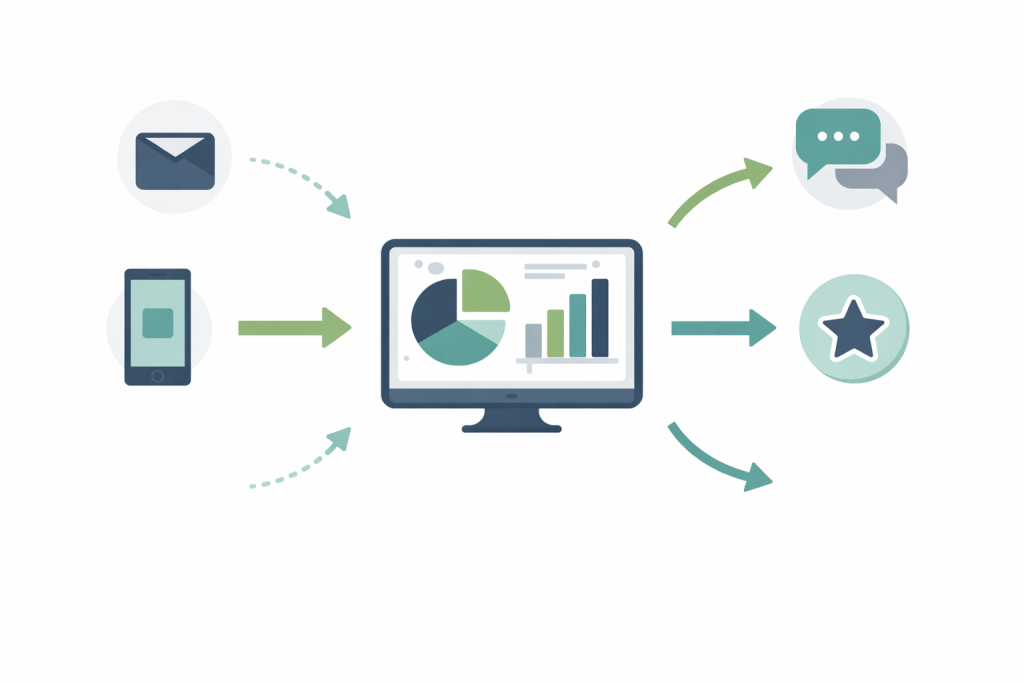
When a guest complains at the front desk, another guest tweets about a broken shower, and a third leaves a note through your booking platform, your staff needs one place to see all of it. A centralized inbox pulls complaints from every channel into a single dashboard.
Without this system, teams lose complaints. A front desk agent records the issue in a paper register. The housekeeping supervisor never sees it. The guest checks out unsatisfied.
Practical example: A guest reports a noisy air conditioner through the hotel app at 11 PM. Your night manager sees it instantly in the shared inbox, assigns it to maintenance, and sends the guest an update within ten minutes. No phone tag. No missed message.
Look for software that connects with email, in-app messaging, review platforms like Google and TripAdvisor, and front desk logs. The more channels it covers, the fewer complaints slip through.
2. Automated Ticket Assignment
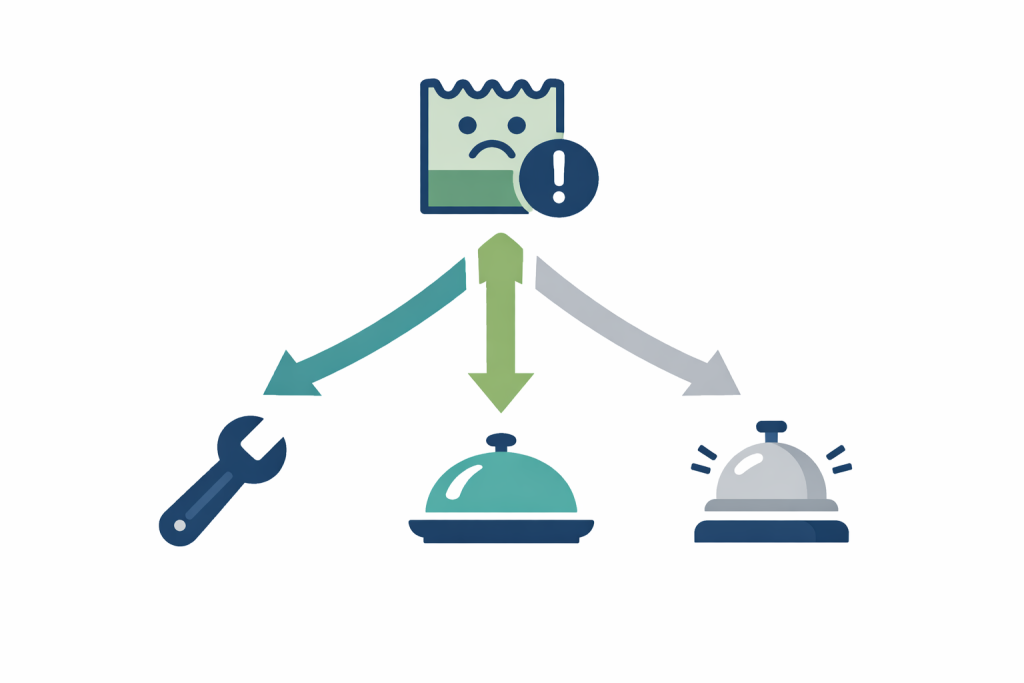
When a complaint comes in, someone has to own it. Automated ticket assignment removes the guesswork by routing each complaint to the right person or department based on rules you set in advance.
You can set it up so that maintenance complaints go to engineering, food complaints go to the F&B supervisor, and billing disputes go to the front office manager. The software handles the routing automatically.
Practical example: A guest reports a broken lock on Room 214. The system creates a ticket, tags it as a maintenance issue, and assigns it to the on-duty engineer, all without a manager touching it. The engineer receives a notification on their phone and heads to the room.
This matters because response time is one of the top factors guests mention in reviews. Every minute a complaint sits unassigned is a minute a guest waits.
3. Priority Levels and Escalation Rules
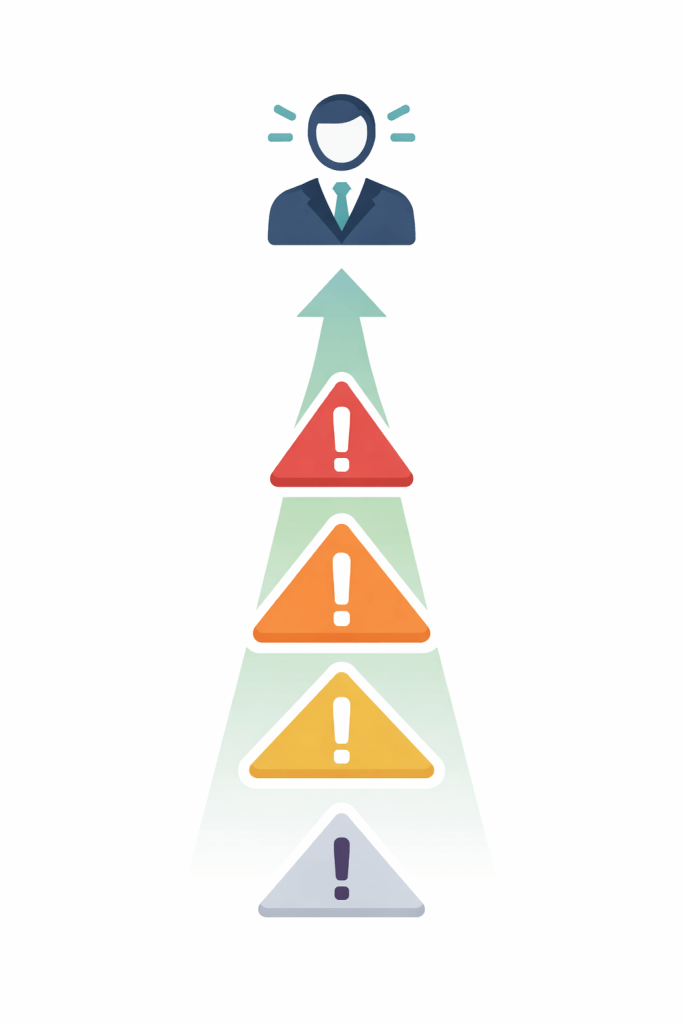
Not all complaints are equal. A guest who finds a hair in their soup needs a response. A guest who says they feel unsafe in their room needs an immediate response. Your software should clearly distinguish between the two.
Priority levels let you tag complaints as low, medium, high, or urgent. Escalation rules automatically elevate a ticket if it stays unresolved past a set time.
So if a high-priority issue sits untouched for 30 minutes, the system alerts the duty manager.
Practical example: A guest with a severe allergy flags that the kitchen used the wrong ingredients in their meal. The complaint comes in as urgent. The system immediately notifies the F&B manager and the front desk manager. No one has to manually decide this is serious.
Good software lets you build these rules without needing IT support. Drag-and-drop rule builders are common in well-designed platforms.
4. Real-Time Notifications
Staff need to know about complaints the moment they come in, not when they check their inbox an hour later. Real-time notifications push alerts to phones, tablets, or computers as soon as a new ticket arrives or an existing one updates.
This applies to both incoming complaints and internal updates. If a housekeeper marks a room as ready but the guest says it was not cleaned properly, the supervisor needs to know right away.
Practical example: A hotel general manager sets up notifications so they receive a daily summary each morning and an immediate alert for any complaint tagged as urgent. They are at lunch when a guest reports a flooding issue in Room 408. Their phone buzzes. They redirect the nearest maintenance team member within two minutes.
Check whether the software supports push notifications, SMS, and email. Teams with staff on the floor need mobile-friendly alerts.
5. Guest History and Profile Integration
When a guest complains about something, it helps to know if they complained about the same thing on their last stay. Guest history integration links complaints to individual guest profiles, so your staff walks into every conversation with context.
This feature also helps you spot patterns. If the same guest always reports slow Wi-Fi or cold food, you know how to prepare for their next visit. If multiple guests report the same issue in the same room, you know something needs fixing.
Practical example: A repeat guest calls the front desk to complain about noise from the floor above. The agent pulls up the guest’s profile and sees a note from six months ago: this guest is a light sleeper and prefers a high floor. The agent apologizes, upgrades the guest to a quieter room, and logs the new complaint alongside the old one. The guest feels heard.
Look for software that integrates with your property management system (PMS). This connection is what makes guest profiles accurate and up-to-date.
6. Service Level Agreement (SLA) Tracking
An SLA is a commitment. It says that a complaint at a certain priority level will receive a response within a specific timeframe. SLA tracking makes sure your team keeps those commitments and flags when they do not.
Without SLA tracking, you have no way to measure whether your response times are acceptable. You may believe your team resolves issues quickly, but the data suggests otherwise.
Practical example: Your hotel sets an SLA of 15 minutes for urgent complaints and 2 hours for standard ones. A guest reports that their room has no hot water at 7 AM. The system marks this as urgent and starts a 15-minute clock. At 12 minutes, no one has responded. The system sends an alert to the supervisor. The issue gets resolved at 14 minutes. The SLA holds.
Reports built around SLA data are useful for performance reviews. They show which departments consistently miss deadlines and which ones deliver.
7. Resolution Tracking and Follow-Up Tools
Closing a complaint is not the same as resolving it. Resolution tracking records what action was taken, who took it, and when. Follow-up tools let staff check in with the guest after the fact to confirm the issue was fixed to their satisfaction.
This follow-up step is one of the most underused parts of complaint management. A guest who receives a genuine follow-up call or message after a problem is resolved is far more likely to leave a positive review than one who gets a quick fix with no acknowledgement.
Practical example: A housekeeper resolves a cleanliness complaint in Room 312 and marks it as done in the system. The software automatically sends the guest a brief message: “We acknowledge the concern you raised earlier today. We hope everything is now to your satisfaction. Please let us know if we can do anything else.” The guest replies positively. The front desk agent notes the feedback in the ticket and closes it.
Look for software that logs every resolution step and lets you attach photos or notes as evidence. This protects you if a guest disputes the outcome later.
8. Reporting and Analytics Dashboard
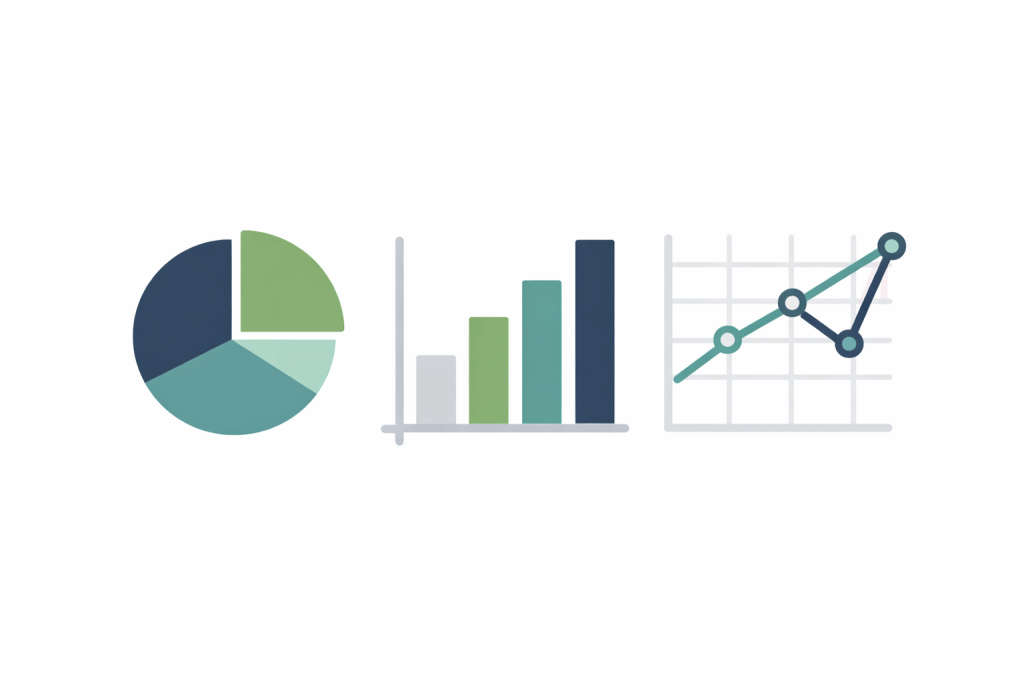
Data is only useful if you can read it. A reporting dashboard turns raw complaint data into charts and summaries that help you make decisions. It should show you trends over time, complaint types by category, department performance, and resolution rates.
The best dashboards let you filter by date range, department, room type, or complaint category. You can compare this month to last month or this property to another one in your group.
Practical example: a director of operations reviews the monthly report and spots a 40 percent spike in food-related complaints over the past three weeks. Instead of guessing, they filter the data by staff shift. A clear pattern appears. Most complaints cluster around the dinner service on Tuesday and Thursday evenings.
Now the conversation changes. They walk into the F&B manager’s office with numbers, patterns, and specifics. Not assumptions. Not vague feedback. Clear evidence.
When you have that level of visibility, decisions become sharper and accountability becomes easier.
9. Multi-Property and Multi-Language Support
If you operate more than one property, your software needs to handle all of them from a single account. Multi-property support lets regional managers compare performance across locations, set shared policies, and see where issues cluster.
Multi-language support matters even more for individual properties in international destinations. When a guest submits a complaint in French or Mandarin, your system should handle it without manual translation delays.
Practical example: A hotel group with properties in London, Dubai, and Singapore uses complaint management software that handles all three from one dashboard. The regional manager spots that the Dubai property has twice the complaint volume of the other two on weekends. They investigate the issue and discover that the weekend concierge team lacks sufficient staff. Verify that language support goes beyond just the interface. It should also handle guest-facing communications in the guest’s preferred language.
10. Integration with Review Platforms
Internal teams connect online reviews with internal complaints. A guest who complains and gets a poor response often turns that experience into a public review. Software that integrates with platforms like Google, TripAdvisor,Booking.com, and Expedia helps you close the loop before it goes public.
This integration lets your team respond to reviews directly from the complaint management system. It also links public reviews back to internal records, so you can see if a reviewer complained internally before posting.
Practical example: A guest checks out and leaves a two-star review on Booking.com mentioning a leaking bathroom faucet. Your complaint management system pulls that review into the dashboard and flags it as a new ticket. Within two hours, the manager posts a public response, explains the fix, and invites the guest back for a complimentary stay. Other potential guests reading the review see an attentive hotel, not an indifferent one.
Look for software with native API connections to major review platforms rather than manual import features. Native connections update in real time.
How to Use This List When You Evaluate Software
Start with the features that solve your current biggest problem. If complaints slip between departments, prioritize a centralized inbox and clear ticket assignment. If slow responses create problems, prioritize SLA tracking.
SLA tracking refers to monitoring response and resolution times against predefined service level agreements. It measures whether your team meets the promised time standards for handling complaints and flags delays before they escalate. If online reviews are hurting your occupancy, integration with review platforms deserves your attention first.
Ask vendors for a live demo that uses real scenarios, not a scripted walkthrough. You may want to provide a specific complaint type and ask them to walk you through what happens from the moment it is received to the point it is fully resolved.
Request a trial period if possible. You may also consider running the software during a busy weekend before making a final commitment. High volume and real-time pressure tend to expose workflow bottlenecks, delayed notifications, limited reporting visibility, and gaps in escalation logic that may not appear during a standard demo.
The ten features above are not extras. They are the foundation of a complaint management process that actually works for your guests and your team.